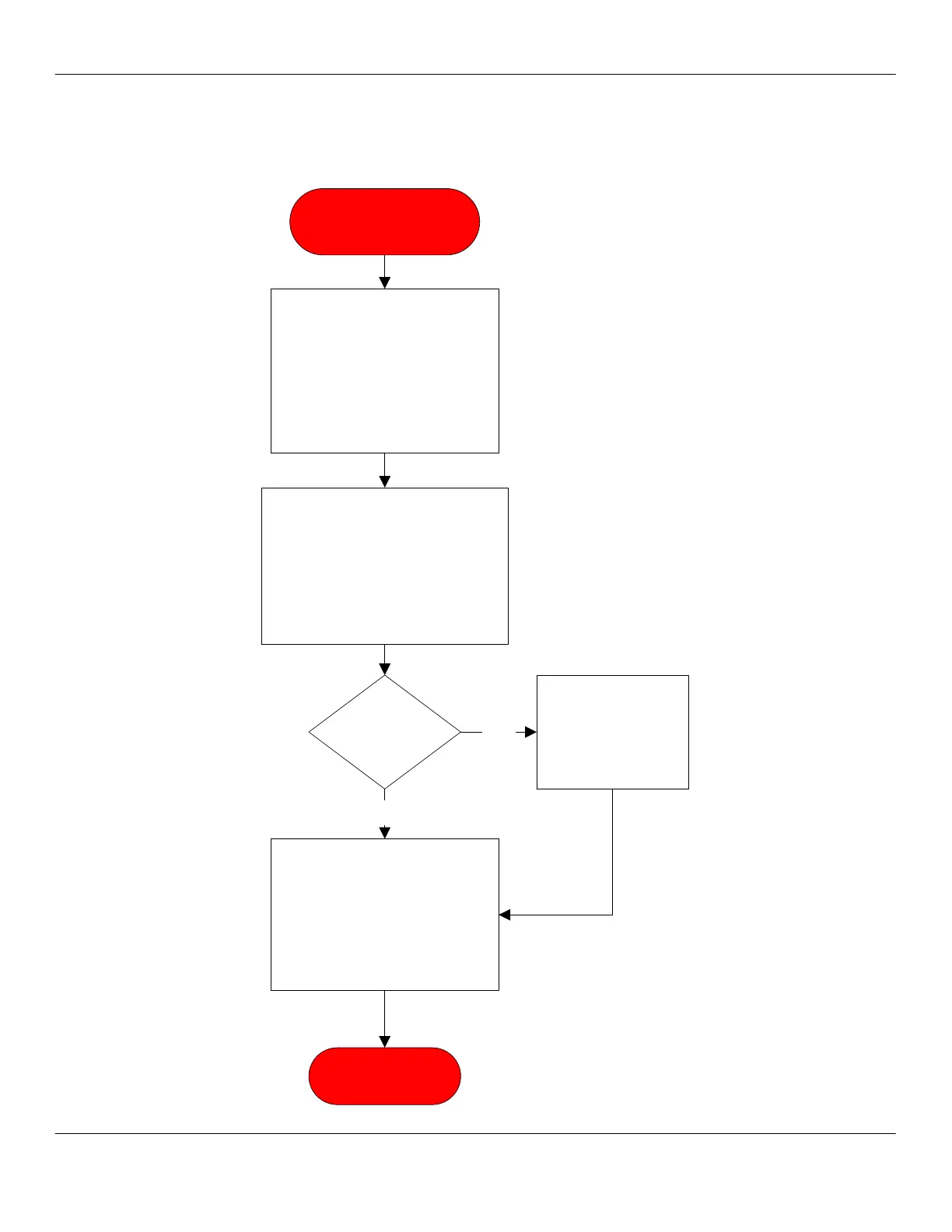
Incorrect Software for
Touchpad
Press the PROGRAM button
twice and note the part
number of the software
version on display. Call
Concordia Beverage
Systems and verify software
type.
1-800-778-0990
Download correct software to
match the current touchpad
on the unit. Download any
user setting via the
command file. Perform
keyboard test to verify
touchpad and CPU match.
Power unit off. Remove the
electrical enclosure cover, hold
the second button from the top
on the CPU down for three
seconds after powering up the
unit. This initiates a keyboard
test.
Passed
keyboard
test?
No
Verify touchpad is
correct for
customer. Verify
user settings.
Yes
END PROCESS



 To Next Page