Section 4: Software 3033-004B
4-4 Concordia Xpress Technical Support Manual
2900-300B
Navigating the Software Menu
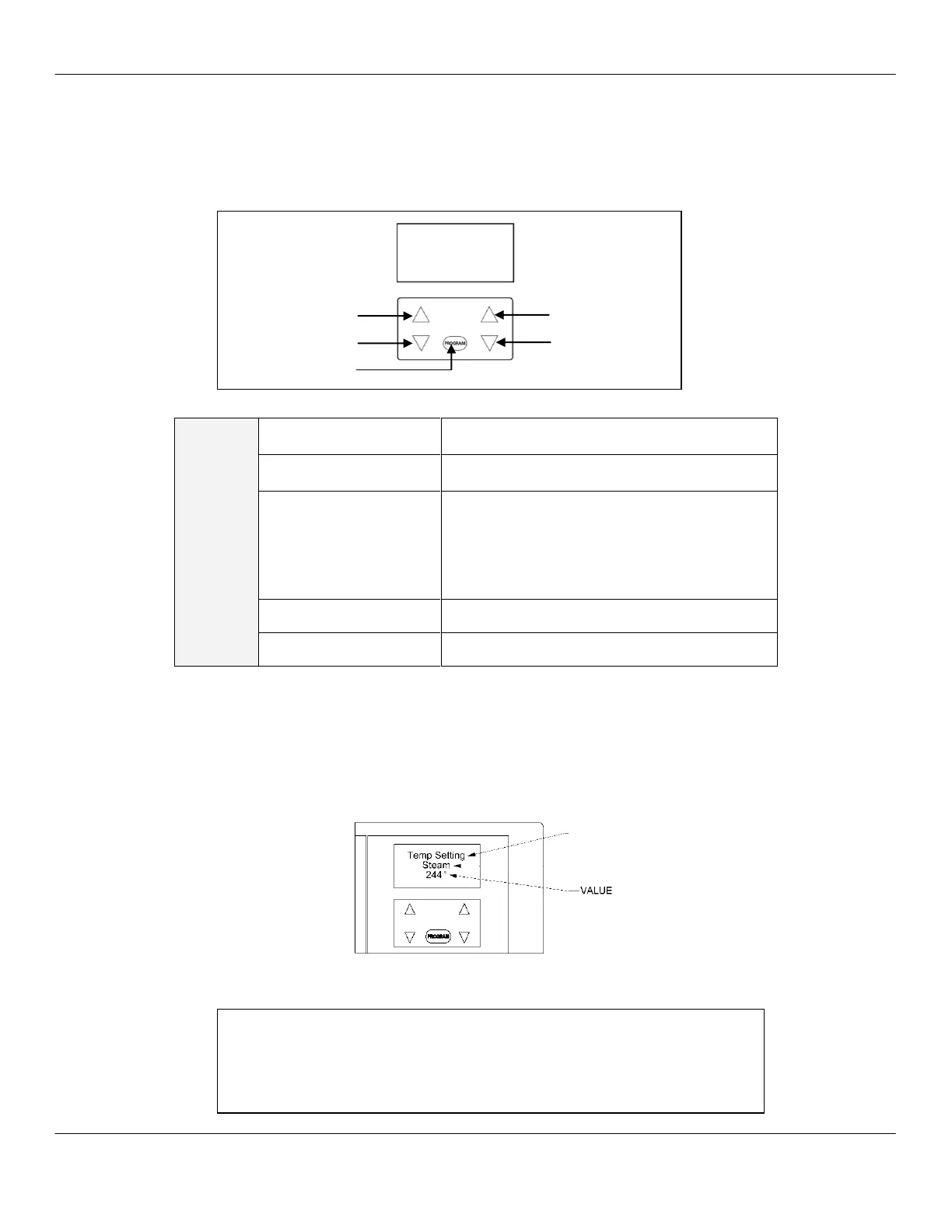
To navigate through the software menu, use the unmarked buttons
below the display.
Accessing a Sub-Category
Press the rectangular PROGRAM button once when the desired
category appears on the display, to access the sub-categories. The
category will appear on the top line; the sub-category will appear on the
middle line; and the value will appear on the lower line of the display.
PROGRAMMING MENU
NAVIGATION
Scroll up in category and sub-category
menus.
Scroll down in category and sub-category
menus.
Press once for GRAND TOTAL drink
statistics.
Press twice to view the software part number.
Press once to exit a software category.
Press three times to access SELECT
CATEGORY.
Increase value in sub-category.
Decrease value in sub-category.
Touch Pad Menu Navigation
Viewing the LAST MILK CLEAN date and time
1. Press the PROGRAM button three times. SELECT CATEGORY
will appear in the display.
2. Navigate to MILK TIMINGS - HOT > LAST MILK CLEAN.



 To Next Page