Section 4: Software 3033-004B
4-30 Concordia Xpress Technical Support Manual
2900-300B
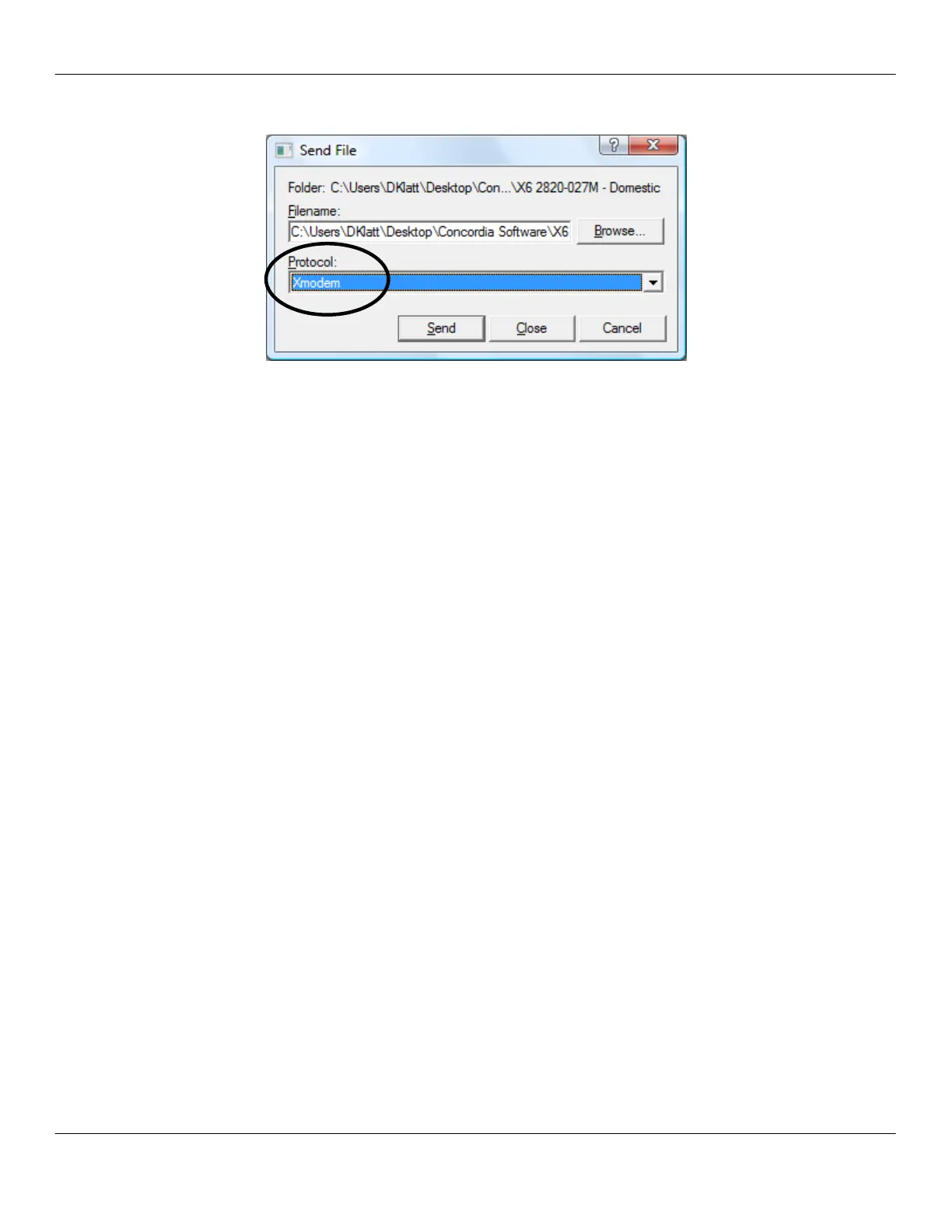
10. Select Xmodem from the Protocol drop-down menu.
11. Click Send.
NOTE: This process takes about eight minutes for an app file; five
seconds for a seq file; and forty seconds for a disp file.
Updating Software for Customers with Custom
Drink Recipes
Follow steps 1-5 of Connecting the Laptop to the Machine on page 4-26.
1. Type LOAD CMD at the FIELD> prompt.
2. Press Enter.
3. Select Browse, and then navigate to the directory with the file to
download.
4. Select the recipe file to download.
NOTE: A recipe file has a Concordia part number as part of the
file name. Ensure you select the correct part number for the
customer.
5. Click Send.
NOTE: This process can take up to 30 seconds.
6. Check the event log afterwards to ensure the recipe file was read
without errors. To access the event log, type the command “L”
(without the quotes) at the FIELD> prompt.
NOTE: If errors are listed in the event log, call Concordia for
assistance at 1-800-778-0990.



 To Next Page