Section 4: Software 3033-004B
4-20 Concordia Xpress Technical Support Manual
2900-300B
Loading New Software to a Machine
Required Equipment
Service port communications cable (9 pin D-sub to 6 pin modular
Concordia PN 4300-013).
An IBM compatible PC with communications software installed
that supports ANSI Terminal Emulation and the XMODEM file
transfer protocol.
If using a laptop with Windows Vista or Windows 7, please visit
http://www.hilgraeve.com/hyperterminal-trial/ to purchase
HyperTerminal.
Configuring HyperTerminal
1. Open HyperTerminal.
2. Go to File > New Connection.
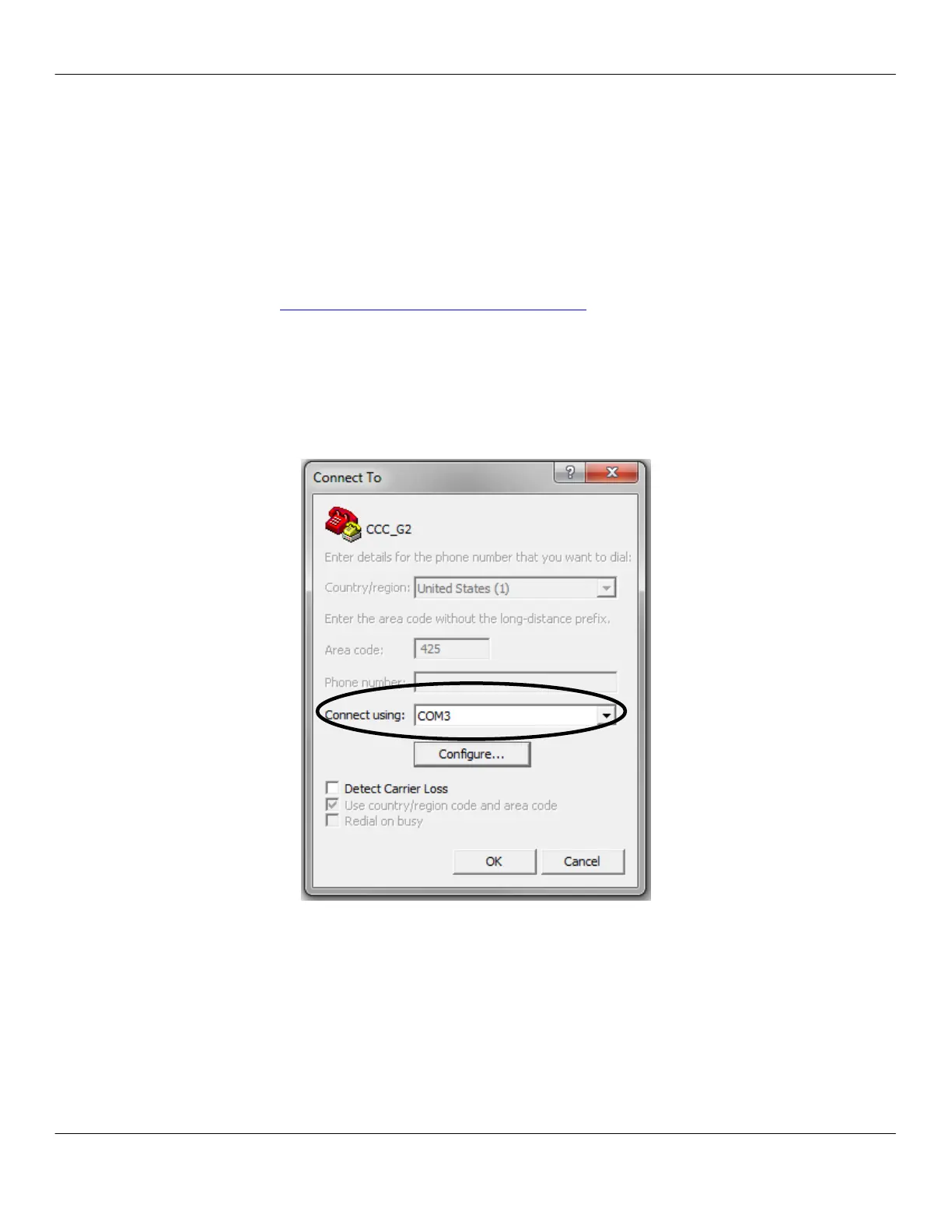
3. Select the COM port assigned to the serial adapter being used
from the Connect using: drop-down menu.



 To Next Page