23
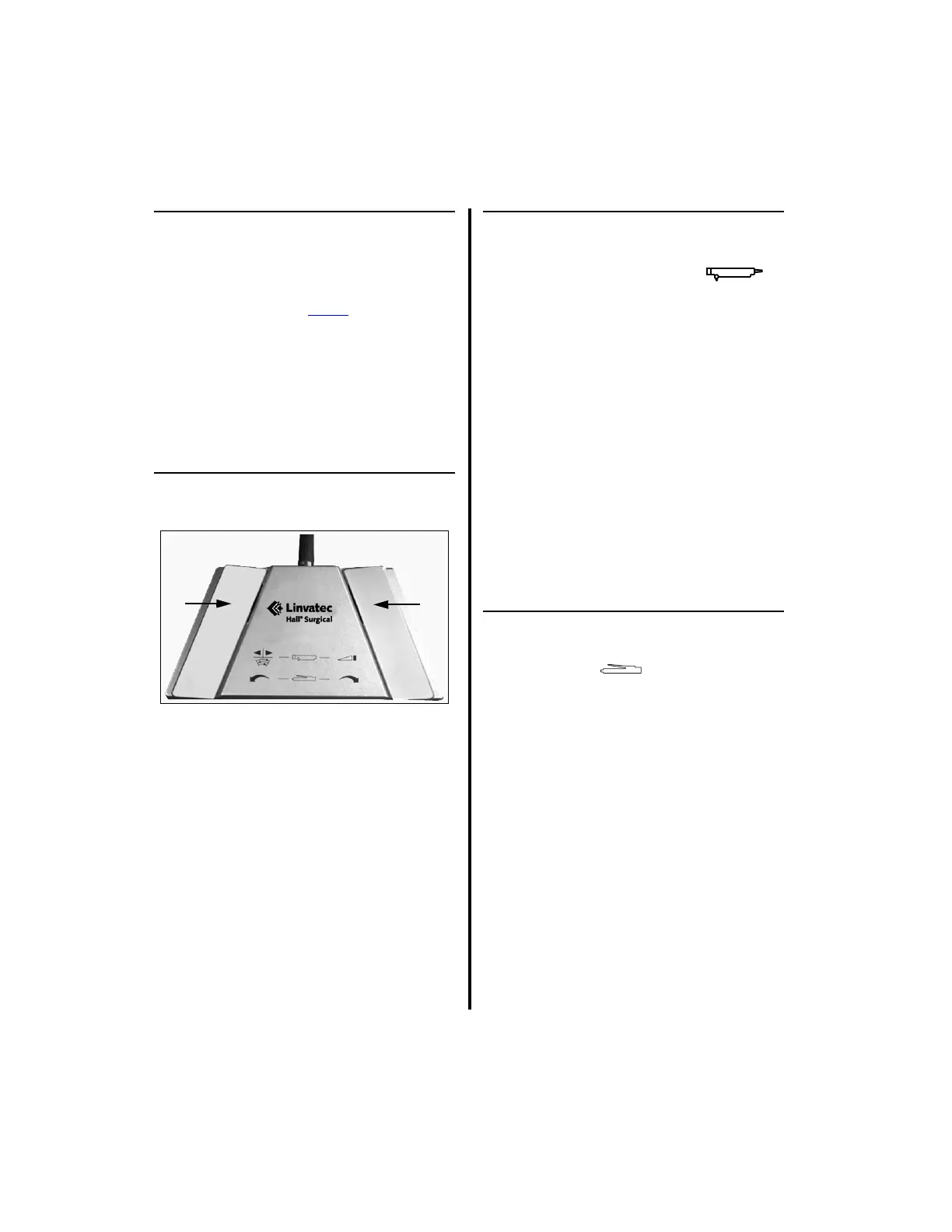
1.8 Footswitches
NOTE: Either footswitch, the 2-Pedal or
3-Pedal, will operate handpieces using the
E9000, Advantage and Power
Pro controllers.
However, when used with the Advantage
controller, it will only operate handpieces
connected to Port 1 or Port 2 on the top
portion of the controller, excluding the
MicroChoice Modular Handpiece (5020-027)
and the Mini-Driver Handpiece (K500).
1.8.1 Footswitch, 2-Pedal (5020-053)
When a handpiece is attached to the controller,
the firmware senses the particular handpiece
connected and programs the footswitch to
operate accordingly.
NOTE: All handpieces can be set to operate
in either the ON/OFF or Variable Speed mode
by setting the specific “CONTROLLER
OPTIONS” switch on the back of the
controller [Reference “2.1.3.3 Switch 2 -
Footswitch Mode Selection” on page 40 for
more information].
1.8.1.1 Operation with the E9005 High
Speed Shaver and Group 3
Shaver Handpieces
1. Left Pedal — Changes the handpiece
operating direction between Forward,
Reverse and Oscillate.
2. Right Pedal — Activates the shaver
handpiece in the selected direction.
“Window Indexing” is enabled with DIP
Switch 5 on the E9000 Controller and the
top section only of the Advantage controller
(see “2.1.3.8 Switch 5 - Window
Indexing” on page 44). The footswitch
right pedal is used to “index” or position the
blade cutting window so that it stops in the
same position each time the blade stops.
1.8.1.2 Operation with the CoolFlex
High Speed Drill and Group 2
Drills
1. Left Pedal — Activates the handpiece in
the Reverse direction.
2. Right Pedal — Activates the handpiece in
the Forward direction.
NOTE: There is no oscillate mode with
these drills.















 To Next Page