88
MICROCHOICE
HANDPIECES
C
3.6 MicroChoice Modular
Handpiece (5020-027), Attachments
and Accessories
NOTE: The Modular Handpiece does not
operate with a footswitch.
3.6.1 Connecting/Removing
Attachments
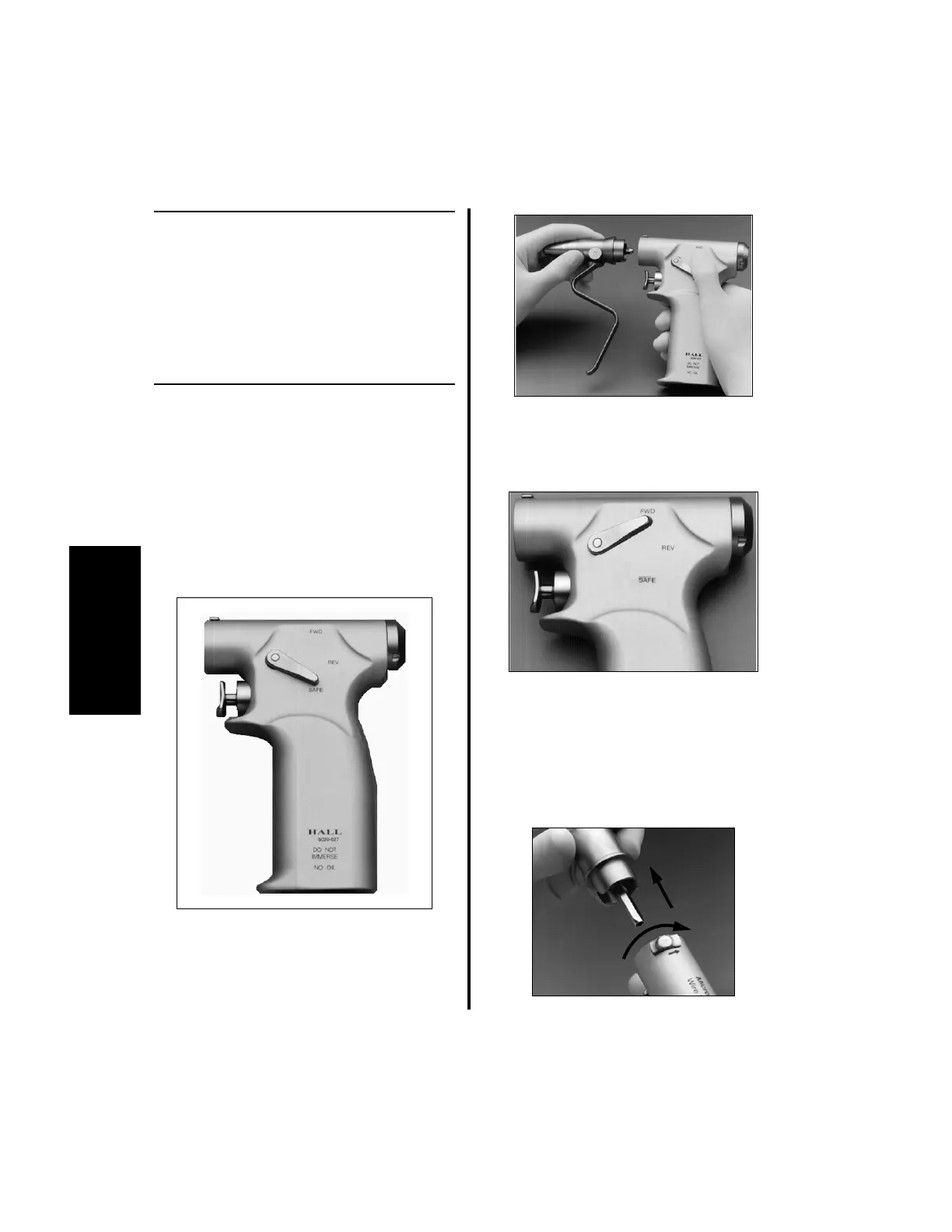
All Modular Handpiece attachments connect/
disconnect in the same manner. Reference pages
89 through 92 for attachment information.
1. To connect an attachment:
(a) Place the thumb lever in the “SAFE”
position.
(b) Orient the attachment shaft with the
handpiece opening. Insert the shaft and
press them until they snap together.
2. To operate the handpiece with any
attachment connected:
(a) Place the Thumb Lever in the “FWD”
or “REV” position.
(b) Depress the trigger to activate the
handpiece.
3. To remove an attachment:
(a) Place the thumb lever in the “SAFE”
position.
(b) Move the Slide Lock in the direction of
the arrow and remove the attachment.















 To Next Page