100
SHAVER
HANDPIECES
D
3.9.2.4 Using the Handpiece Cord
Button to Change Speed
NOTE: The following information applies
only to the MicroChoice Basic (MC9820), and
Full-Function (MC9828) Shaver Handpieces.
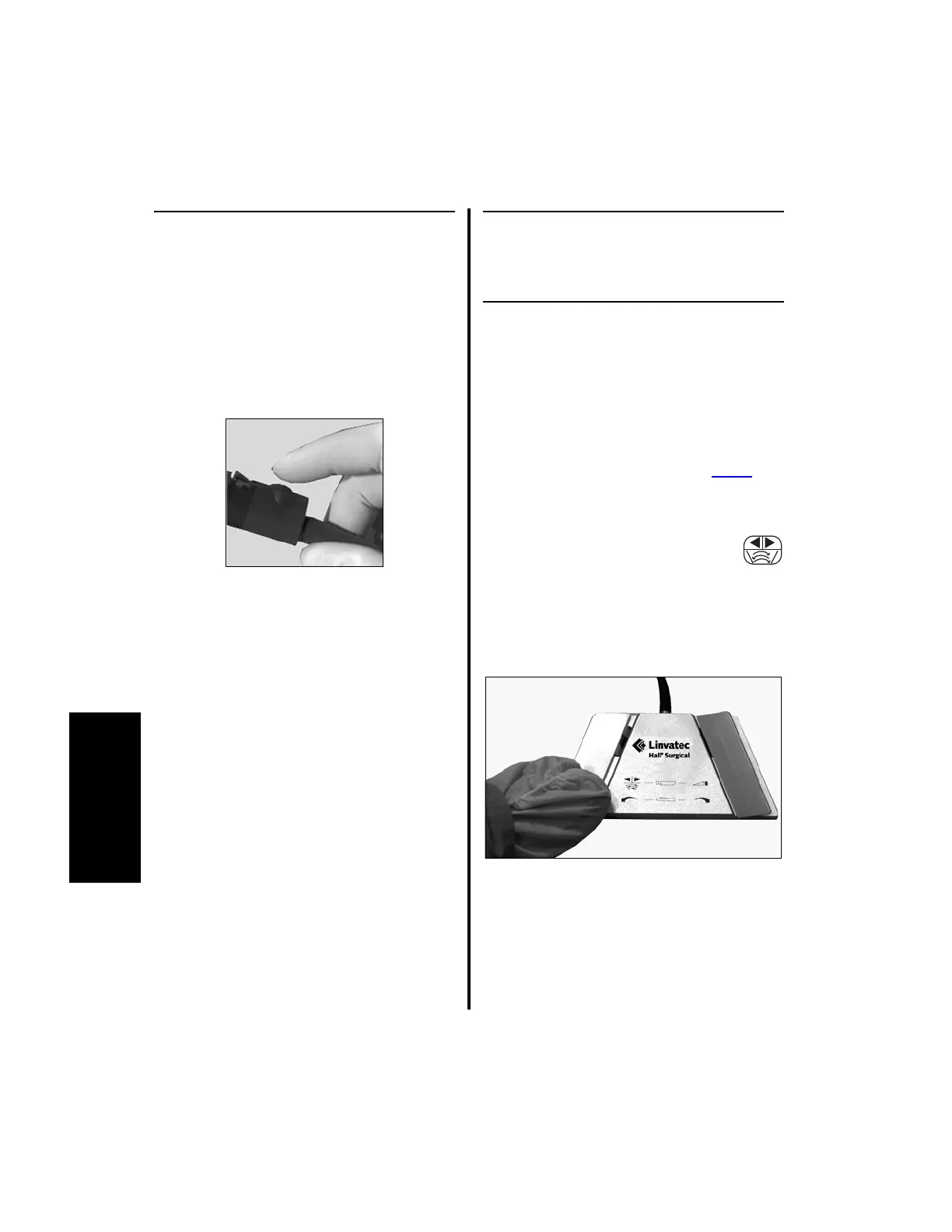
1. To enter the Speed menu, quickly press the
handpiece cord button either two or three
times.
(a) Pressing the handpiece cord button
twice allows the user to decrease the
operating speed.
(b) Pressing the handpiece cord button three
times allows the user to increase the
operating speed.
2. After entering the Speed menu, the
operating speed will blink. Press the
handpiece cord button to change the speed.
(a) To change the speed incrementally,
press and release the button.
(b) To change the speed continuously, press
and hold the button.
3. When the desired speed is obtained, stop
pressing the button. After a few seconds the
new operating speed will stop blinking. The
shaver handpiece is now ready to use at the
new speed setting.
3.9.3 Changing Handpiece Operating
Directions
3.9.3.1 Using the Footswitch to
Change Handpiece Direction
(Applies only to the 2-Pedal
Footswitch - 5020-053)
NOTE: This process applies to ALL shaver
handpieces (C9820, D9820, D9920, MC9820,
C9824, D9824, D9924, C9828, MC9828,
C9840, MC9840) operating on the Power
Pro
controller, E9000 controller or Port 1 or
Port 2 of the Advantage controller.
1. To change operating directions
between forward, reverse, and
oscillate on these handpieces,
depress the left footswitch pedal (see “2.1.7
Footswitch Operation (Advantage Top
Portion Only, PowerPro and E9000)” on
page 55).















 To Next Page