93
MICROCHOICE
HANDPIECES
C
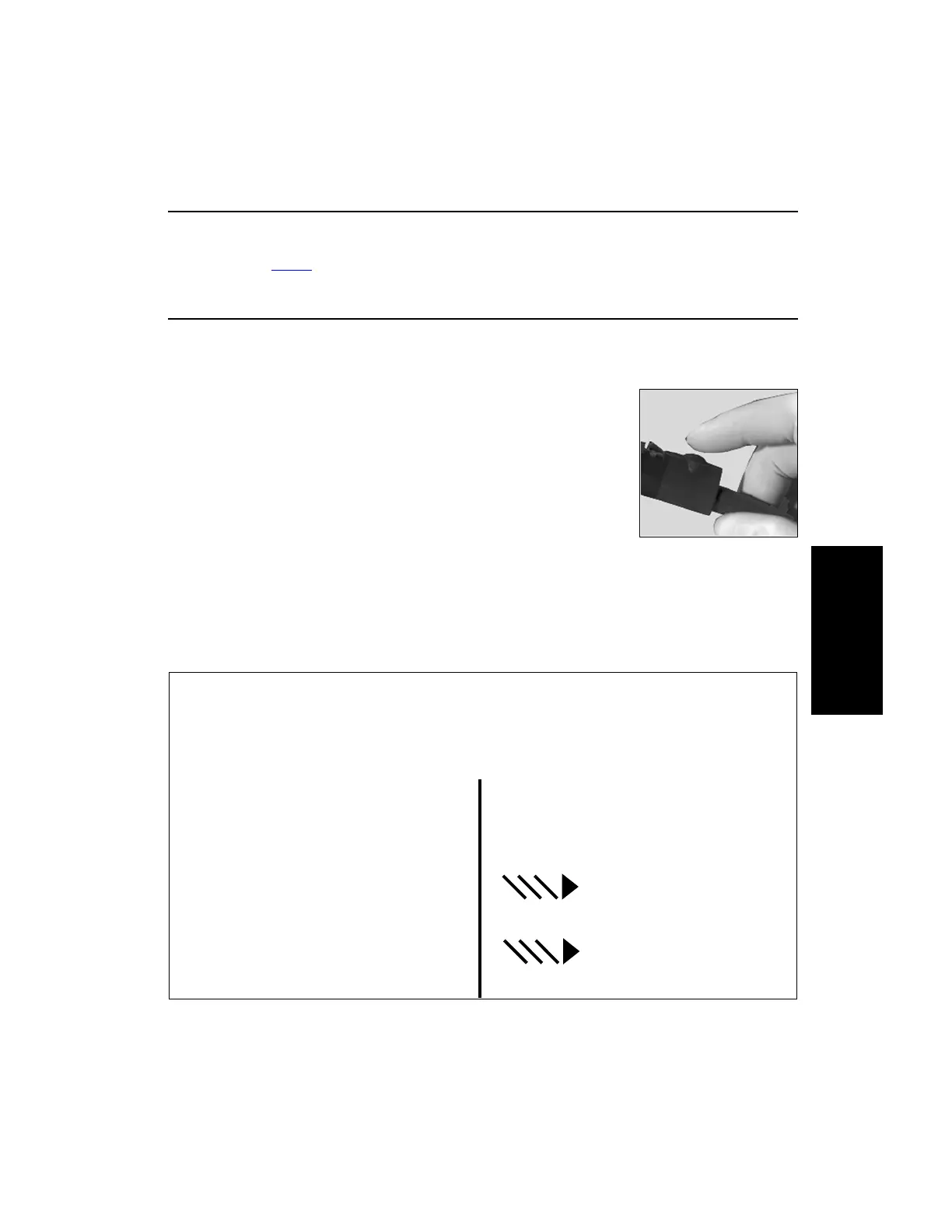
3.6.5 Group 2 Handpiece Cord Button Operation
The Advantage, Power
Pro and E9000 Controllers allow the user complete system control from
within the sterile field. Speed settings can be changed using the handpiece cord button.
3.6.5.1 Handpiece Cord Button Operation Using the Elite High Speed Drill, Medium
Speed Drill, Saws and Modular Handpiece
1. To enter the Speed menu, press the handpiece cord button either two
or three times, quickly.
(a) Pressing the handpiece cord button twice allows the user to
decrease the operating speed.
(b) Pressing the handpiece cord button three times allows the user to
increase the operating speed.
2. After entering the Speed menu, the attached handpiece I.D. will
display along with the current operating speed (the speed will be blinking). Press the handpiece
cord button to change speed.
The Speed menu will scroll when the minimum or maximum speeds are reached.
3. When the desired speed is reached, stop pressing the button. After a few seconds the speed menu
will time out. The handpiece is now ready for use.
Handpiece Speed Adjustment
To enter the menu options to adjust the handpiece speed, press the handpiece cord button two or
three times.
Text Display Mode Graphics Display Mode
(PowerPro controller and
Advantage controller, Port 3 Only)
The menu will default to the speed menu and
display the attached handpiece and the
current speed setting.
“HIGH SPEED” “###K RPM”
“###” is blinking
Press the handpiece cord button until the
desired speed is displayed. Stop pressing the
button.















 To Next Page