55
CONTROLLER
OPERATION
A
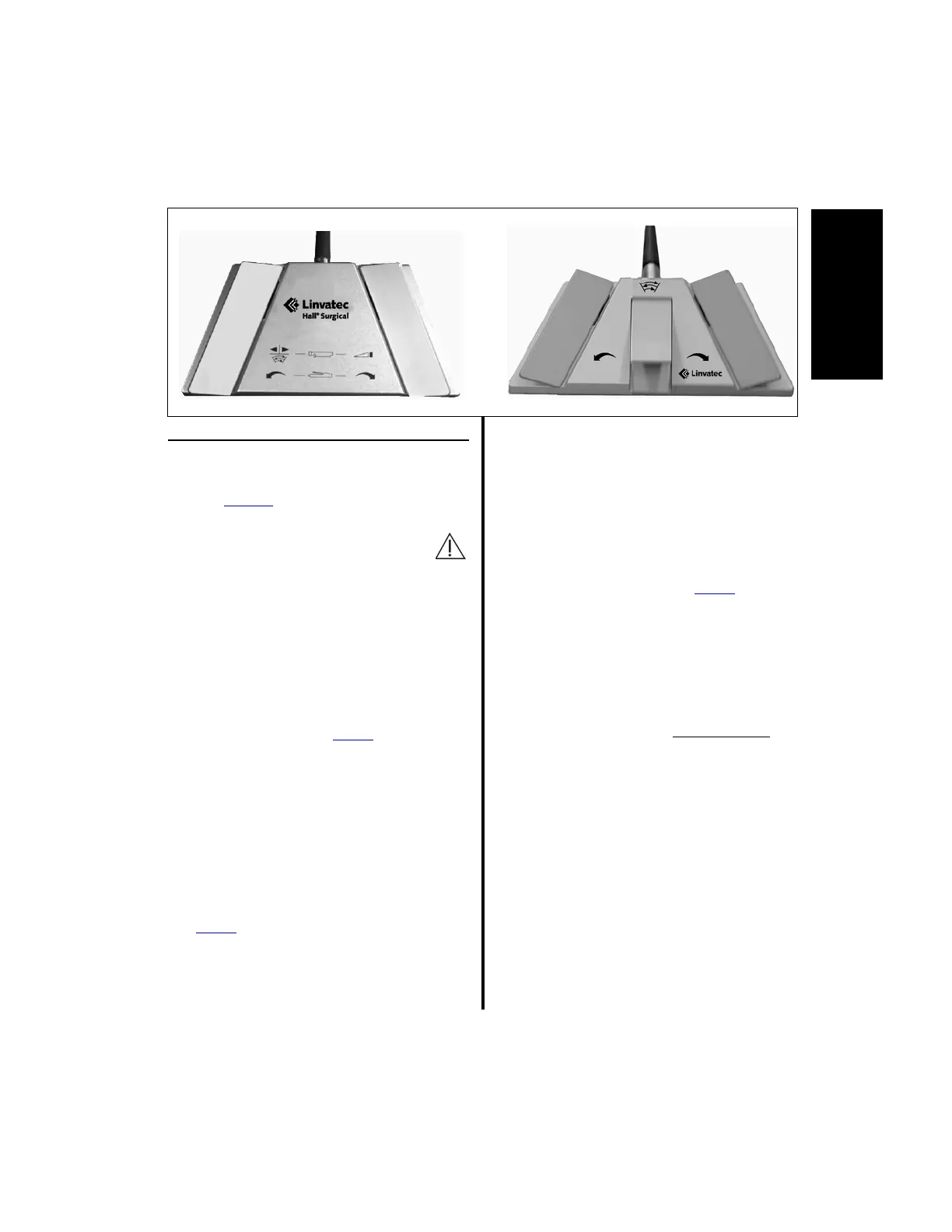
2.1.7 Footswitch Operation
(Advantage Top Portion Only,
PowerPro and E9000)
Warning: To avoid unintentional
handpiece activation, unplug the
footswitch when using a levered
handpiece, or a 2-Button or Full-Function
Shaver Handpiece. When the footswitch is
attached to the controller it will remain
active.
NOTES:
1. Either footswitch, 2-Pedal or 3-Pedal, will
control handpieces being operated with
the E9000 controller, Power
Pro controller,
or in Port 1 or Port 2 only on the top
portion of the Advantage controller.
2. The handpiece and footswitch operate on
a first come, first served basis. If the
handpiece is activated with the footswitch,
the handpiece activation lever or button is
inoperative until the footswitch pedal is
released, and vice versa.
3. Power
Pro Handpieces, the MicroChoice
Modular Handpiece and the Mini-Driver
Handpiece will not operate with the
footswitch.
When a handpiece is attached to the controller
the firmware senses the type of handpiece
connected and programs the footswitch to
operate accordingly.
1. Either footswitch (5020-053 or C9863) will
operate in one of two modes, either Variable
Speed mode or ON/OFF mode, when used
with any handpiece except Power
Pro
Handpieces, the Mini-Driver Handpiece
(K500) and the MicroChoice Modular
Handpiece (5020-027). For information
regarding setting the Footswitch Mode
Selection, see “2.1.3.3 Switch 2 -
Footswitch Mode Selection” on page 40.
(a) When operating in Variable Speed
mode, the speed varies within
predetermined limits by the amount of
pressure applied to the appropriate
pedal. The blade speed min/max range
is determined by the shaver handpiece
and cutter blade in use (Reference
“2.1.5 Controller Operation” on
page 48 or “3.6.5 Group 2 Handpiece
Cord Button Operation” on page 93
or “3.9.2.4 Using the Handpiece
Cord Button to Change Speed” on
page 100 for information to change
operating speeds).















 To Next Page