102
MINI-DRIVER
HANDPIECE
E
3.10 Mini-Driver Handpiece,
Attachments and Accessories
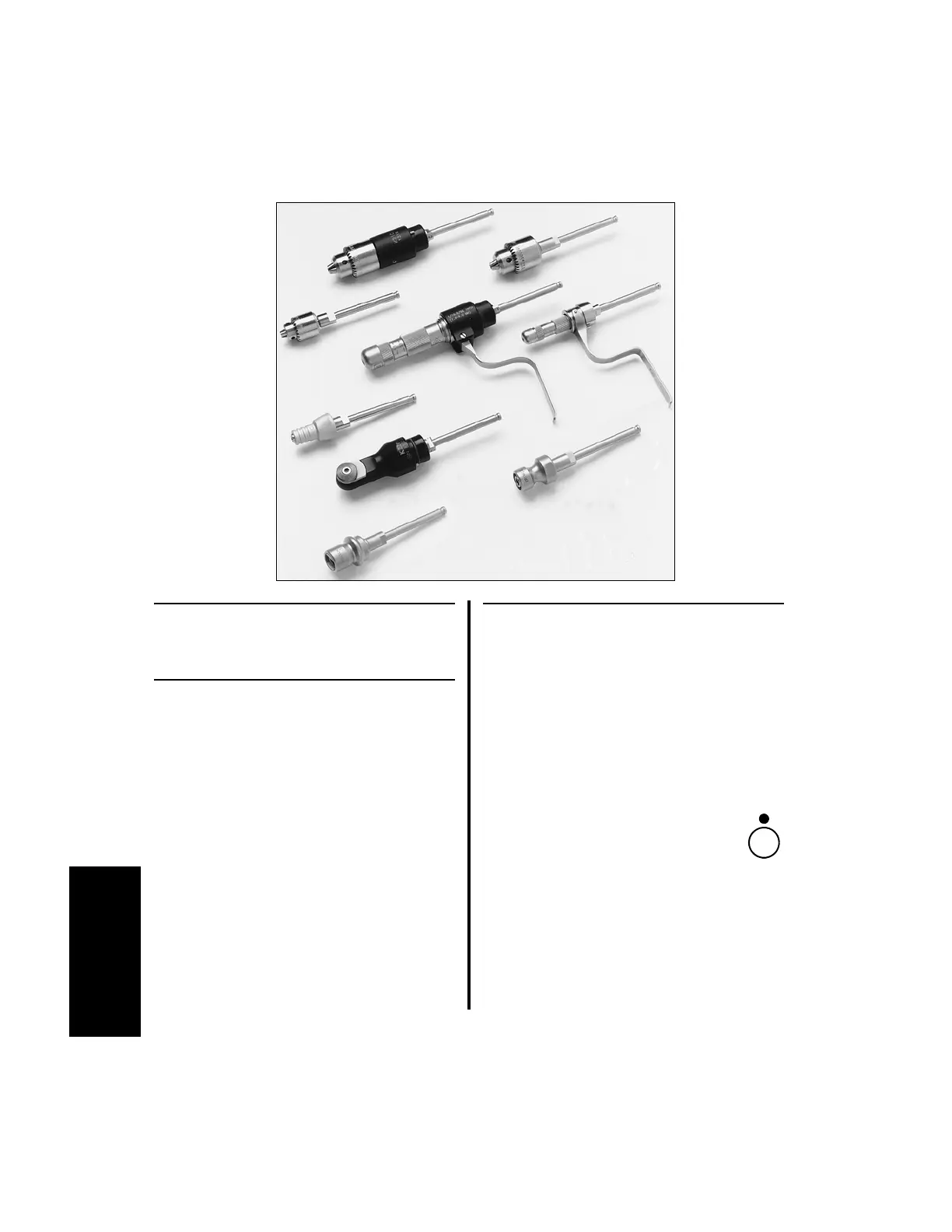
3.10.1 Attachments and Accessories
1. High Torque Jacobs Chuck (K210)
2. 1/4” Jacobs Chuck (K109)
3. 5/32” Jacobs Chuck (K110)
4. Automatic Pin Driver (K211)
5. Automatic Wire Driver (K111A)
6. ASIF/AO Twist Drill Chuck (K114A)
7. Sagittal Saw (K220)
8. Hudson Chuck (K113)
9. Trinkle Chuck (K112)
3.10.2 Connecting/Removing
Attachments
All Mini-Driver Handpiece attachments
connect/disconnect in the same manner. See
“3.10 Mini-Driver Handpiece, Attachments
and Accessories” on page 102 for attachment
information.
1. To connect an attachment:
(a) Ensure the handpiece is in the
safe or off position.
(b) Press the lock/release collet and
insert the arbor end of the attachment
into the handpiece. Release the lock/
release collet to secure the attachment to
the handpiece.
(c) Ensure the attachment is secure by
pulling it outward.















 To Next Page