74
MICROCHOICE
HANDPIECES
C
3.4.3 Elite High Speed (5020-025) and
Medium Speed Drill (5020-021)
Attachments and Accessories
PRECAUTION: Do not operate the
MicroChoice Elite High Speed or
Medium Speed Drills without the
proper bur guard attached and the collet
locked. Damage may result.
1. Prior to connecting any attachment or
accessory, or while the handpiece is not in
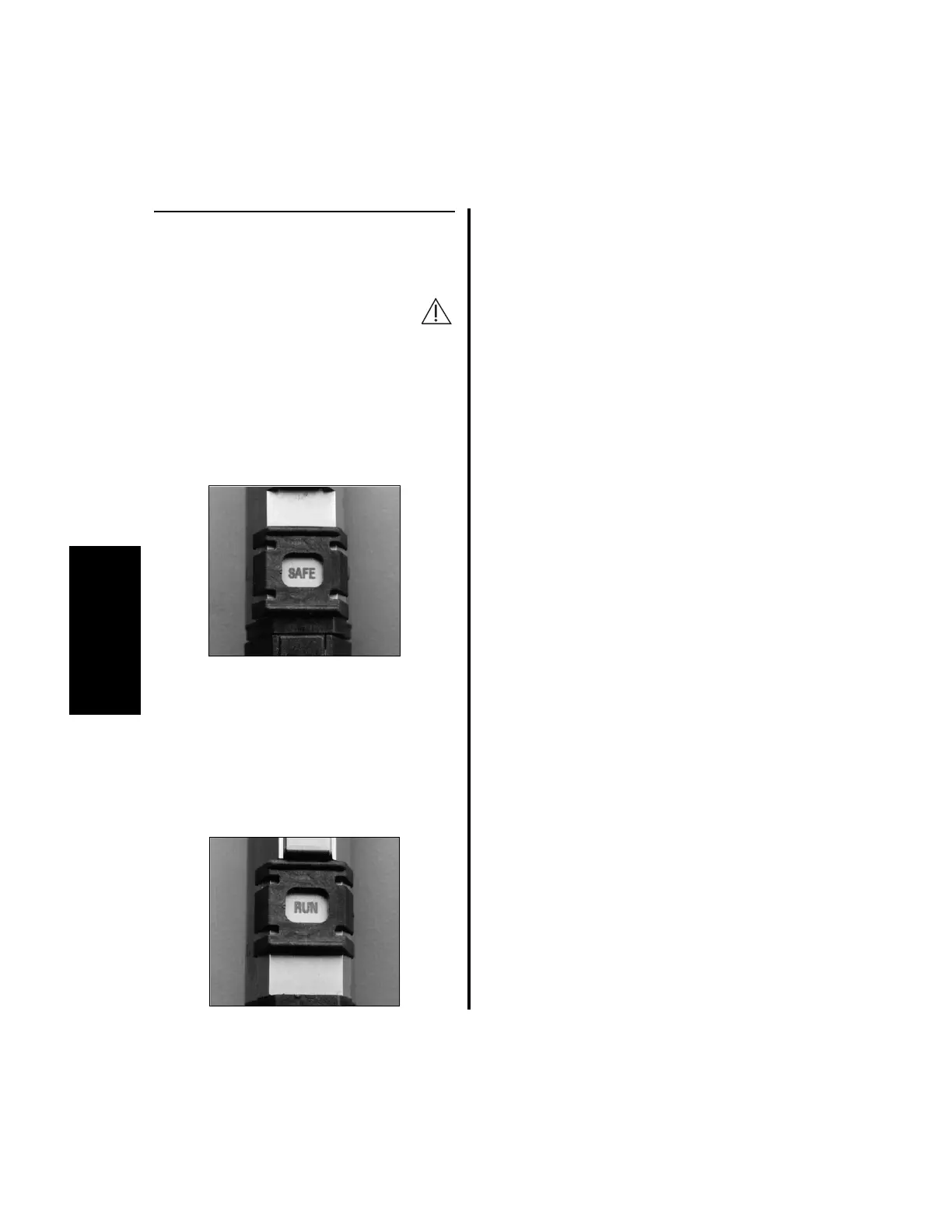
use, place the “SAFE/RUN” Slide in the
“SAFE” position.
2. To attach bur guards, attachments and burs
reference information on pages 75 to 79.
3. To operate the handpiece after the guard
and bur are attached:
(a) Place the “SAFE/RUN” Slide in the
“RUN” position. The controller will
display the handpiece I.D. and its
maximum (default) operating speed.
Without any user input selections, each
handpiece will initially operate at its default
setting. Desired mode, direction, and speed
settings can be stored in memory by
following the instructions in “2.1.3.2
Switch 1 - “Day-to-Day” Memory
Storage Operation” on page 39.
(b) Depress the Activation Lever or the
preferred footswitch pedal.
NOTE: If operating these handpieces in
Port 3 of the Advantage controller, there is no
footswitch capability.
4. To change operating speeds, reference
“2.1.5 Controller Operation” on page 48
if operating from Port 2, or “3.6.5.1
Handpiece Cord Button Operation Using
the Elite High Speed Drill, Medium
Speed Drill, Saws and Modular
Handpiece” on page 93.















 To Next Page