CONTROLLER
OPERATION
32
A
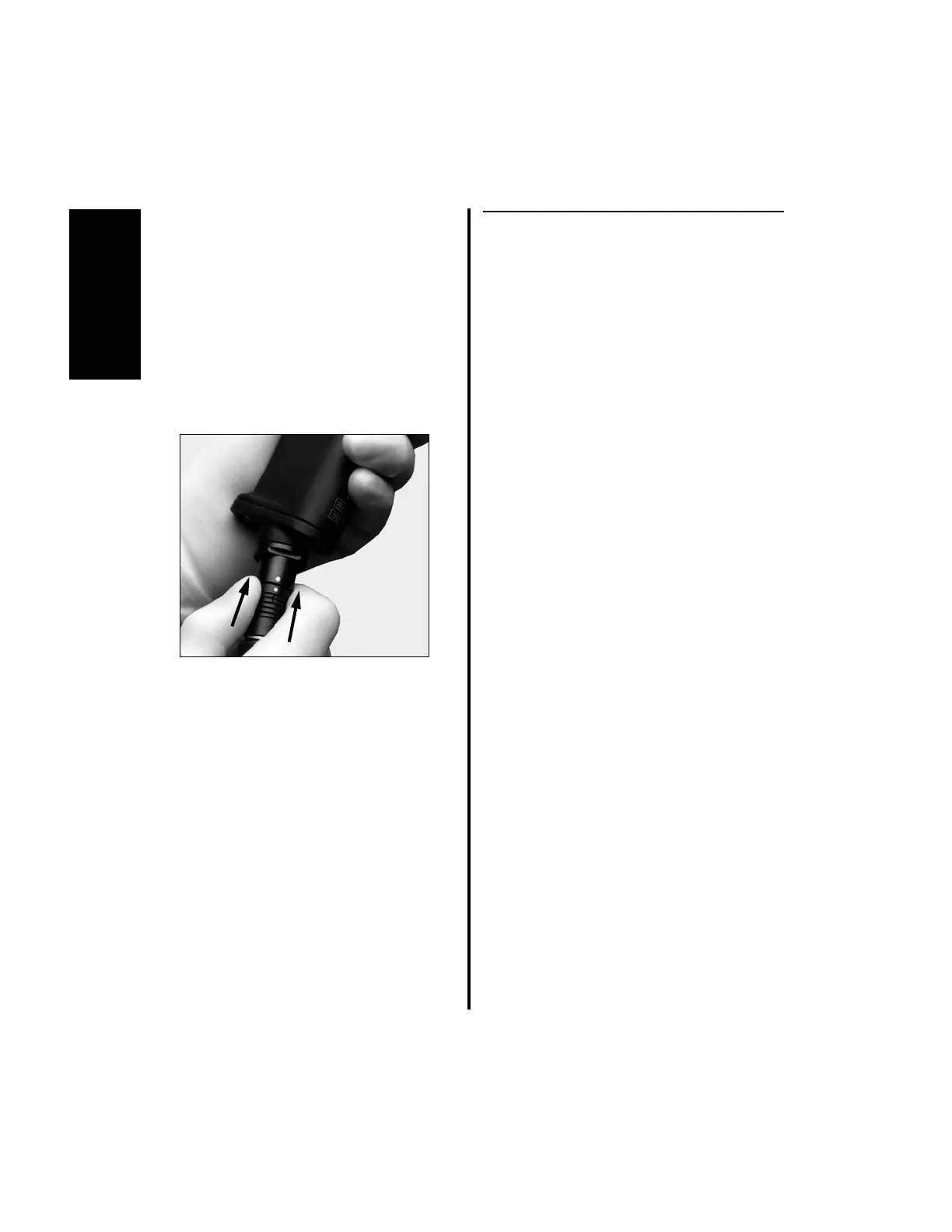
3. To attach the M334 handpiece cord to the
K500 Mini-Driver Handpiece:
(a) Grasp the handle of the handpiece and
align the dot located on the handpiece
cord with the dot located on the base of
the handpiece cord connector.
(b) Insert the handpiece cord into the
handpiece cord connector. Push together
until the cord and handpiece are fully
seated.
2.1.2 Footswitch and Handpiece to
Controller Installation
NOTES:
1. Only one handpiece can be connected to
the top portion of the Advantage
controller at a time in its designated port,
either Port 1 or Port 2. If a handpiece is
connected to a top port while another
handpiece is already connected,
“CHECK HANDPIECE” will display.
BOTH handpieces must be removed to
clear the fault condition.
2. If the handpiece console connector comes
with a connector cap, it is essential that
the connector cap is removed outside of
the sterile field as sterility under the cap
cannot be guaranteed.















 To Next Page