94
MICROCHOICE
HANDPIECES
C
3.6.5.2 Button Operation Using the
Low Speed Drill
NOTE: This applies to the E9000 and Port 2
Only of the Advantage controller.
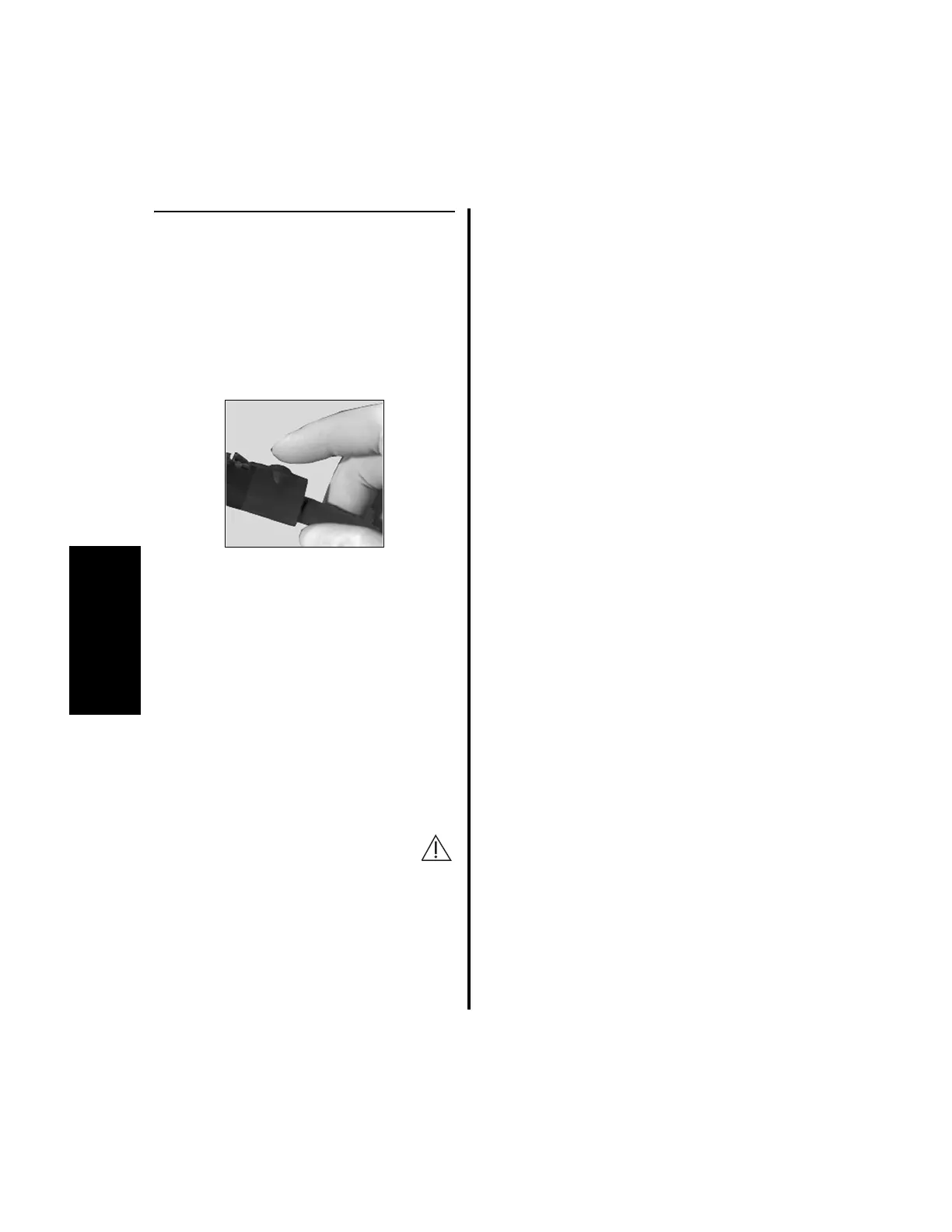
1. To enter the Mode menu, press the
handpiece cord button either two or three
times, quickly.
(a) Pressing the handpiece cord button
twice allows the user to decrease the
operating speed.
(b) Pressing the handpiece cord button
three times allows the user to increase
the operating speed.
2. After entering the Mode menu, the possible
function selections display; “SCREW”
“TAP” “DRILL”. The current function
will be blinking. Press the handpiece cord
button until the desired function is blinking.
Discontinue pressing.
PRECAUTION: Ensure the head
attachment matches the function
selected. Improper head attachment
selection may result in erroneous speed or
torque.
3. The speed is now displayed and blinking.
Press the handpiece cord button until the
desired speed is displayed.
The Speed menu will scroll until the
minimum or maximum speeds are reached.
4. When the desired speed is reached, stop
pressing the button. After a few seconds the
new operating speed will stop blinking. The
handpiece is now ready for use.















 To Next Page