81
MICROCHOICE
HANDPIECES
C
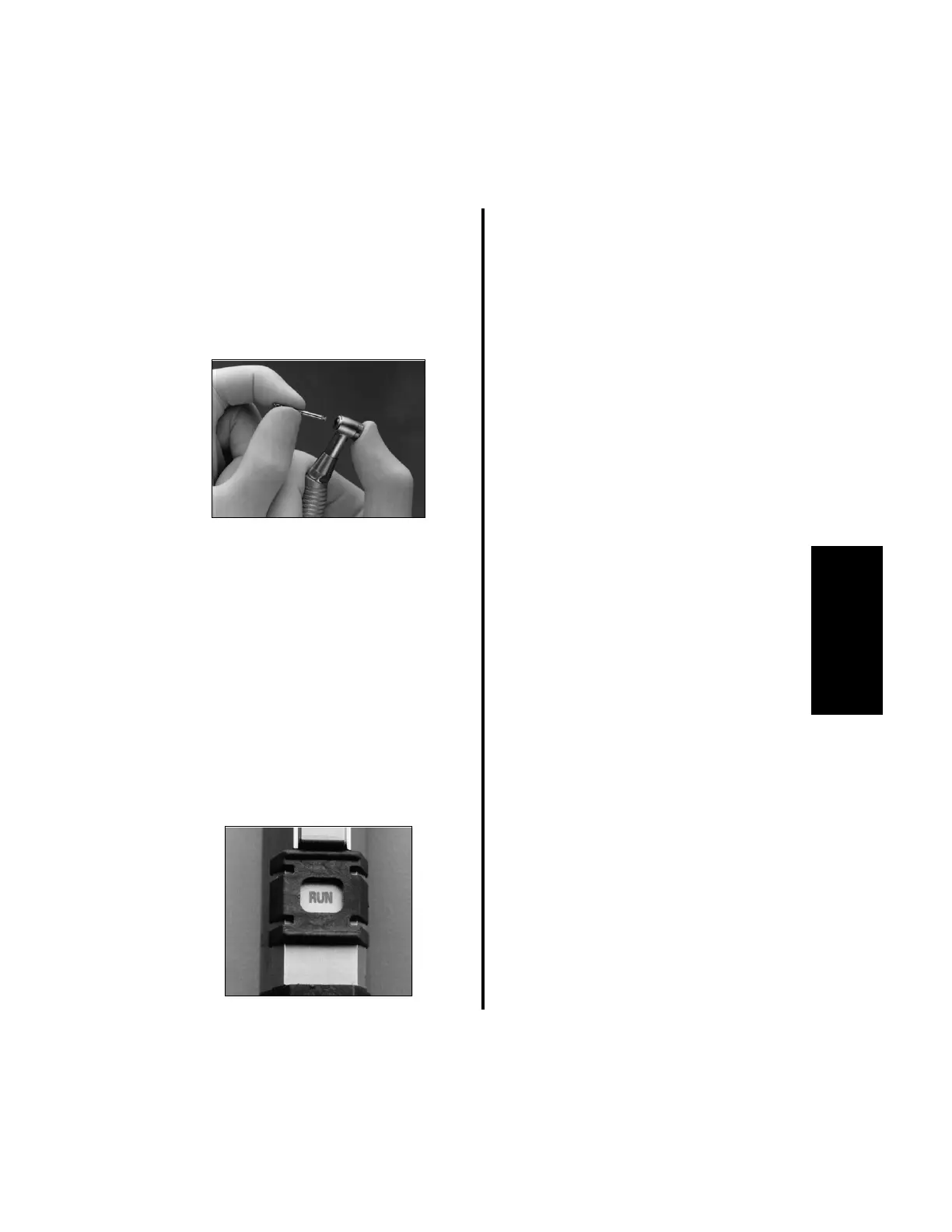
2. To insert a drill bit:
(a) Depress the rear portion of the
attachment head and insert the drill bit
into the front opening.
(b) Rotate the drill bit into place and
release the attachment head.
(c) Pull on the bit to ensure it is locked in
place.
3. To remove the drill bit:
(a) Depress the rear portion of the
attachment head and pull the drill bit out.
4. To operate the handpiece:
(a) Place the “SAFE/RUN” Slide in the
“RUN” position. The controller will
display the current operating mode, the
handpiece maximum operating speed,
and the set flow rate (“OFF” will
display if irrigation is not being used).
(b) Depress the preferred footswitch pedal.
5. To change the operating mode, reference
“3.6.5.2 Button Operation Using the Low
Speed Drill” on page 94.
6. To change handpiece speeds, reference
“2.1.5 Controller Operation” on page 48
or “3.6.5.2 Button Operation Using the
Low Speed Drill” on page 94.















 To Next Page