Managing VLANs
D-Link Unified Wired and Wireless Access System
Oct. 2015 Page 187
D-Link UWS User Manual
VLAN.
VLAN Status
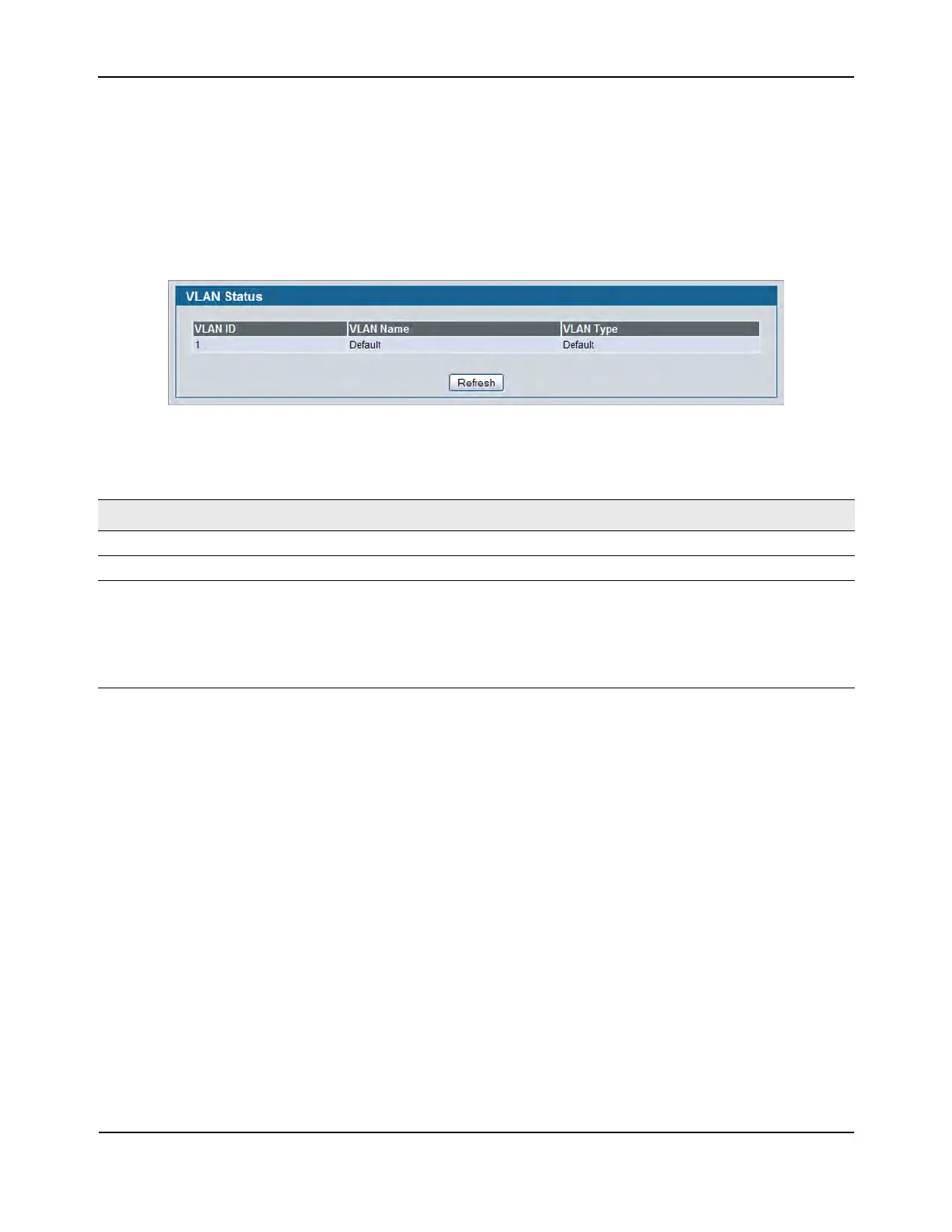
Use the VLAN Status page to view information about the VLANs configured on your system.
To access the VLAN Status page, click LAN > Monitoring> VLAN Summary > VLAN Status in the navigation tree.
Figure 96: VLAN Status
• Click Refresh to display the latest information from the router.
Table 82: VLAN Status Fields
Field Description
VLAN ID The VLAN Identifier (VID) of the VLAN. The range of the VLAN ID is 1 to 3965.
VLAN Name The name of the VLAN. VLAN ID 1 is always named Default.
VLAN Type The VLAN type, which can be one of the following:
• Default: (VLAN ID = 1) -- always present
• Static: A VLAN you have configured
• Dynamic: A VLAN created by GVRP registration that you have not
converted to static, and that GVRP may therefore remove















 To Next Page