Managing VLANs
D-Link Unified Wired and Wireless Access System
Oct. 2015 Page 190
D-Link UWS User Manual
Managing Protocol-Based VLANs
In a protocol-based VLAN, traffic is bridged through specified ports based on the protocol associated with the
VLAN. User-defined packet filters determine whether a particular packet belongs to a particular VLAN.
Protocol-based VLANs are most often used in situations where network segments contain hosts running
multiple protocols.
You can use a protocol-based VLAN to define filtering criteria for untagged packets. By default, if you do not
configure any port-based (IEEE 802.1Q) or protocol-based VLANs, untagged packets are assigned to VLAN 1.
You can override this behavior by defining either port-based VLANs, protocol-based VLANs, or both. Tagged
packets are always handled according to the IEEE 802.1Q standard and are not included in protocol-based
VLANs.
If you assign a port to a protocol-based VLAN for a specific protocol, untagged frames received on that port for
that protocol will be assigned the protocol-based VLAN ID. Untagged frames received on the port for other
protocols will be assigned the Port VLAN ID (PVID), which is either the default PVID (1) or a PVID you have
specifically assigned to the port using the Port VLAN Configuration screen.
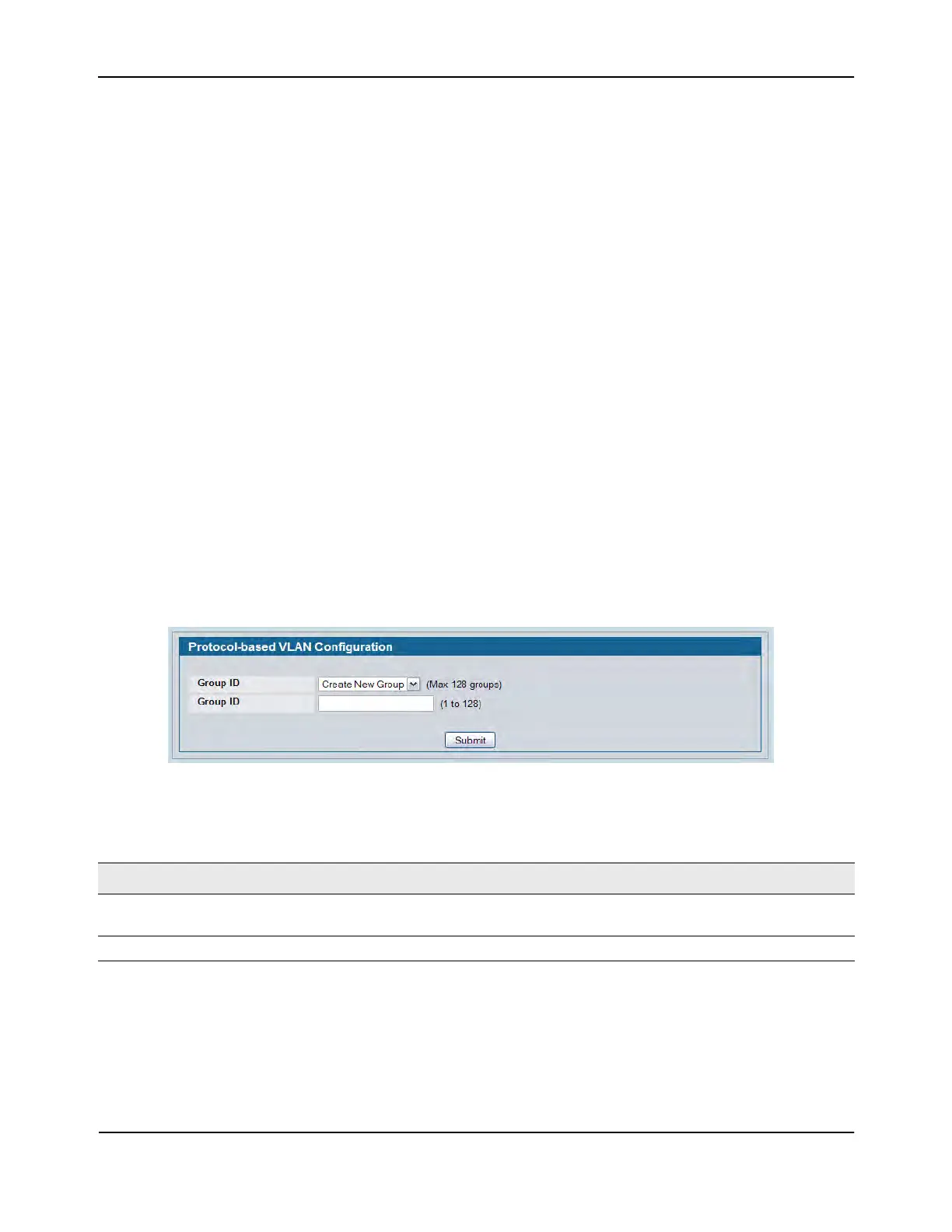
Use the Protocol-based VLAN Configuration page to configure which protocols go to which VLANs, and then
enable certain ports to use these settings.
You define a protocol-based VLAN by creating a group. Each group has a one-to-one relationship with a VLAN
ID, can include one or more protocol definitions, and can include multiple ports.
To display the Protocol-Based VLAN Configuration page, click LAN > L2 Features>VLAN > Protocol-based
VLAN > Configuration in the navigation tree.
Figure 99: Create Protocol Group
Table 85: Protocol Group Fields (No Groups)
Field Description
Group When no protocol-based VLAN groups exist, only the Create New Group option is
available.
Group ID Specify a number to identify the group to create.















 To Next Page