Configuring a Network with WDS-Managed APs
D-Link Unified Wired and Wireless Access System
July 2012 Page 701
D-Link UWS User Manual
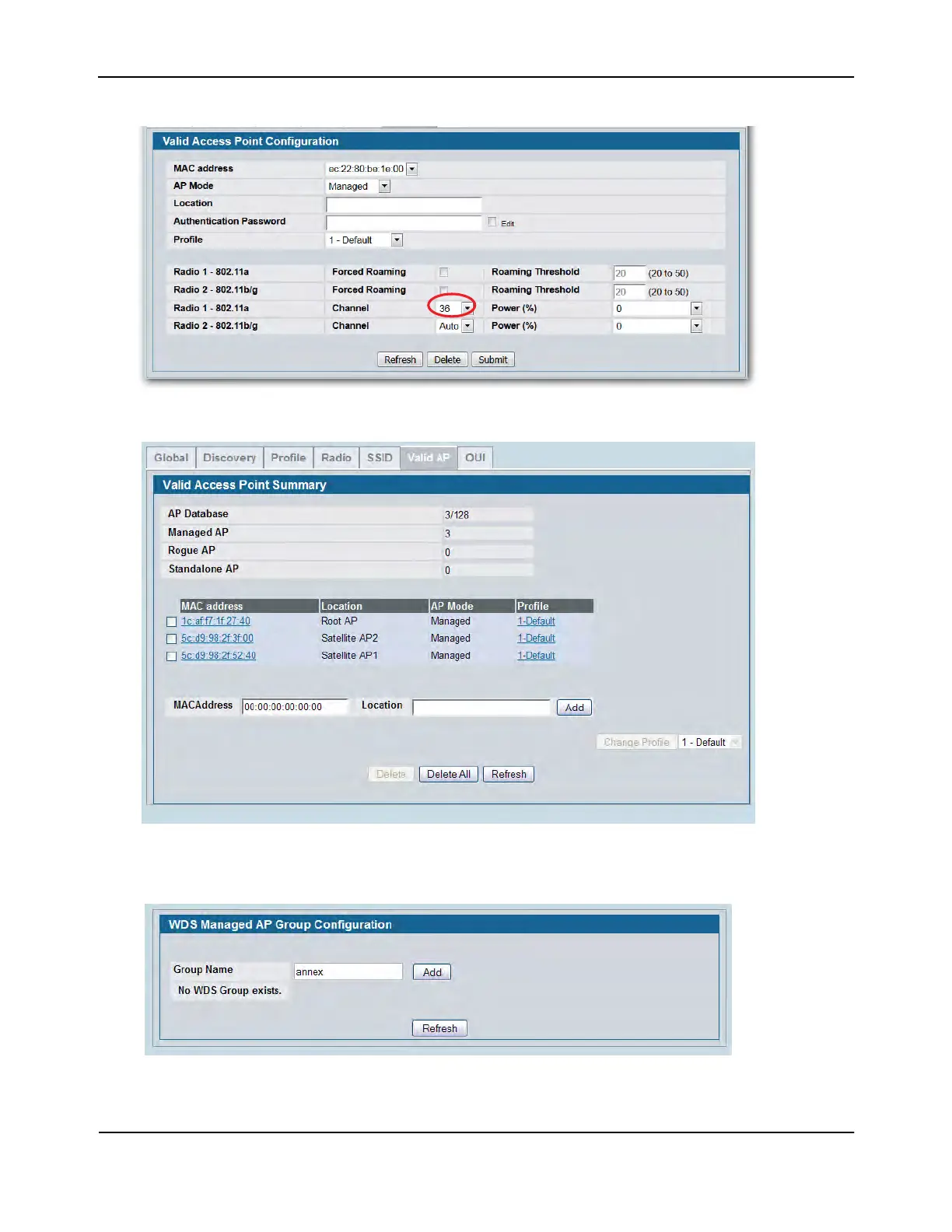
6. Repeat Step 4 and Step 5 to add Satellite AP1 and Satellite AP2 to the Valid AP database.
7. From the WLAN > Administration > WDS Configuration > Group Configuration page, enter the group
name and click Add.
The WDS Managed AP Group Configuration page appears.















 To Next Page