Chapter 8 Letter Design
BECS-A88/C88 computerized embroidery machine owner’s manual 105
“Right move”: Move the selected letter toward left side.
“Up move”: Up move the selected letter.
“Down move”: Down move the selected letter.
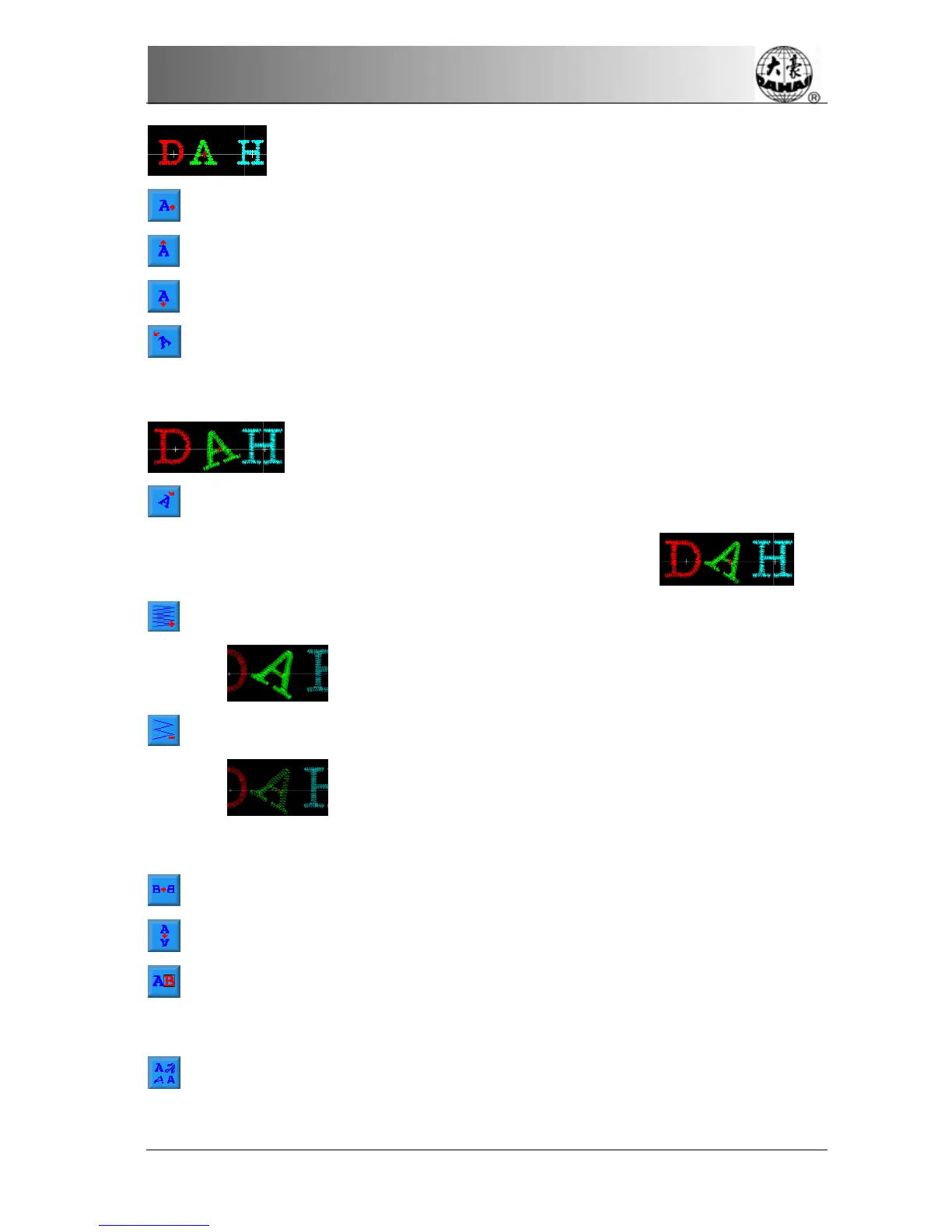
“Anticlockwise rotate”: With the letter as centre, ( “+” in the centre of
letter) rotate selected letter toward anticlockwise direction. Such as:
“Clockwise rotate”: With the letter as centre, ( “+” in the centre of letter)
rotate selected letter toward anticlockwise direction. Such as:
“Density increase”: Increase stain stitch density of the born letter pattern.
Such as:
“Density reduces”: Reduce stain stitch density of the born letter pattern.
Such as:
“Level overturns”: Left and right overturn the selected letter.
“Flip vertical”: Up and down overturn the selected letter.
“Change color switch”: Establish or cancel change the color that was set
before selected letter.
“Change letterform”: change letterform of selected letter. After clicking this
key, will flick the dialog box of select letterform, choose one of letterform that


 To Next Page