Chapter 2 Operation Instruction
BECS-A88/C88 computerized embroidery machine owner’s manual 21
in the main screen to enter into the “disk management” screen. You can
also input designs by choosing “Disk Input” in the design management screen.
Choosing a Design
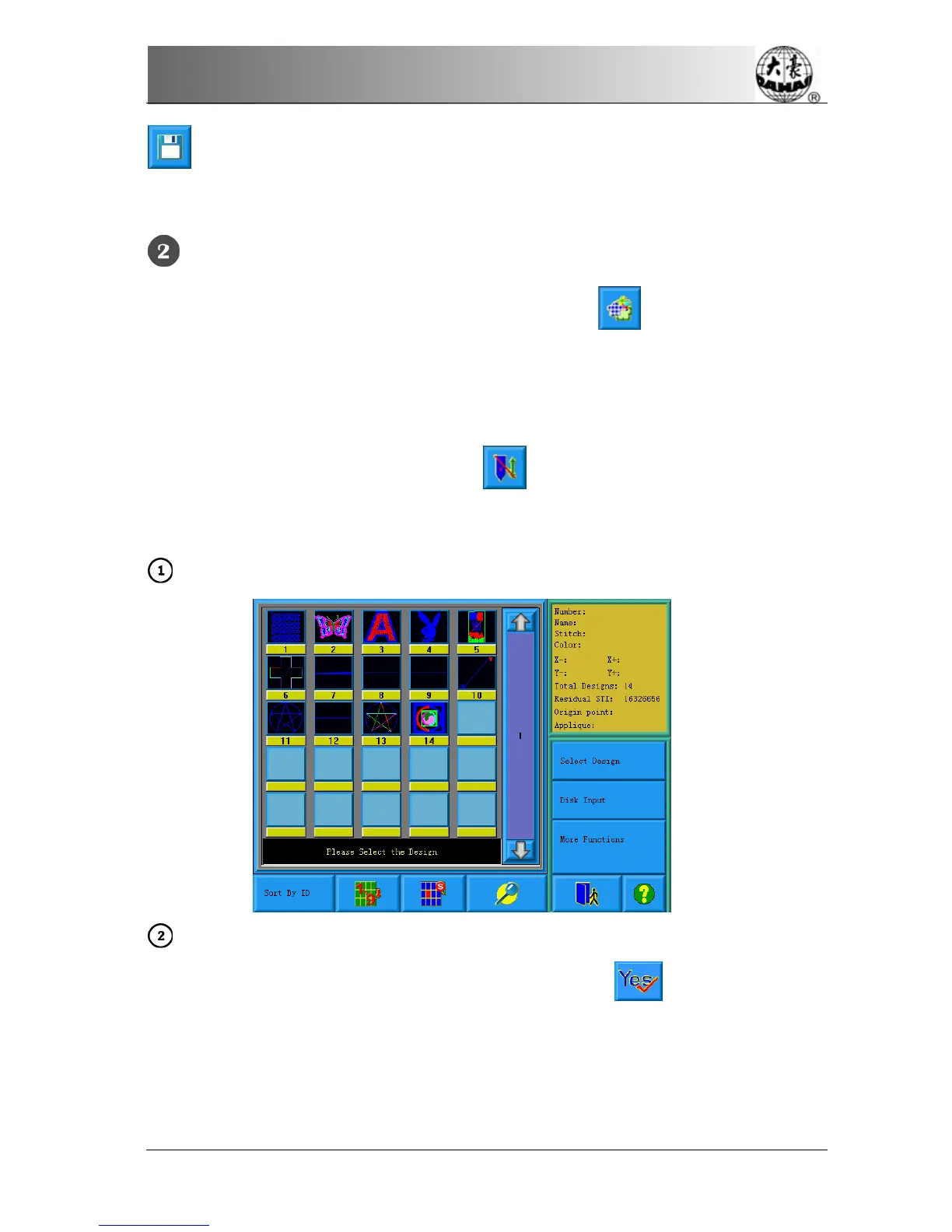
If the design management screen is not opened, click
in the main screen to
enter it. If the screen is opened but the current window stays at another function
screen, press the blue task switch key on the panel to enter the design
management screen. Only in the status
, it’s allowed to choose design for
embroidery.
Click “Select Design” in the design management screen.
If the design’s start point has been saved, the prompt “Move frame to design’s
start” will appear when entering the main screen. Click
and the frame will
automatically return to the start point.



 To Next Page