Chapter 2 Operation Instruction
22 BECS-A88/C88 computerized embroidery machine owner’s manual
Assistant Operation
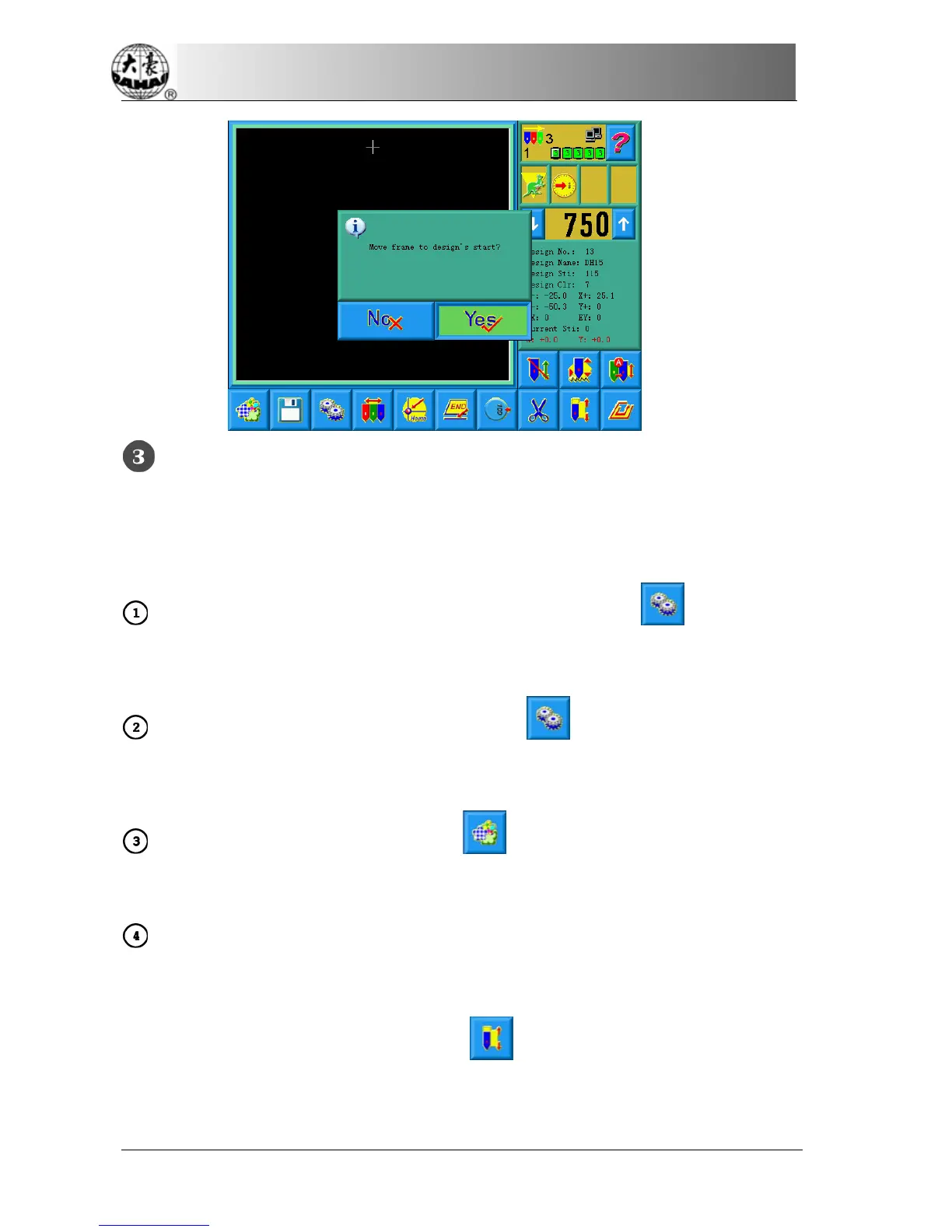
After choosing the design, the user will enter the main screen, and he can do the
needed assistant operations before embroidery.
Set repetition, rotation and scaling up/down——click to enter the
parameters management screen
Set the color-changing order ——click and then needle (color)
changing to enter the color-changing screen
Set patching embroidery——click to enter the design management
screen. Then click “More Functions” to set patching according to prompts
Show the range of embroidery design, move frame along the design range,
embroider along the design range, embroider one cross, embroider one line,
embroider the design outline——click to enter the assistant operation
screen



 To Next Page