Chapter 2 Operation Instruction
BECS-A88/C88 computerized embroidery machine owner’s manual 25
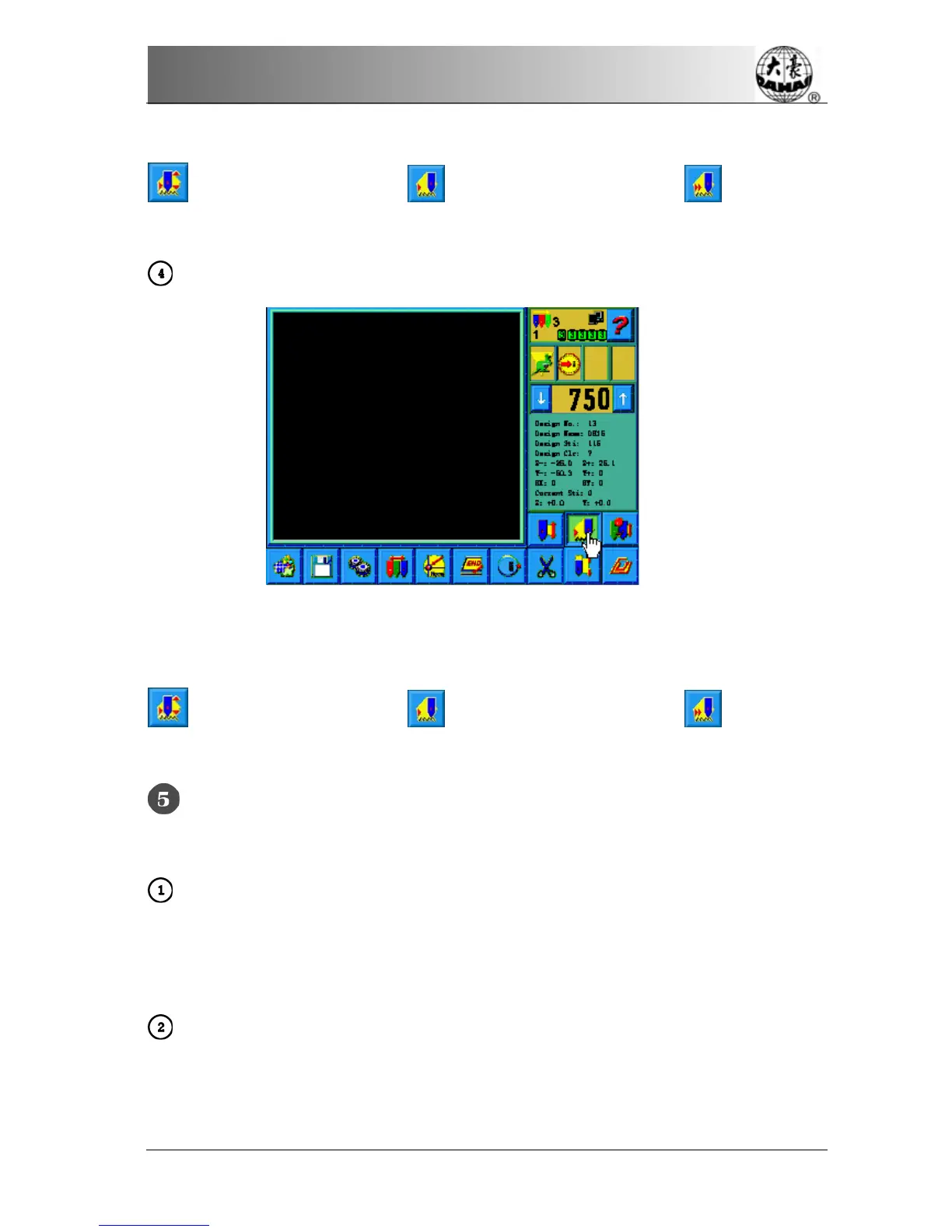
Click the position pointed in the above picture and the status will switch among
(normal embroidery), (low-speed idling) and (high-speed
idling).
Setting Normal Embroidery and Idling
Click the position pointed in the above picture and the status will switch among
(normal embroidery), (low-speed idling) and (high-speed
idling).
Pull the Bar to Embroider
Operation bar (embroidery bar under the table)
Stop Status:
Pull the bar right to begin embroidery (including low and high speed idling)
Pull the bar left to return (including low and high speed idling)
Running status:
Pull the bar right to the end to embroider slowly and release to normal speed.
Pull the bar left to stop embroidery (including low and high speed idling).



 To Next Page