Chapter 2 Operation Instruction
BECS-A88/C88 computerized embroidery machine owner’s manual 27
the main screen. The function can be used with manual frame-moving.
Manual Color-Changing
When the machine stops, click
in the main screen to enter the manual
color-changing screen. Then click the needle number for color-changing, and the
machine head will automatically move to the corresponding needle position. It’s
also possible to do color-changing by pressing the color-changing shortcut keys
marked with “+,-”. Please note: if the user wants to automatically save the
order of the manual color-changing (yes for “Store Manual Color” in embroidery
parameters), it has to be operated in the manual color-changing screen of the
touch screen.
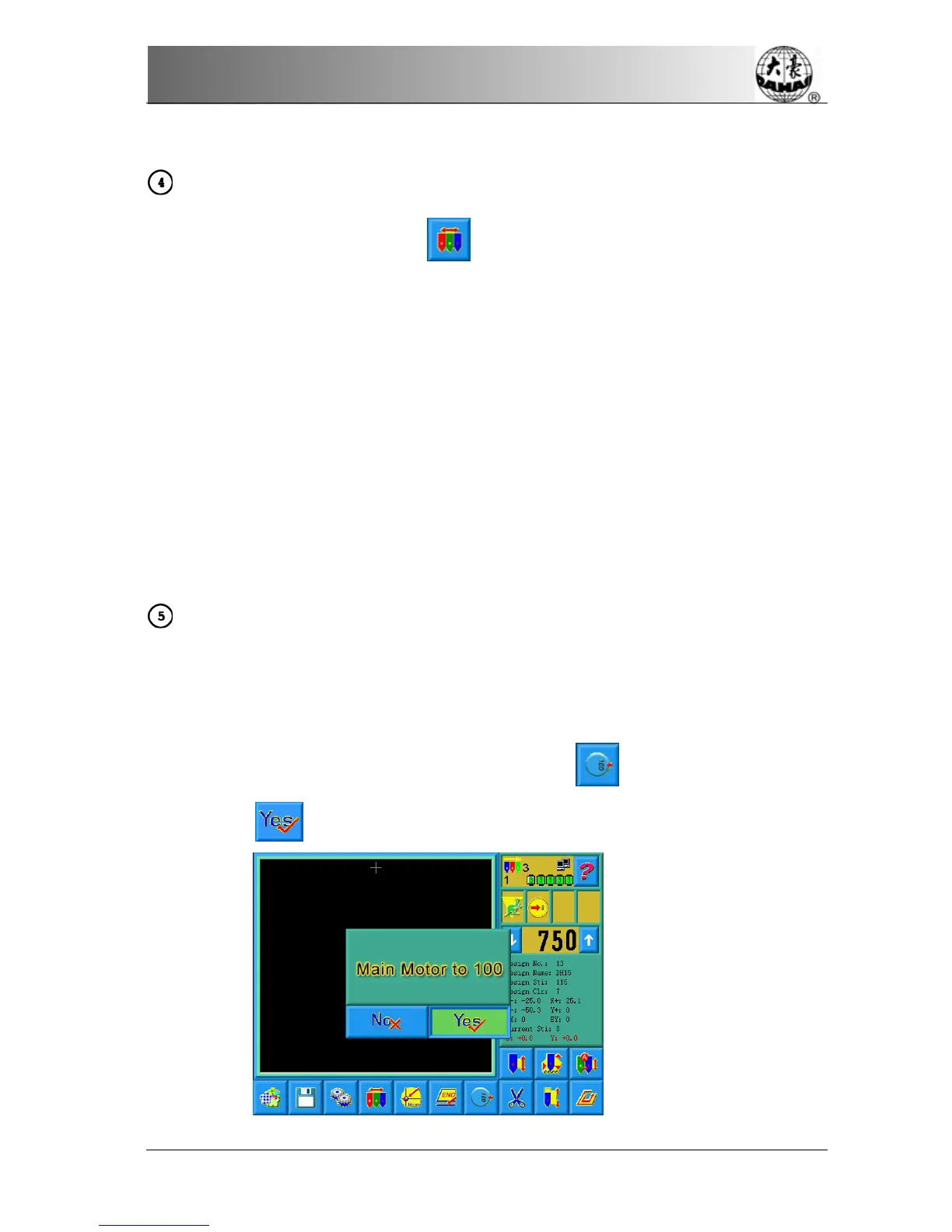
Turn the Main Shaft to 100°Manually
Usually the main shaft is needed to stop at 100°when needle/color-changing,
frame-moving and beginning embroidery. The user can manually turn the main
shaft at 100° when it hasn’t reached there. Click
in the main screen and
then choose
in the followed prompt to carry out the function.



 To Next Page