Danatronics, Corp.
72
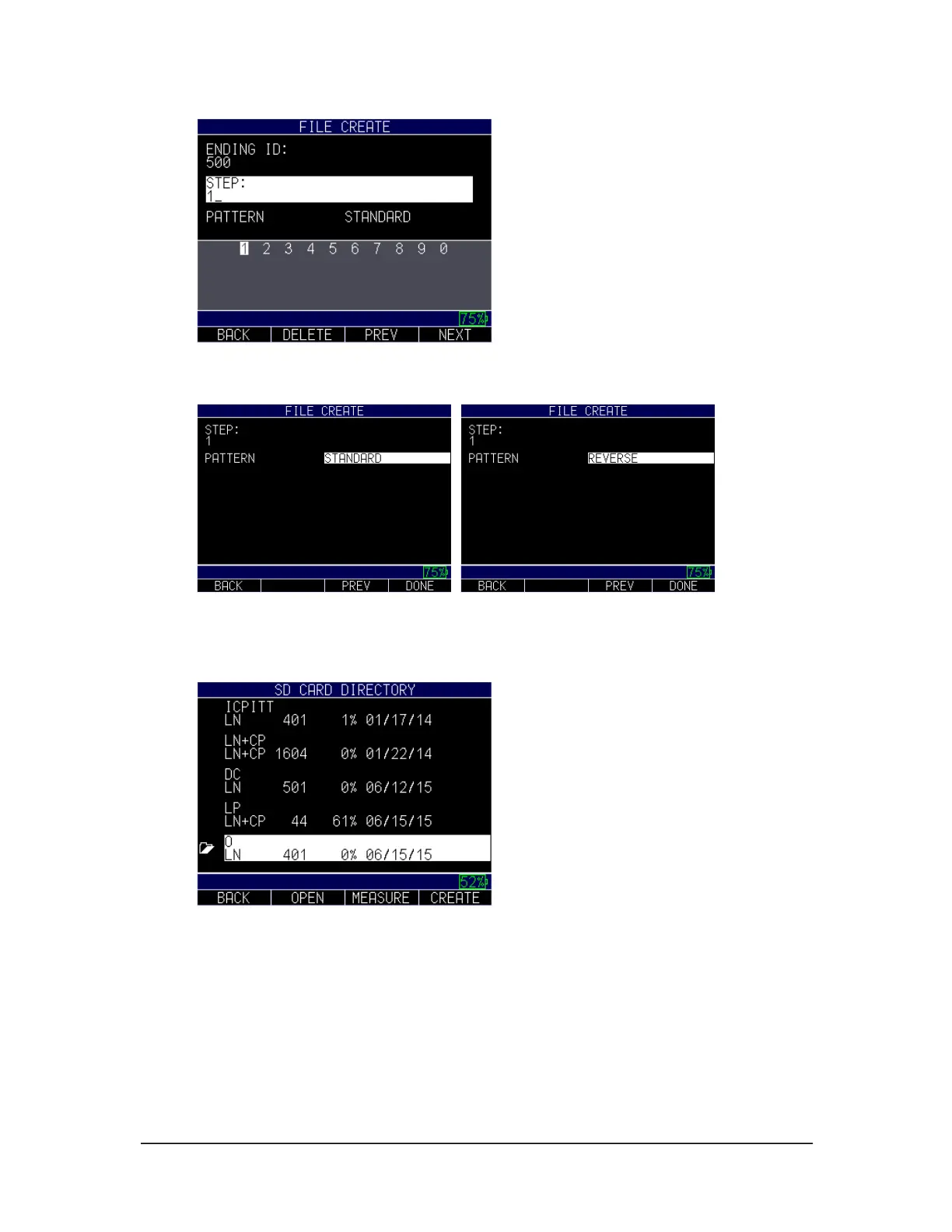
Use the up and down arrow keys to select a pattern (standard or reverse). Press the F4 -
Done key when you are finished.
Standard Reverse
The list of directories will appear. Simply highlight the file you want to open and press
F2 for open or F3 to return to Measure screen
Use the arrow keys to select any letter or symbol on the screen to create a Starting ID.
Press the F4 – Next key when you are done.
Repeat instructions above for the Ending ID.
Use the arrow keys to select any letter or symbol on the screen to create a Prefix. Press
the F4 – Next key when you are done.



 To Next Page