RS20iInstallationandOperatingGuide
Page 39
RS20i Installation & Operating Guide Document # 9301H52900 Ver. 1.02
• Current Input Preset – See Current Input Preset, page 39.
•
Startup Input Preset – See Startup Input Preset, page 40.
•
Edit Input Presets – See 4.3.1 Edit Input Presets, pag
e 40.
• Assign Buttons – See 4.3.2 Input Button Assignments, page 42.
•
Input Source – See 4.3.4 Input Source, page 43.
•
Input Options – See 4.3.5 Input Options,
page 45.
• Audio EQ Setup – See4.4 Audio EQ Setup, page 53.
• Output
Preset See 4.5 Output Preset, pa
ge 64.
• Audio Levels See 4.4.6 Audio Levels, page 62.
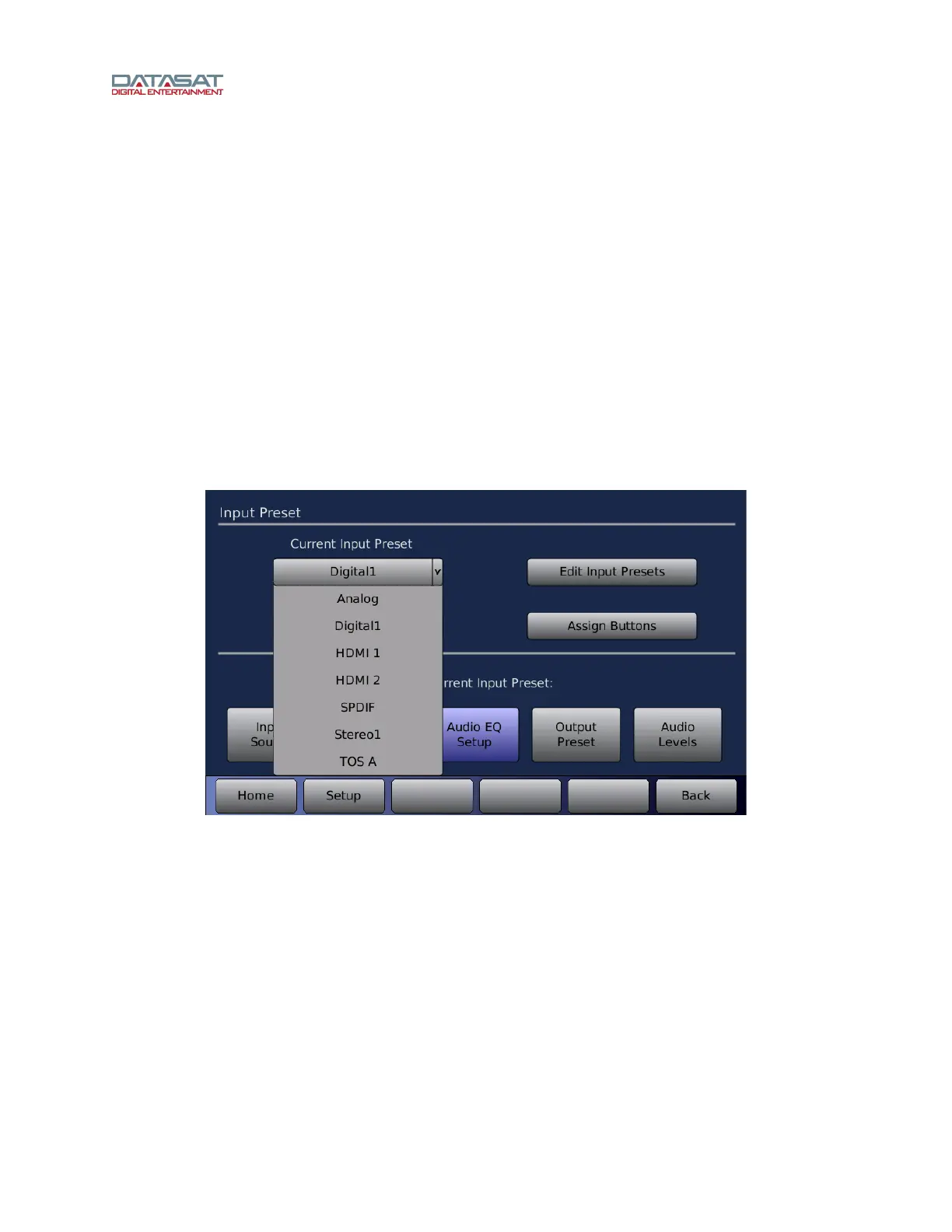
Current Input Preset
Select the Input Preset you wish to modify from the drop-down list of installed inputs. This is a convenient
way to select the Input Preset for configuration without going to the Home screen. Touch the drop down
list to open it, then touch the input name to select it. This will become the current Input Preset.
Figure 19. Select Current Input Preset



 To Next Page