RS20iInstallationandOperatingGuide
Page 58
RS20i Installation & Operating Guide Document # 9301H52900 Ver. 1.02
4.4.3.1 Channel Number Selection
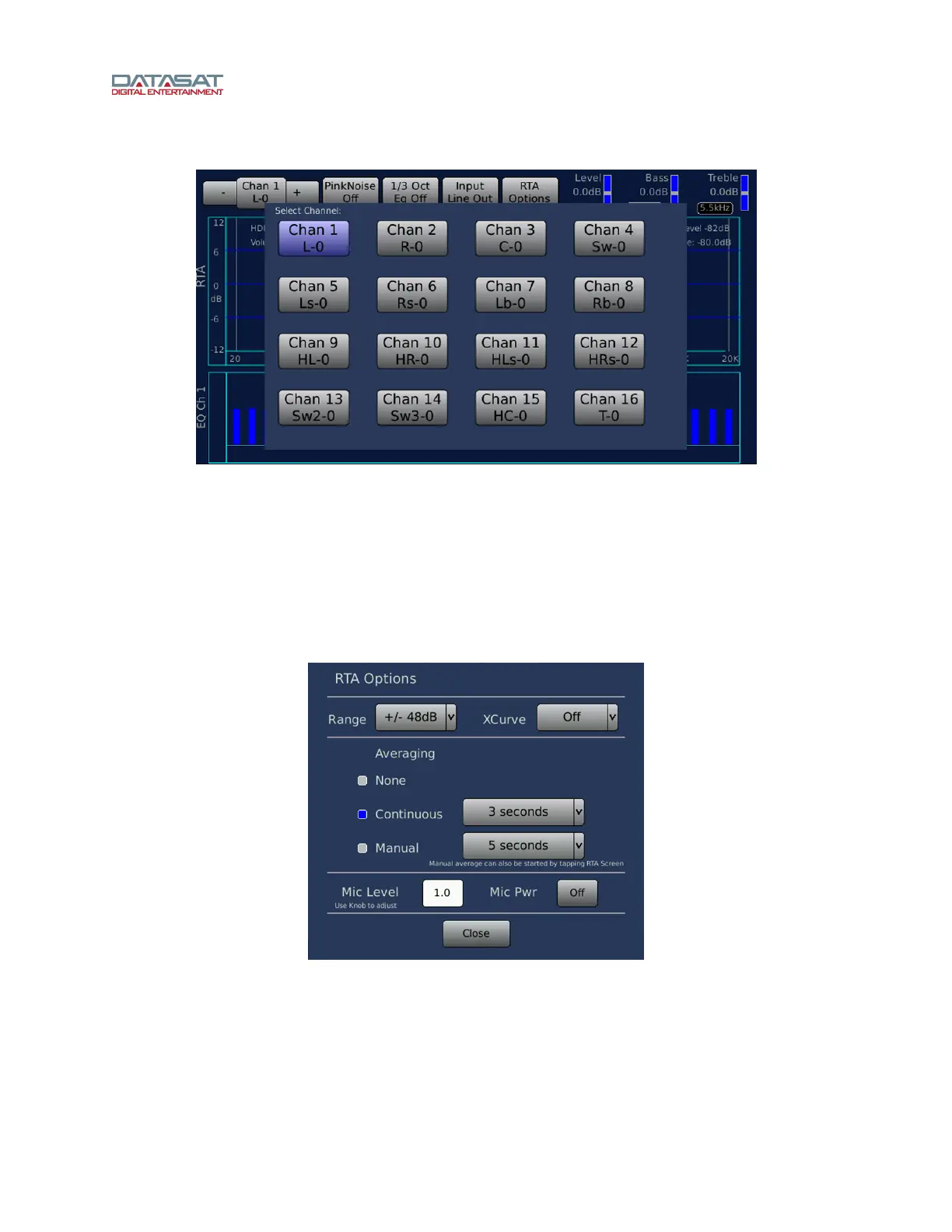
Figure 36. Channel Number Selection Screen
Touch the Chan button to bring up a display of all sixteen channels. Select the channel you would like to
equalize. You may also select the next channel by touching the + sign button to the right of the Chan
button, or select the previous channel by touching the - sign button left of the Chan button.
A channel selection button color will be blue if that channel has a non-flat configuration.
4.4.3.2 RTA Options
RTA Options is a global setting that is used for RTA configuration in both 1/3 Octave Equalization and
Parametric Equalization.
Figure 37. RTA Options Screen



 To Next Page