User's Guide
- 116 -
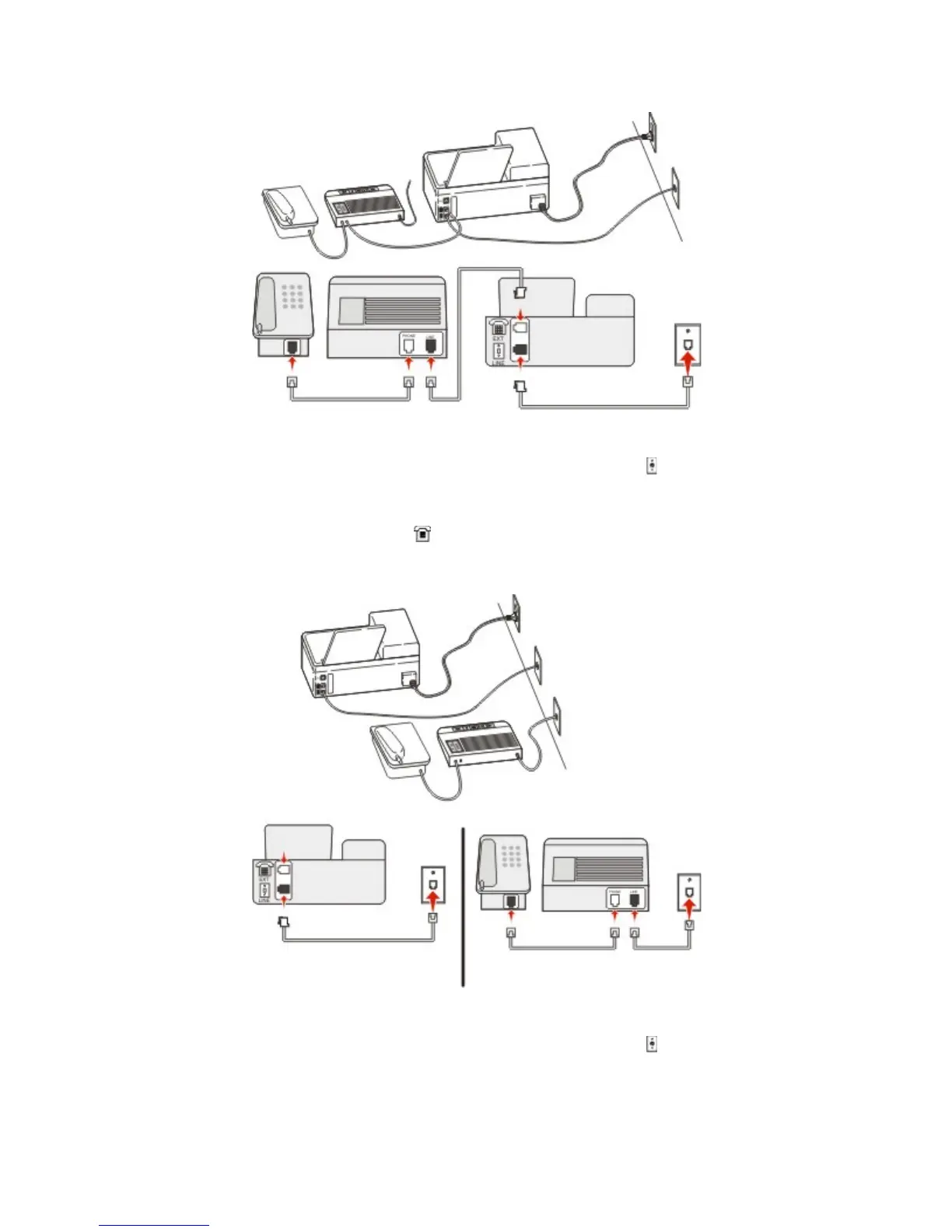
To connect:
1. Connect one end of the telephone cable that came with the printer to the
port of the printer.
2. Connect the other end of the telephone cable to an active analog wall jack.
3. Connect the answering machine to the
port of the printer.
Connected to different wall jacks
To connect:
1. Connect one end of the telephone cable that came with the printer to the
port of the printer.
2. Connect the other end of the telephone cable to an active analog wall jack.










 To Next Page