User's Guide
- 17 -
Understanding the colors of the indicator and Sleep button
lights
The colors of the indicator and Sleep button lights on the printer control panel signify a certain printer
status or condition.
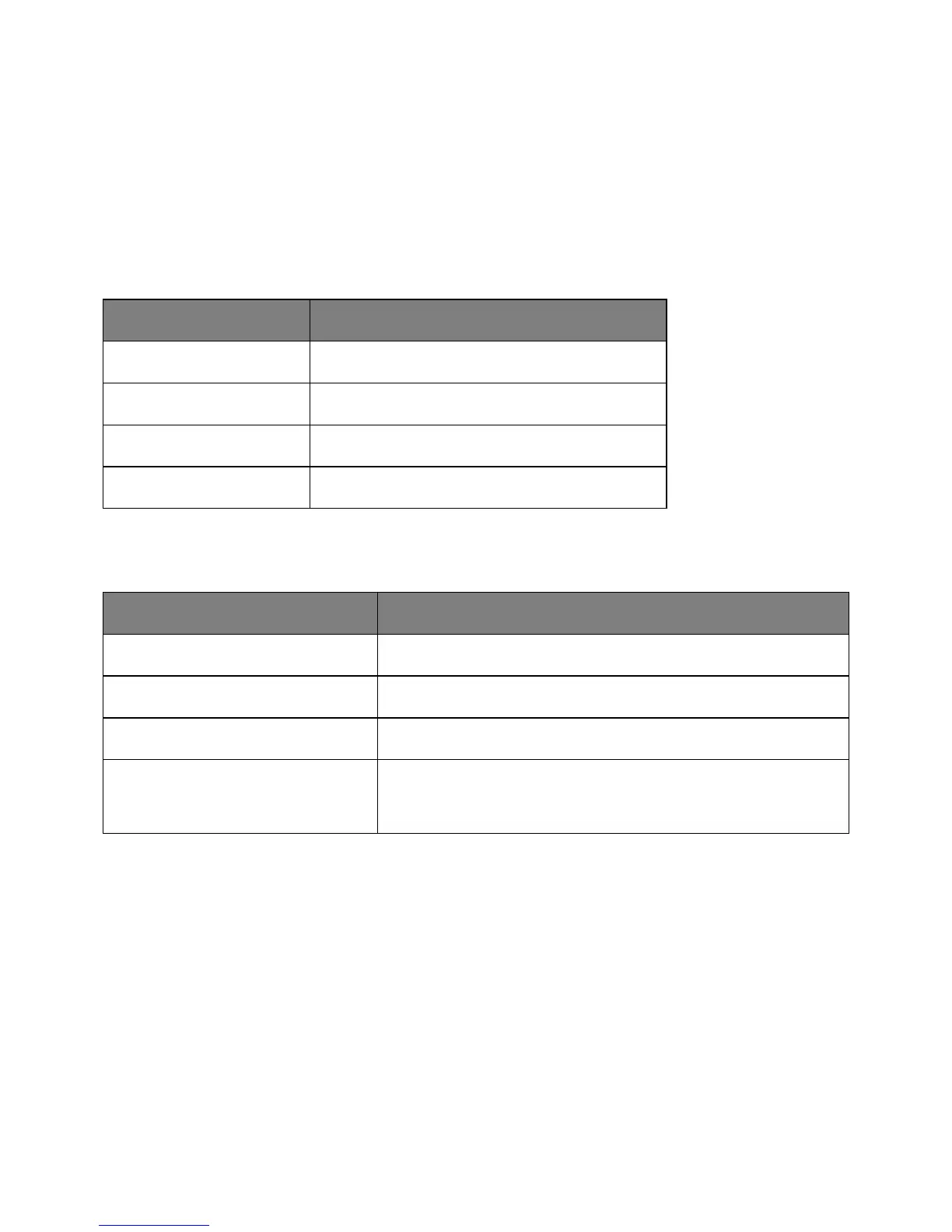
Indicator light color and its corresponding printer status
The printer is off or in Hibernate mode.
The printer is warming up, processing data, or printing.
The printer is on, but idle.
The printer requires user intervention.
Sleep button light color and its corresponding printer status
Off The printer is idle or in Ready state.
The printer is in Sleep mode.
The printer is waking from or entering Hibernate mode.
Blinking amber for 0.1 second, then goes
completely off for 1.9 seconds in pulsing
pattern
The printer is in Hibernate mode.
Understanding the home screen
When the printer is turned on, the display shows a basic screen, referred to as the home screen. Use the
home screen buttons and icons to initiate an action such as copying, faxing, or scanning; to open the
menu screen; or respond to messages.
Note: Your home screen may vary depending on your home screen customization settings, administrative
setup, and active embedded solutions.










 To Next Page