User's Guide
- 239 -
Saving energy
Using Eco-Mode
1. Open a Web browser, and then type the printer IP address in the address field.
Notes:
- View the printer IP address on the printer home screen. The IP address appears as four sets of
numbers separated by periods, such as 123.123.123.123.
- If you are using a proxy server, then temporarily disable it to load the Web page correctly.
2. Click Settings >General Settings >Eco-Mode > select a setting
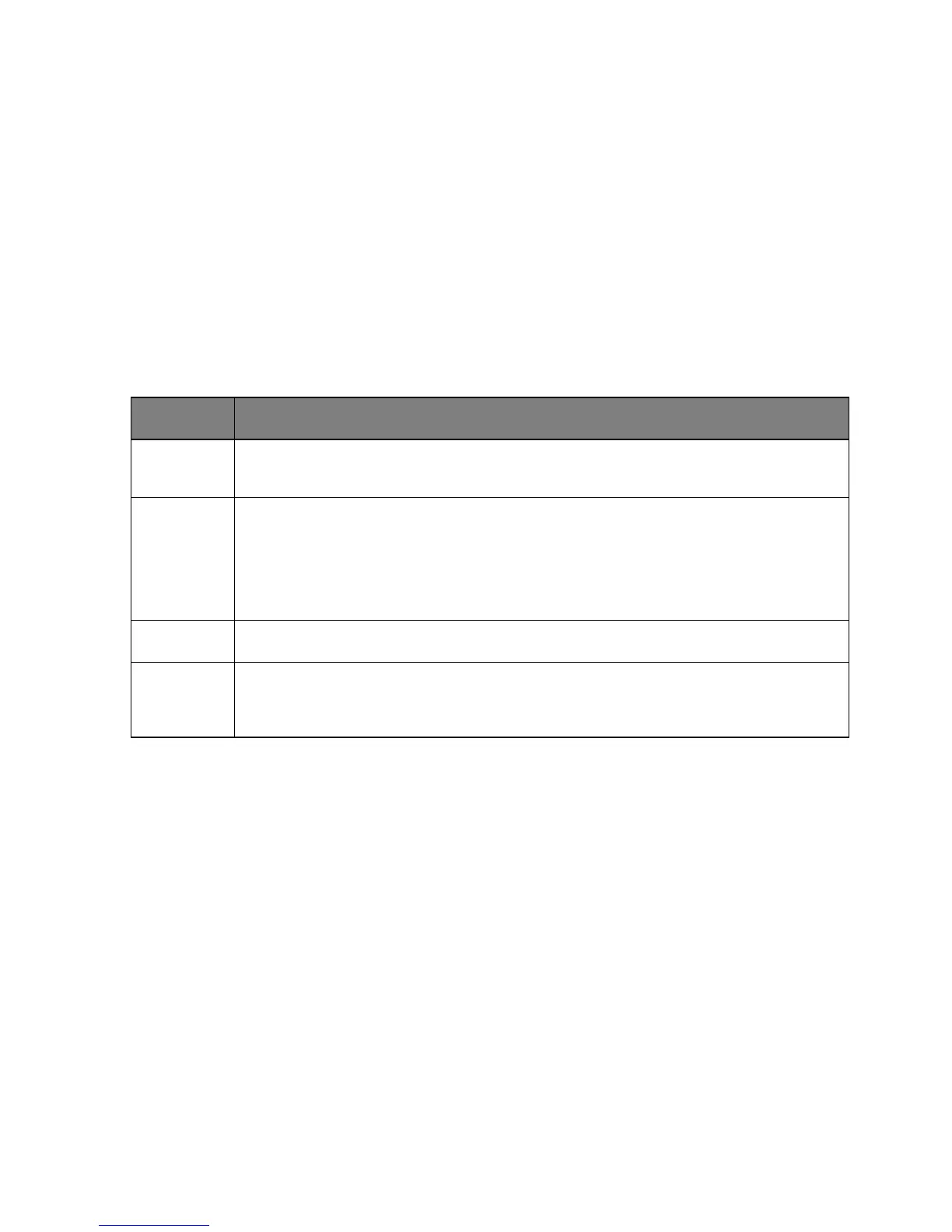
Use the factory default settings for all settings associated with Eco-Mode. Off supports the
performance specifications of the printer.
Energy Reduce energy use, especially when the printer is idle.
• Printer engine motors do not start until it is ready to print. You may notice a short delay
before the first page is printed.
• The printer enters Sleep mode after one minute of inactivity.
Energy/Paper Use all the settings associated with Energy and Paper modes.
Plain Paper
• Enable the automatic two-sided (duplex) feature.
• Turn off print log features.
3. Click Submit.
Reducing printer noise
Enable Quiet Mode to reduce printer noise.
1. Open a Web browser, and then type the printer IP address in the address field.
Notes:
- View the printer IP address on the printer home screen. The IP address appears as four sets of
numbers separated by periods, such as 123.123.123.123.
- If you are using a proxy server, then temporarily disable it to load the Web page correctly.










 To Next Page