User's Guide
- 135 -
12—Scanning
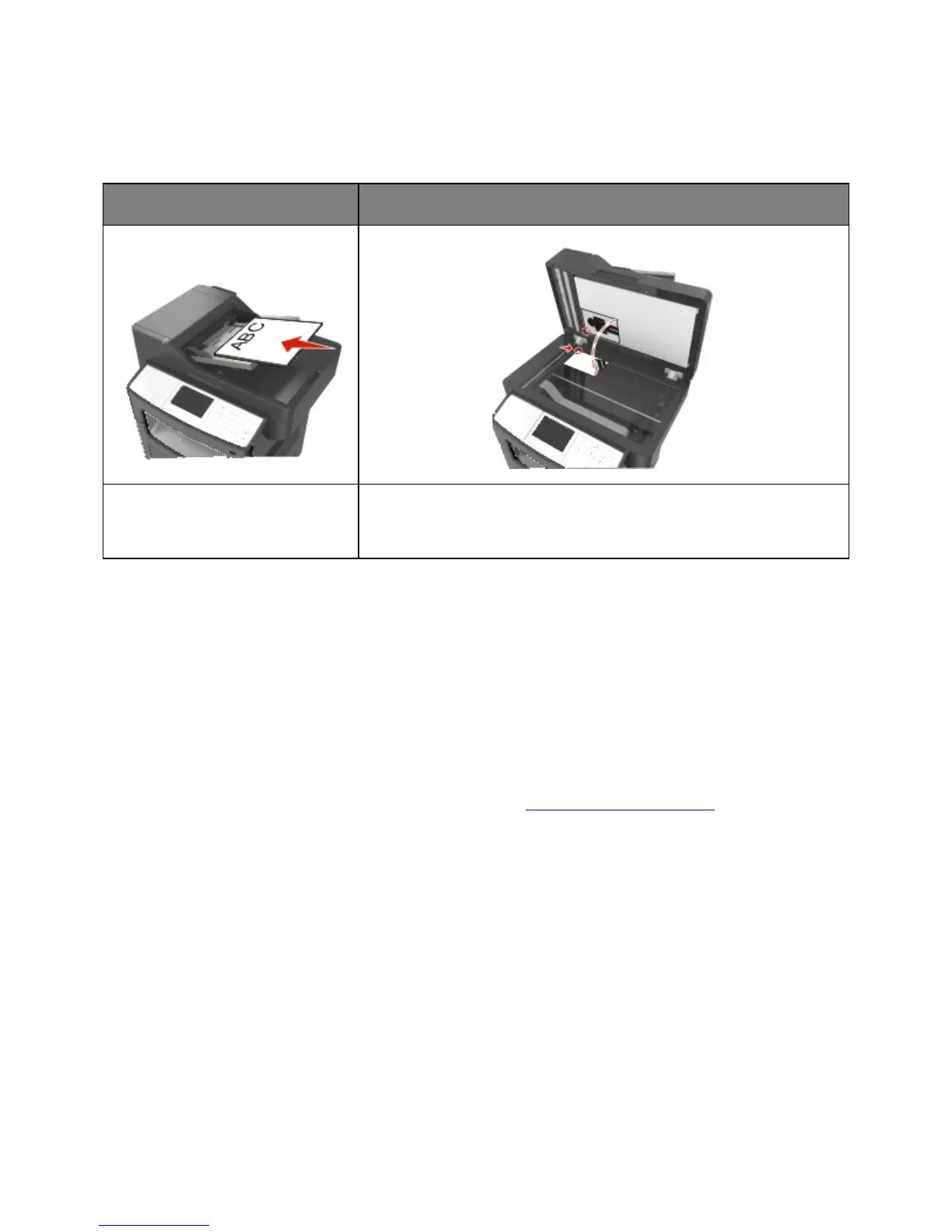
Automatic document feeder (ADF)
Use the ADF for multiple-page
documents.
Use the scanner glass for single pages, small items (such as postcards or
photos), transparencies, photo paper, or thin media (such as magazine
clippings).
The scanner lets you scan documents directly to a computer or a flash drive. The computer does not
have to be directly connected to the printer for you to receive Scan to PC images. You can scan the
document back to the computer over the network by creating a scan profile on the computer and then
downloading the profile to the printer.
Using Scan to Network
Scan to Network lets you scan your documents to network destinations specified by your system support
person. After the destinations (shared network folders) have been established on the network, the setup
process for the application involves installing and configuring the application on the appropriate printer
using its Embedded Web Server. For more information, see
Setting up Scan to Network.










 To Next Page