User's Guide
- 308 -
Unexpected page breaks occur
Increase the printing timeout.
1. From the home screen, navigate to:
>Settings >General Settings >Timeouts
2. Increase the Print Timeout setting, and then
touch Submit.
3. Resend the print job.
Did the file print correctly?
solved.
Check the original file for manual
page breaks.
Print quality problems
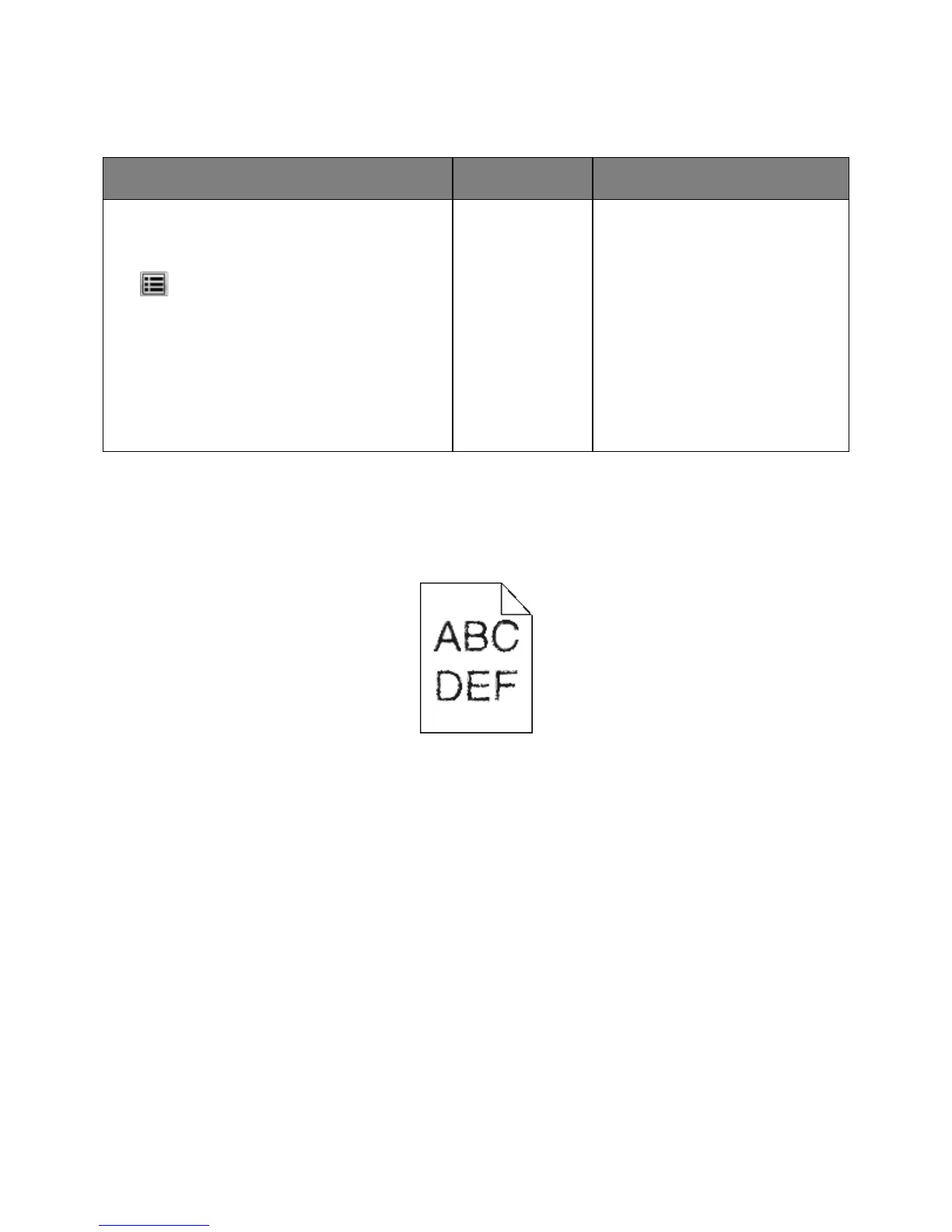
Characters have jagged or uneven edges










 To Next Page