User's Guide
- 326 -
Replace the imaging unit, and then resend the print job.
Is the printer printing solid black pages?
technical
support.
is solved.
Transparency print quality is poor
From the printer control panel, set the paper type in the Paper
menu to match the paper loaded in the tray.
Is the paper type for the tray set to Transparency?
Transparency.
Check if you are using a recommended type of transparency.
Resend the print job.
Is the print quality still poor?
support.
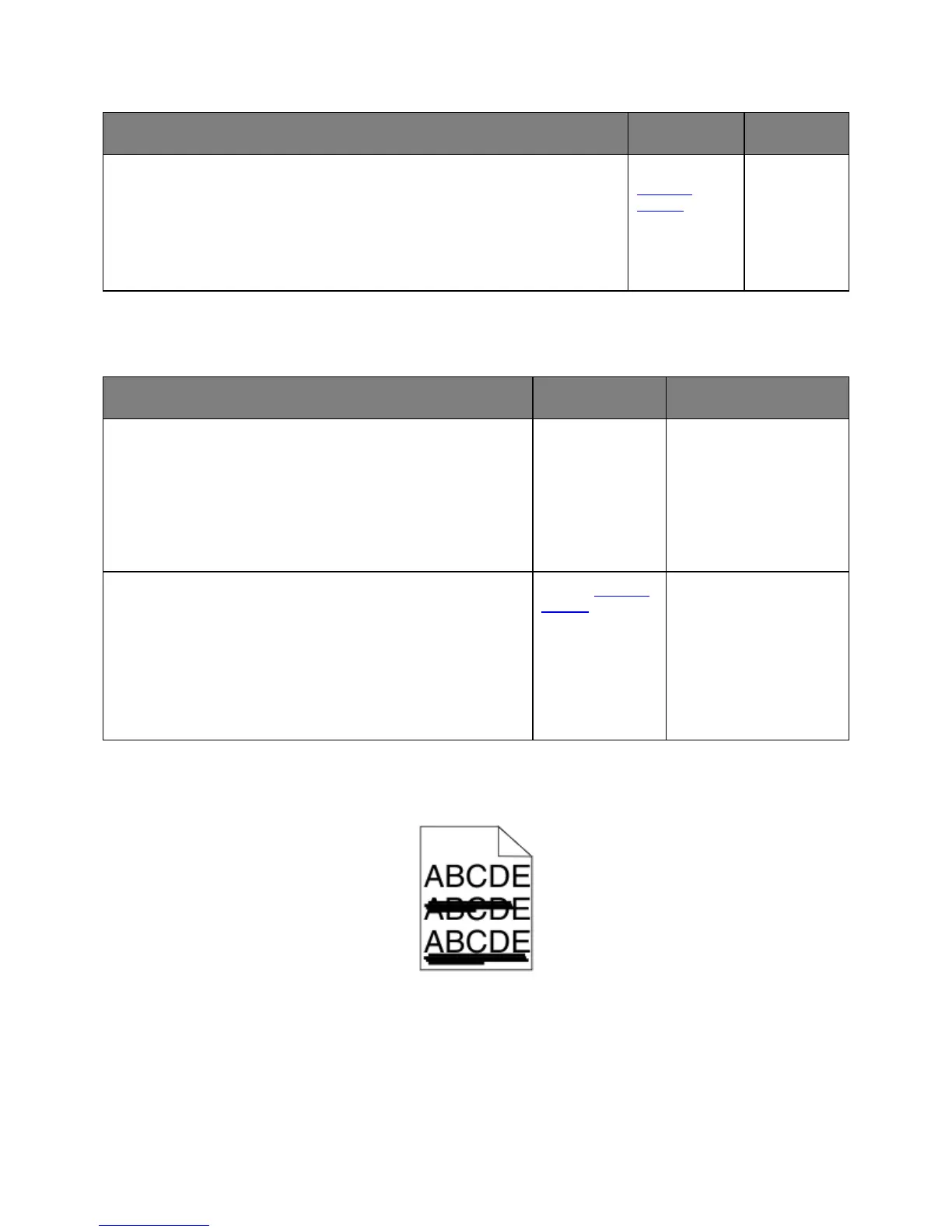
Streaked horizontal lines appear on prints










 To Next Page