User's Guide
- 314 -
Replace the imaging unit, and then
resend the print job.
Do shadow images still appear on
prints?
Contact technical support.
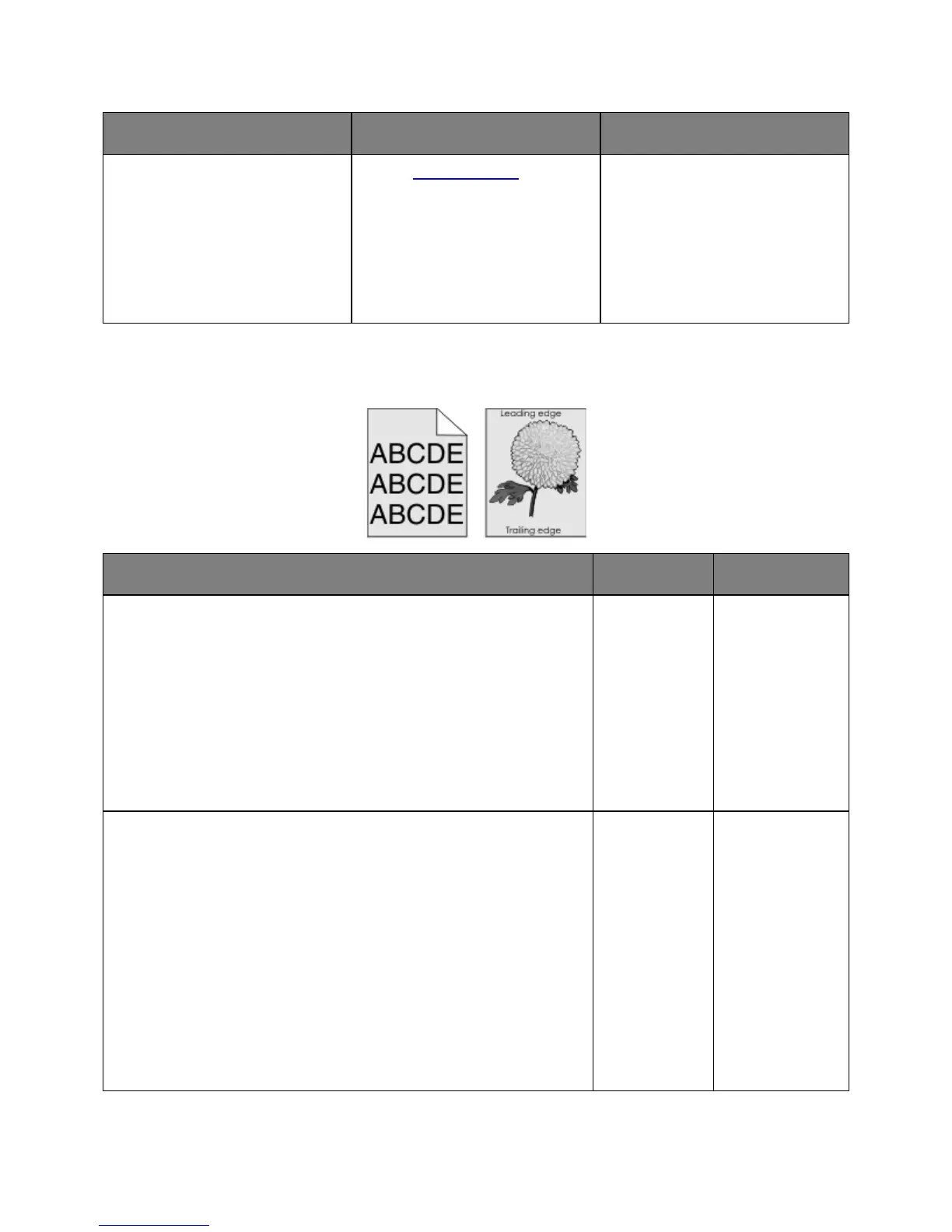
Gray background on prints
Check if Allow Background Removal is set to Off.
1. From the General Settings menu, set Allow Background Removal to
On.
2. Resend the print job.
Did the background disappear from the prints?
The problem is
solved.
Go to step 2.
Adjust the toner darkness to a lighter setting.
1. From the Quality Menu, select a lower value to reduce toner density.
- 4 is the factory default setting.
- If Print Mode is set to Black Only, then a setting of 5 increases
toner density and darkness for all print jobs.
2. Resend the print job.
Did the background disappear from the prints?
solved.










 To Next Page