User's Guide
- 41 -
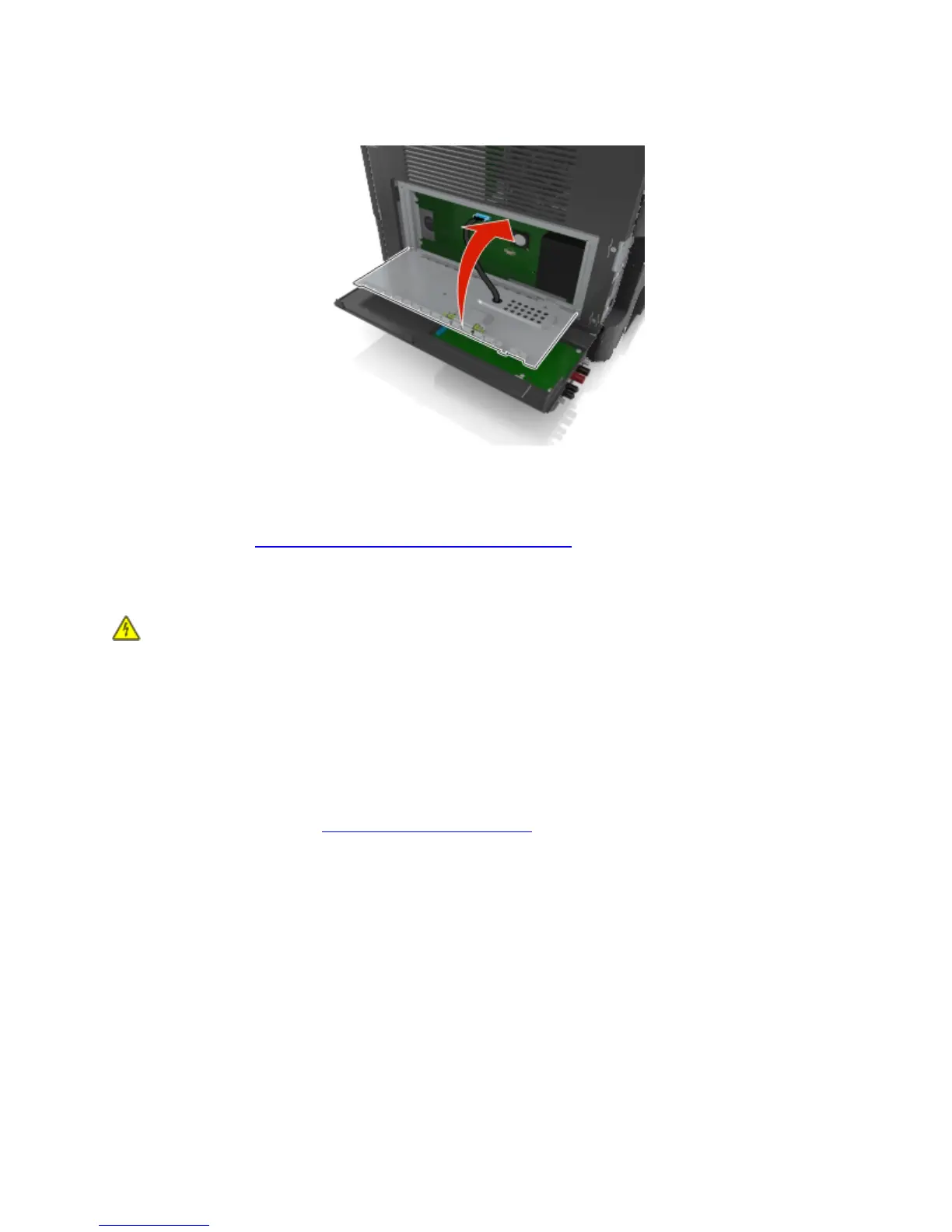
13. Close the controller board shield.
14. Close the ISP exterior cover.
Note: When the printer software and any hardware options are installed, it may be necessary to
manually add the options in the printer driver to make them available for print jobs. For more
information, see
Updating available options in the printer driver.
Installing a printer hard disk
CAUTION—SHOCK HAZARD: If you are accessing the controller board or installing optional
hardware or memory devices sometime after setting up the printer, then turn the printer off, and unplug
the power cord from the electrical outlet before continuing. If you have any other devices attached to the
printer, then turn them off as well, and unplug any cables going into the printer.
Warning—Potential Damage: Controller board electronic components are easily damaged by static
electricity. Touch something metal on the printer before touching any controller board electronic
components or connectors.
1. Access the controller board.
For more information, see
Accessing the controller board.
2. Unpack the printer hard disk.
3. Install the printer hard disk on the controller board.
Warning—Potential Damage: Hold only the edges of the printed circuit board assembly. Do not
touch or press on the center of the printer hard disk. Doing so may cause damage.










 To Next Page