User's Guide
- 19 -
Access print jobs saved by user.
Access profiles and solutions.
Features
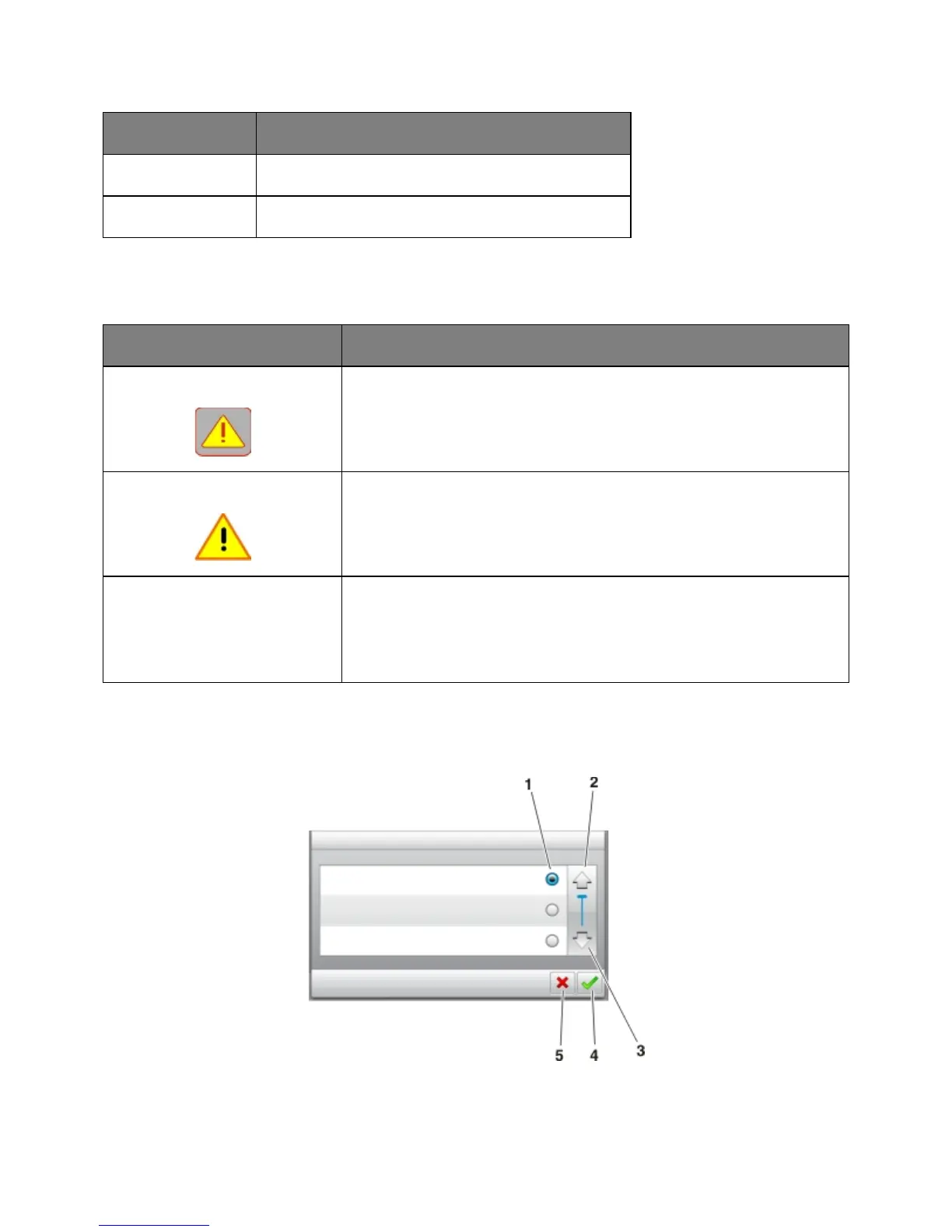
Attendance message alert
If an attendance message affects a function, then this icon appears and the
red indicator light blinks.
If an error condition occurs, then this icon appears.
Example: 123.123.123.123
The IP address of your printer is located at the top left corner of the home
screen and appears as four sets of numbers separated by periods. You can
use the IP address when accessing the Embedded Web Server to view and
remotely configure printer settings even when you are not physically near the
printer.
Using the touch-screen buttons










 To Next Page