User's Guide
- 91 -
9—Copying
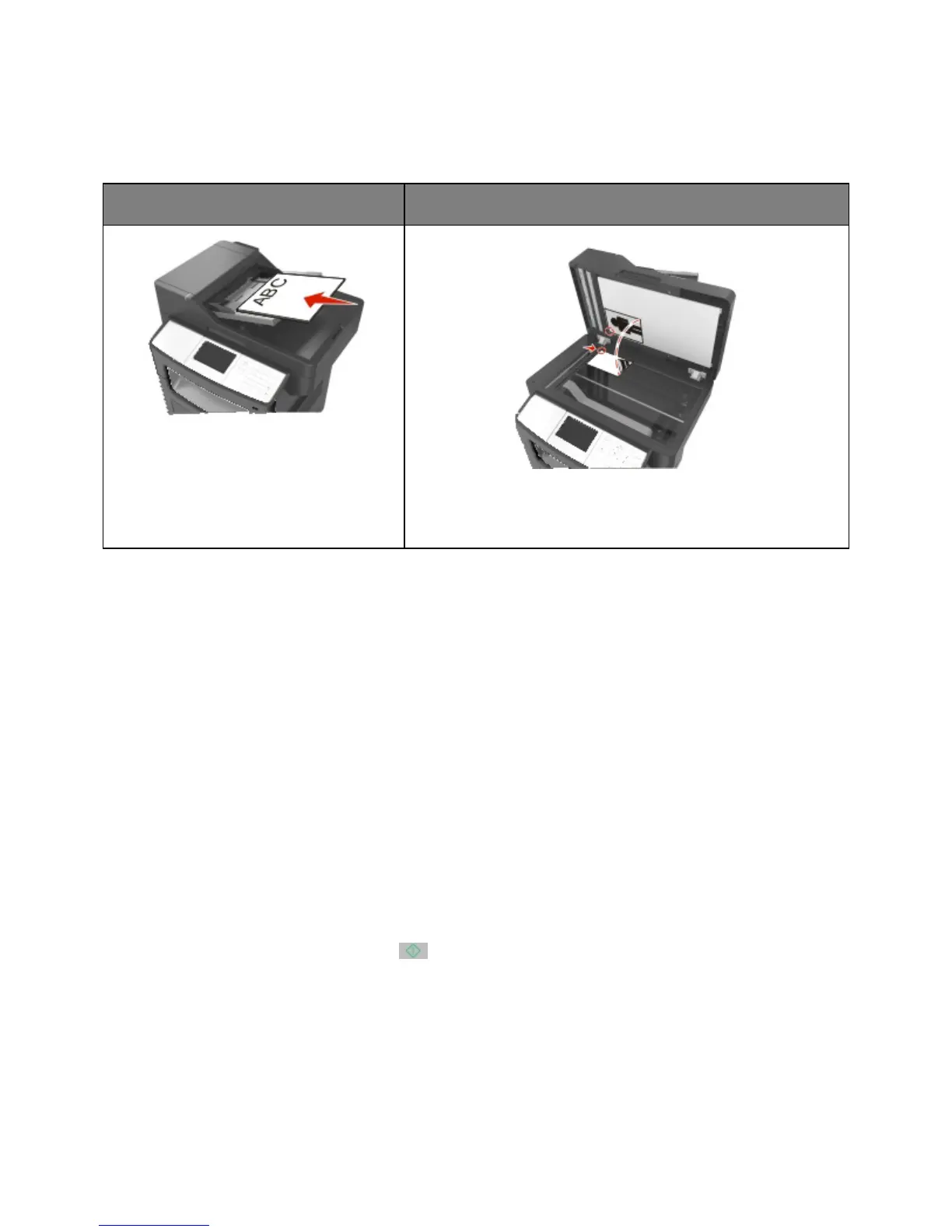
Use the ADF for multiple-page documents
including two-sided (duplex) pages.
Use the scanner glass for single-page documents, book pages,
small items (such as postcards or photos), transparencies, photo
paper, or thin media (such as magazine clippings).
Making copies
Making a quick copy
1. Load an original document faceup, short edge first into the ADF tray or facedown on the scanner
glass.
Notes:
- Do not load postcards, photos, small items, transparencies, photo paper, or thin media (such as
magazine clippings) into the ADF tray. Place these items on the scanner glass.
- The ADF indicator light comes on when the paper is loaded properly.
2. If you are loading a document into the ADF tray, then adjust the paper guides.
Note: To avoid a cropped image, make sure the size of the original document and the size of the
copy paper are the same.
3. From the printer control panel, press
.










 To Next Page