User's Guide
- 261 -
18—Clearing jams
By carefully selecting paper and specialty media and loading it properly, you should be able to avoid most
jams. If jams occur, then follow the steps outlined in this chapter.
Warning—Potential Damage: Never use any tool to remove a jam. Doing so could permanently damage
the fuser.
Avoiding jams
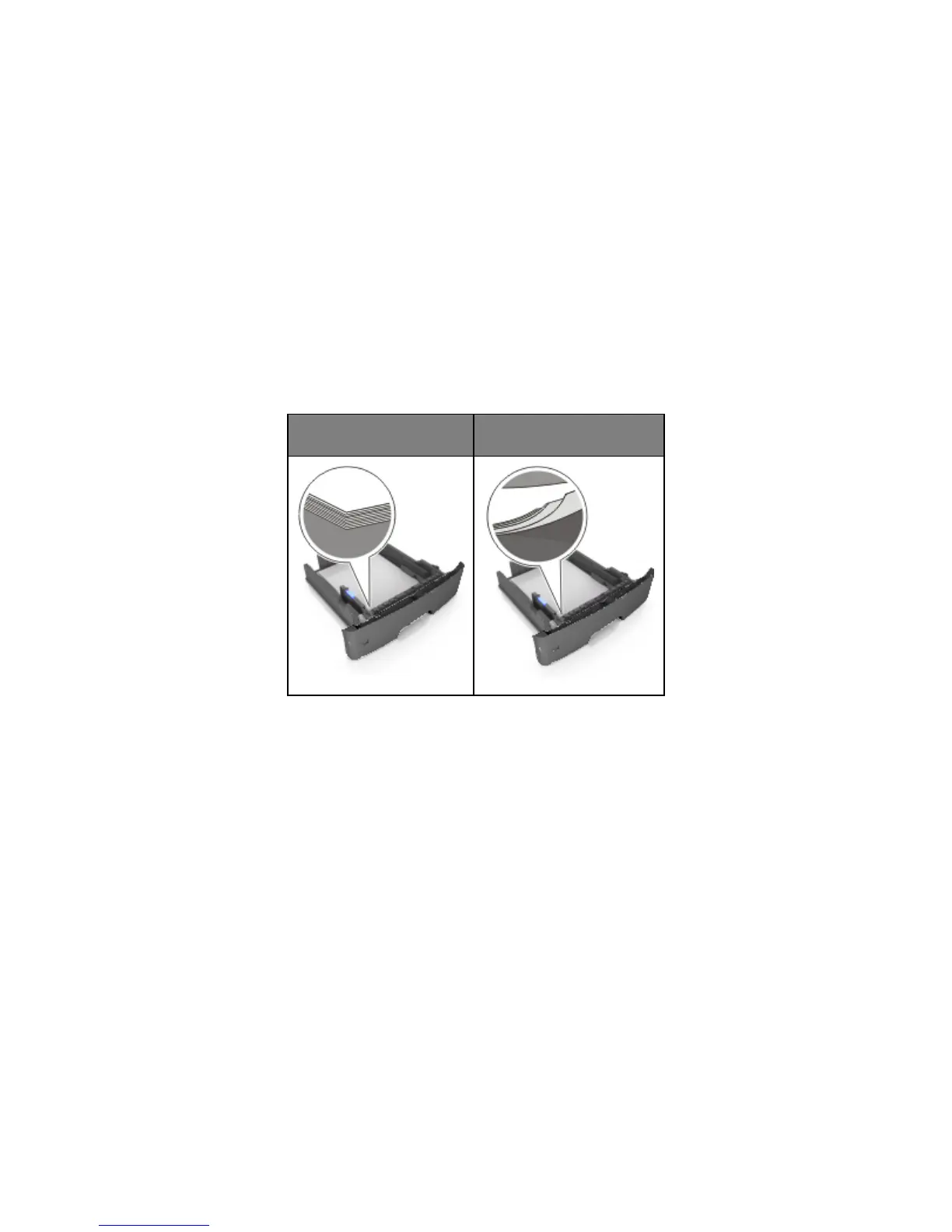
Load paper properly
• Make sure paper lies flat in the tray.
Incorrect loading of paper
• Do not remove a tray while the printer is printing.
• Do not load a tray while the printer is printing. Load it before printing, or wait for a prompt to load it.
• Do not load too much paper. Make sure the stack height is below the maximum paper fill indicator.










 To Next Page