User's Guide
- 315 -
Reinstall the toner cartridge.
1. Remove the cartridge.
2. Install the cartridge.
3. Resend the print job.
Did the background disappear from the prints?
solved.
Check if off-white background is selected.
1. Depending on your operating system, set off-white background from
Print Properties or the Print dialog.
2. Resend the print job.
Did the background disappear from the prints?
solved.
support.
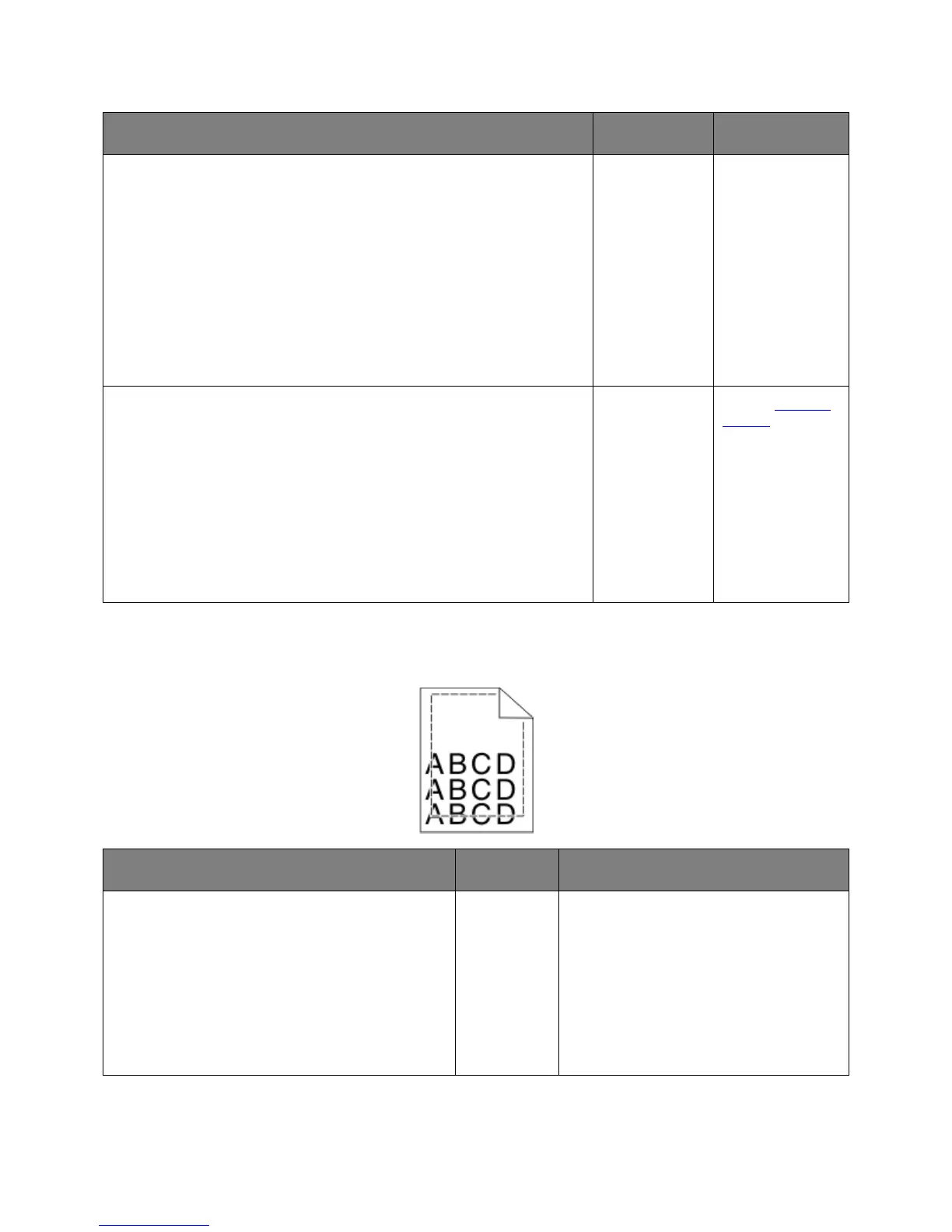
Incorrect margins on prints
Action Yes No
1. Move the width and length guides in the tray to
the correct positions for the paper size loaded.
2. Resend the print job.
Are the margins correct?
The problem
is solved.
Go to step 2.










 To Next Page