User's Guide
- 311 -
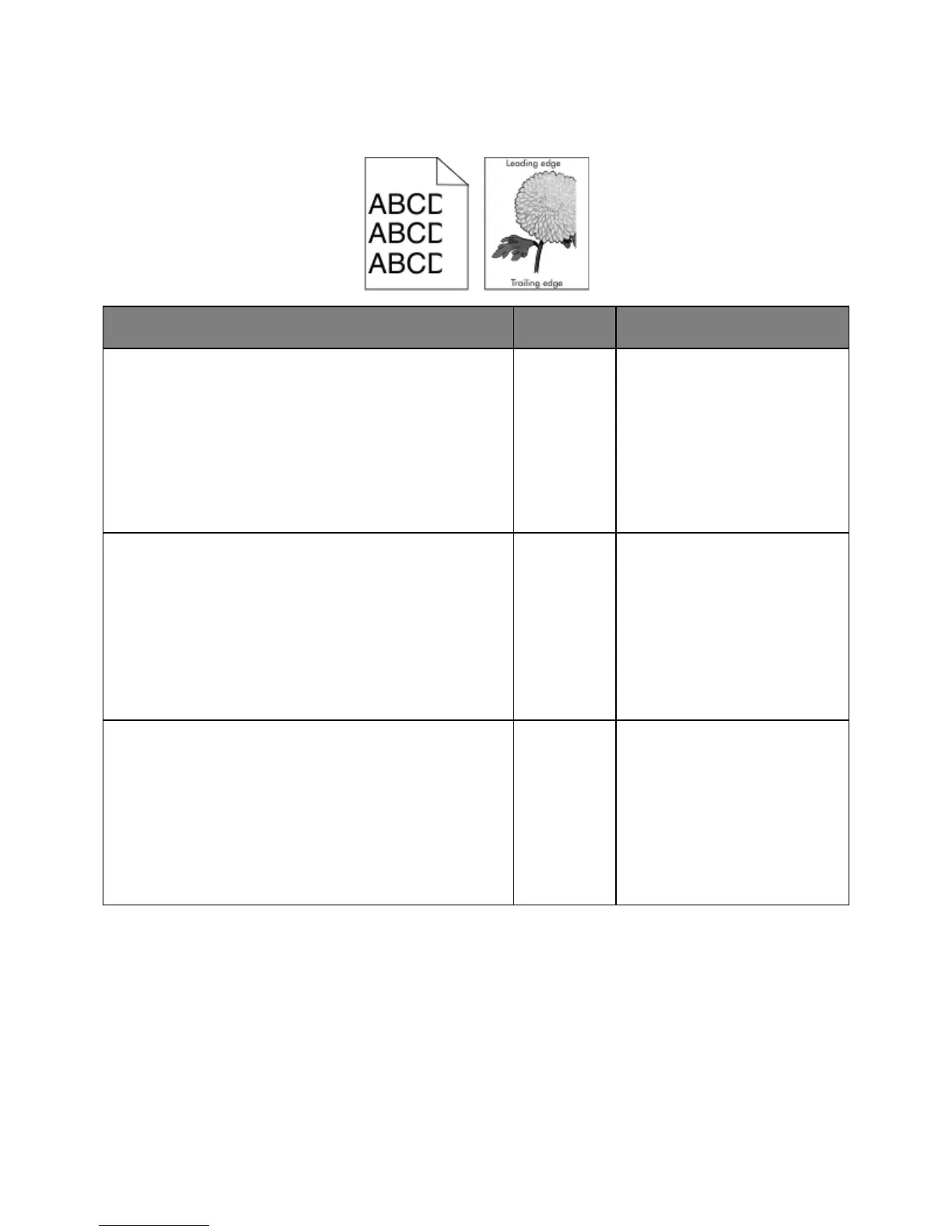
Clipped pages or images
1. Move the width and length guides in the tray to the correct
positions for the paper loaded.
2. Resend the print job.
Is the page or image clipped?
From the printer control panel, set the paper size and type in
the Paper menu to match the paper loaded in the tray.
Do the paper size and type match the paper loaded in the tray?
Do one or more of the following:
• Specify the paper size from
the tray settings to match the
paper loaded in the tray.
• Change the paper loaded in
the tray to match the paper
size specified in the tray
settings.
1. Depending on your operating system, specify the paper
size from Printing Preferences or from the Print dialog.
2. Resend the print job.
Is the page or image clipped?










 To Next Page