User's Guide
- 329 -
Load paper from a fresh package.
Note: Paper absorbs moisture due to
high humidity. Store paper in its original
wrapper until you use it.
Resend the print job.
Do streaked vertical lines appear on prints?
Reinstall the imaging unit.
Remove the toner cartridge, and then the
imaging unit.
Warning—Potential Damage: Do
not expose the imaging unit to direct
light for more than 10 minutes.
Extended exposure to light may
cause print quality problems.
Install the imaging unit, and then the cartridge.
Resend the print job.
Do streaked vertical lines appear on prints?
Replace the imaging unit, and then resend the
print job.
Do streaked vertical lines appear on prints?
Contact technical support. The problem is solved.
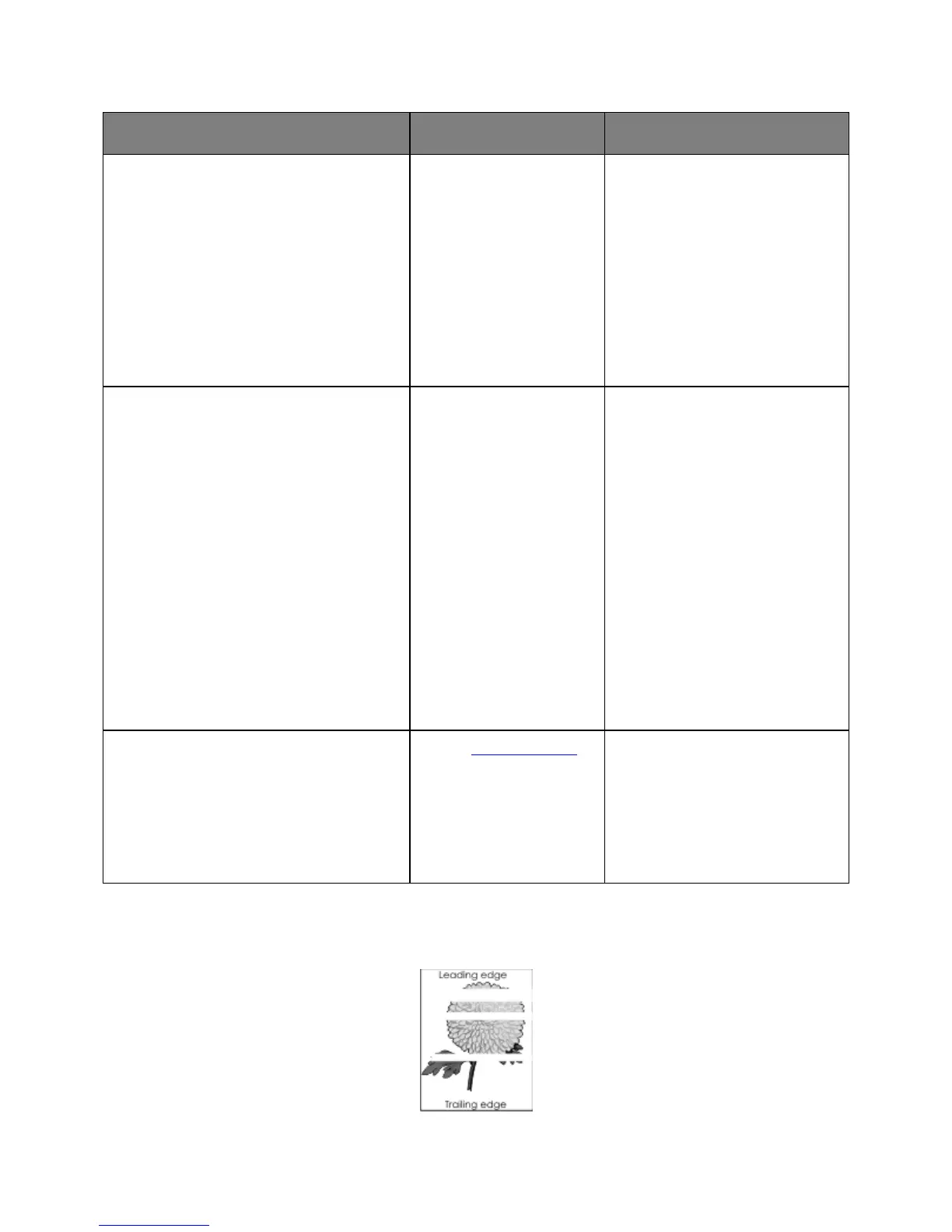
Horizontal voids appear on prints










 To Next Page