User's Guide
- 35 -
the power cord from the electrical outlet before continuing. If you have any other devices attached to the
printer, then turn them off as well, and unplug any cables going into the printer.
Warning—Potential Damage: Controller board electronic components are easily damaged by static
electricity. Touch something metal on the printer before touching any controller board electronic
components or connectors.
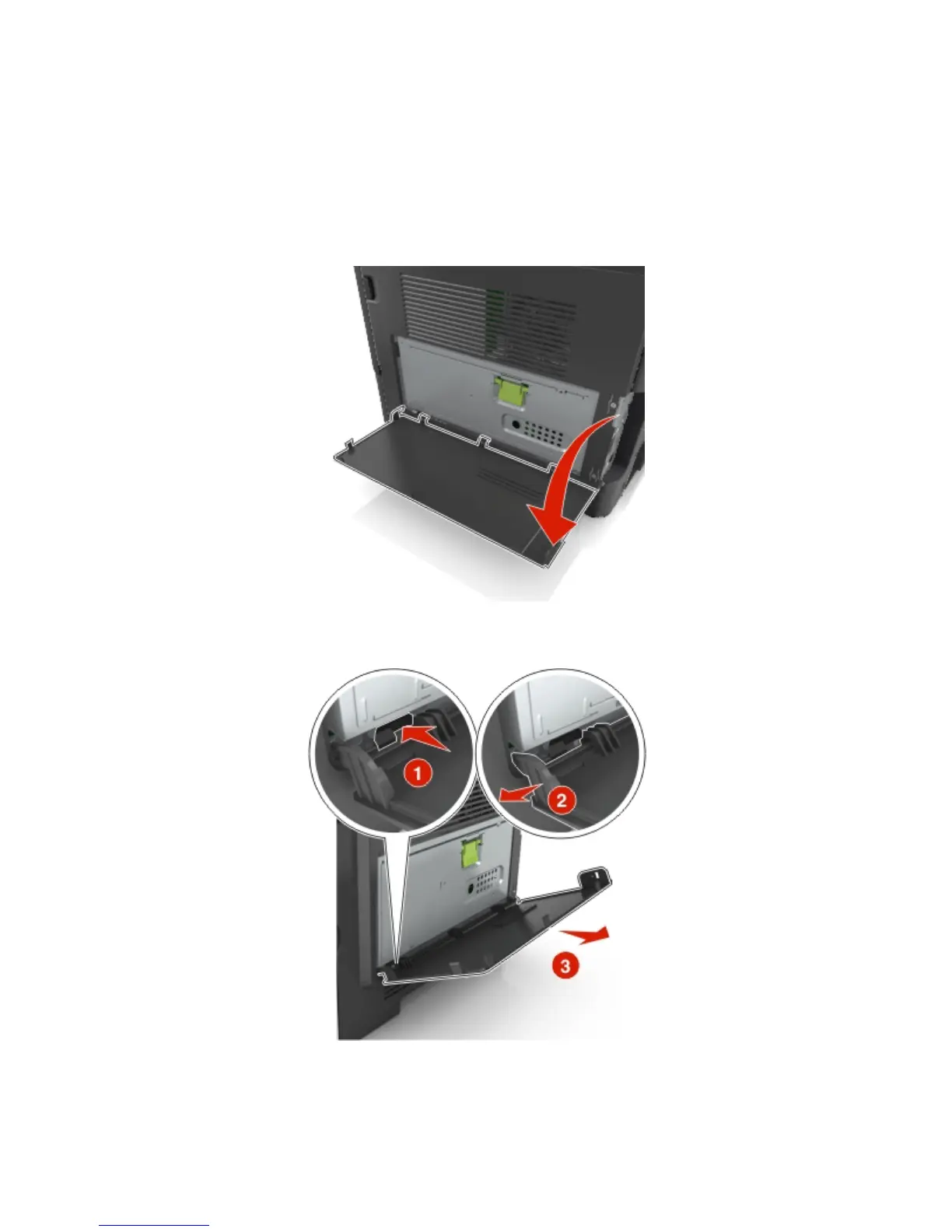
1. Open the controller board access door.
2. Lightly press the stop on the left side of the controller board access door, and then slide the access
door to remove.
3. Unpack the ISP kit.
Note: Make sure to remove and discard the small cable attached to the white connector.










 To Next Page