2
Copy Operations
2-126 ineo+ 650/550/451
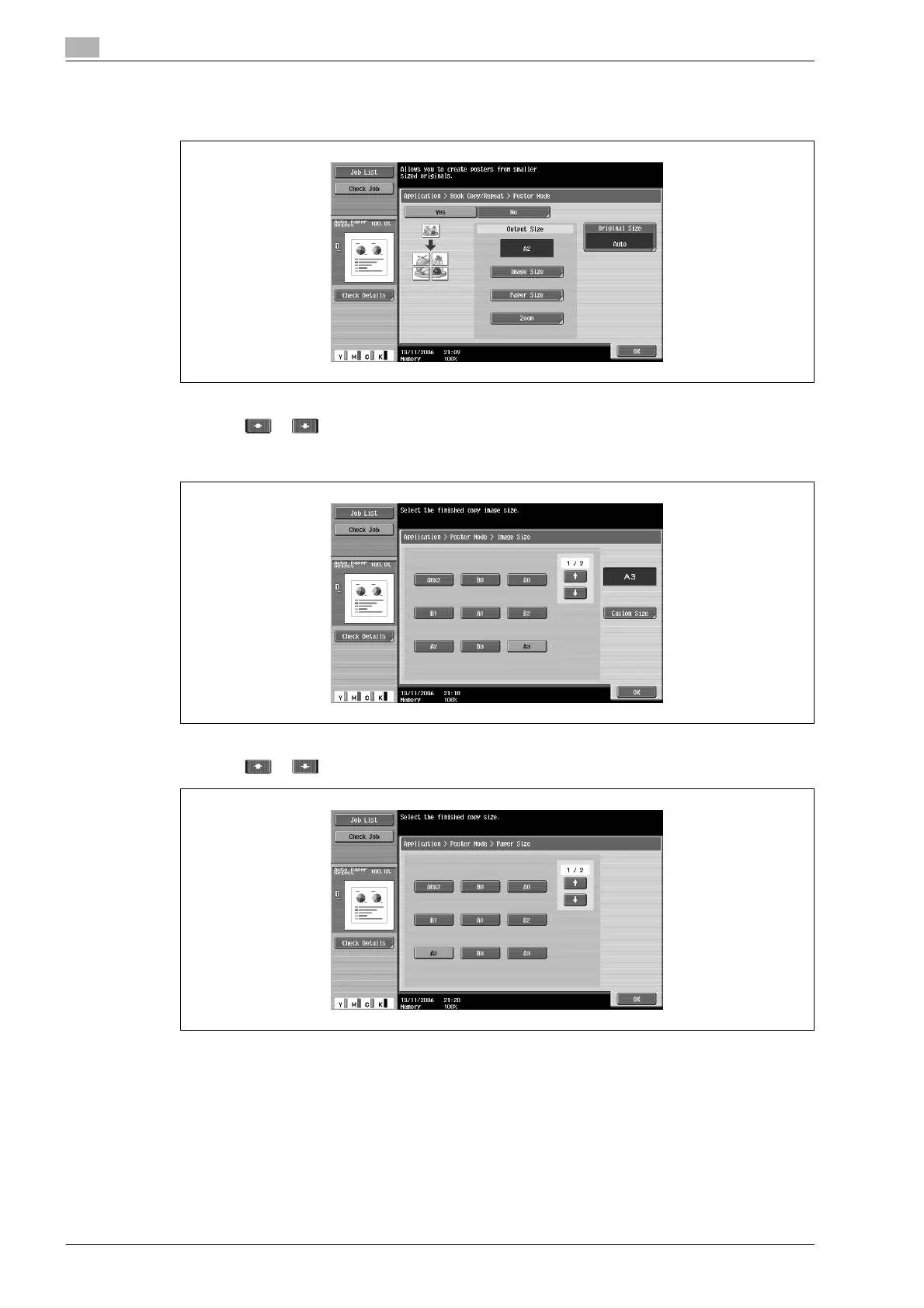
4 Under "Output Size", touch [Image Size], [Paper Size] or [Zoom].
– The factory default setting for the finished size is "A2".
– Touch [Image Size], select the finished image size, and then touch [OK].
– Touch or to display a different list of standard sizes.
– Touching [Custom Size] displays the Custom Size screen. Touch [X] or [Y] to select the dimension,
and then use the keypad to specify the desired value.
– Touch [Paper Size], select the finished paper size, and then touch [OK].
– Touch or to display a different list of paper sizes.












 To Next Page