ineo+ 650/550/451 2-127
Copy Operations
2
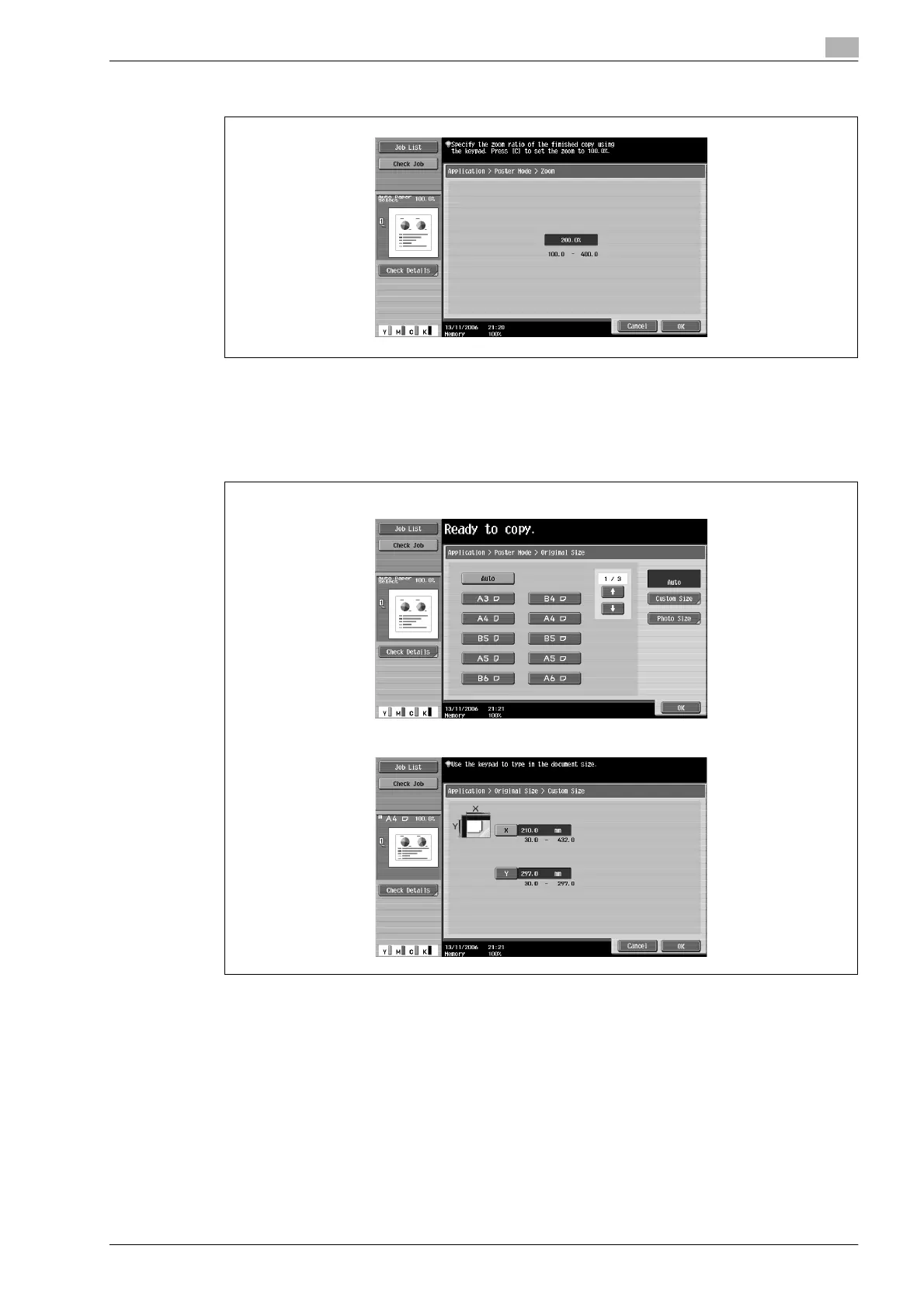
– Touch [Zoom], use the keypad to type in the desired value, and then touch [OK].
5 Check the document size, and then touch [OK].
– If the document size cannot be detected automatically or to specify the document size, touch
[Original Size], and then specify the document size from any of the screens.
– Touch [Photo Size] to display the Photo Size screen.
To cancel changes to the settings, touch [Cancel].
Original Size screen
Custom Size screen












 To Next Page