4
Box Operations
4-4 ineo+ 650/550/451
!
Detail
The document can be saved in the following types of user boxes.
Public user boxes
Personal user boxes (when user authentication settings are specified)
Group user boxes (when account track settings are specified)
Annotation User Box
1 Press the [Copy] key in the control panel.
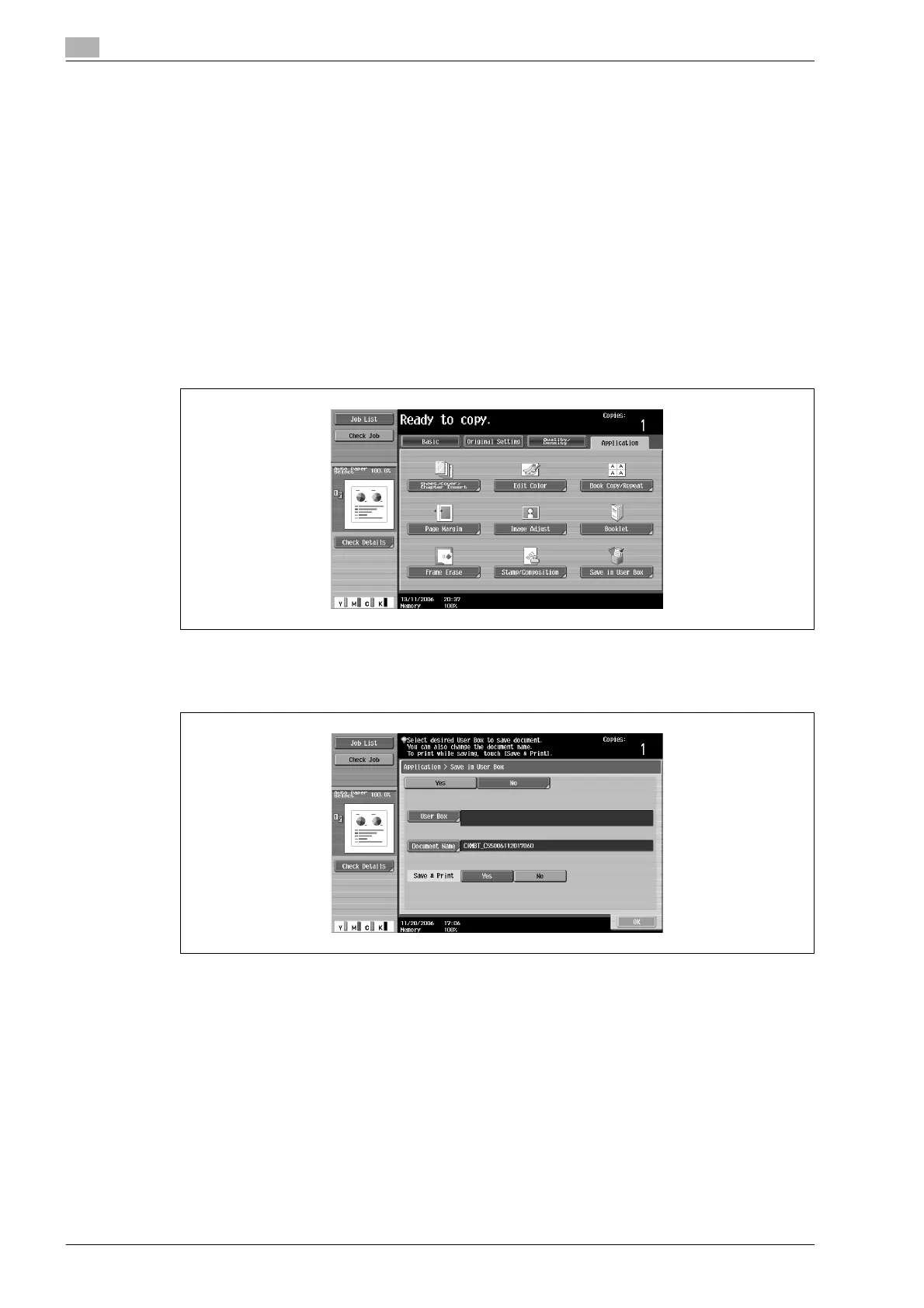
2 Touch [Application].
3 Touch [Save in User Box].
The Save in User Box screen appears.
4 Select the user box where the data is to be saved. Touch [User Box].












 To Next Page