5
Network Scanner Operations
5-8 ineo+ 650/550/451
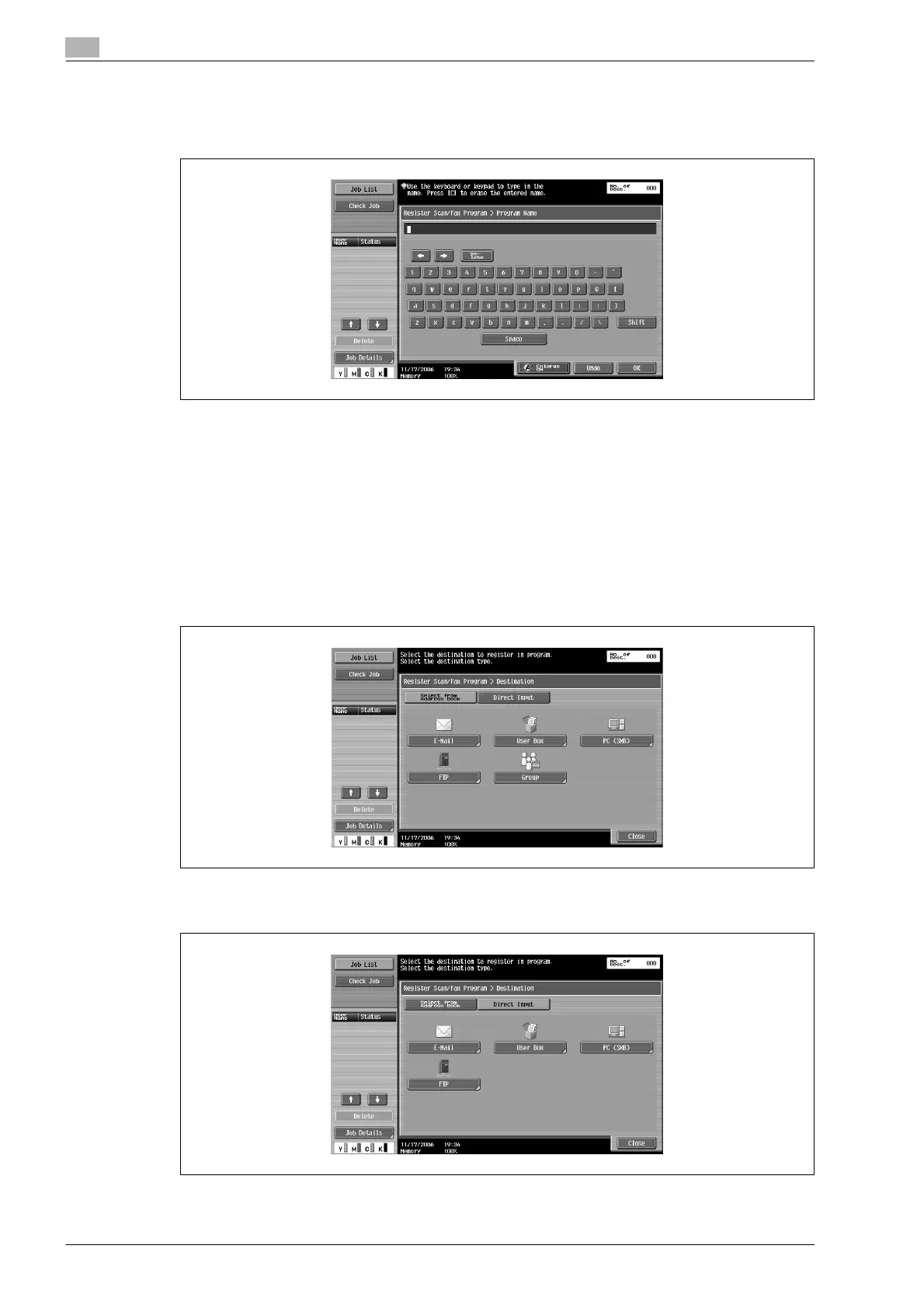
6 Touch [Name], and then use the control panel keypad and the keyboard that appears in the touch panel
to type in the name of the program.
– The program name can contain a maximum of 24 characters.
– To stop registering the program, press the [Reset] key or the [Mode Memory] key.
– For details on typing in text, refer to "Entering text" on page 9-3.
7 Touch [OK].
8 Touch [Address], and then select the destination.
– When selecting destinations registered in the address book, destinations can be selected from each
destination type.
– Destinations can be specified either by selecting destinations registered in the address book or by
typing them in directly.
– Destinations that cannot be specified, such as fax destinations, are not displayed.
– To directly type in the destination, select the destination type, and then type in the destination
information. For a user box destination, select a previously created user box.
9 Touch [Close].












 To Next Page