ineo+ 650/550/451 2-63
Copy Operations
2
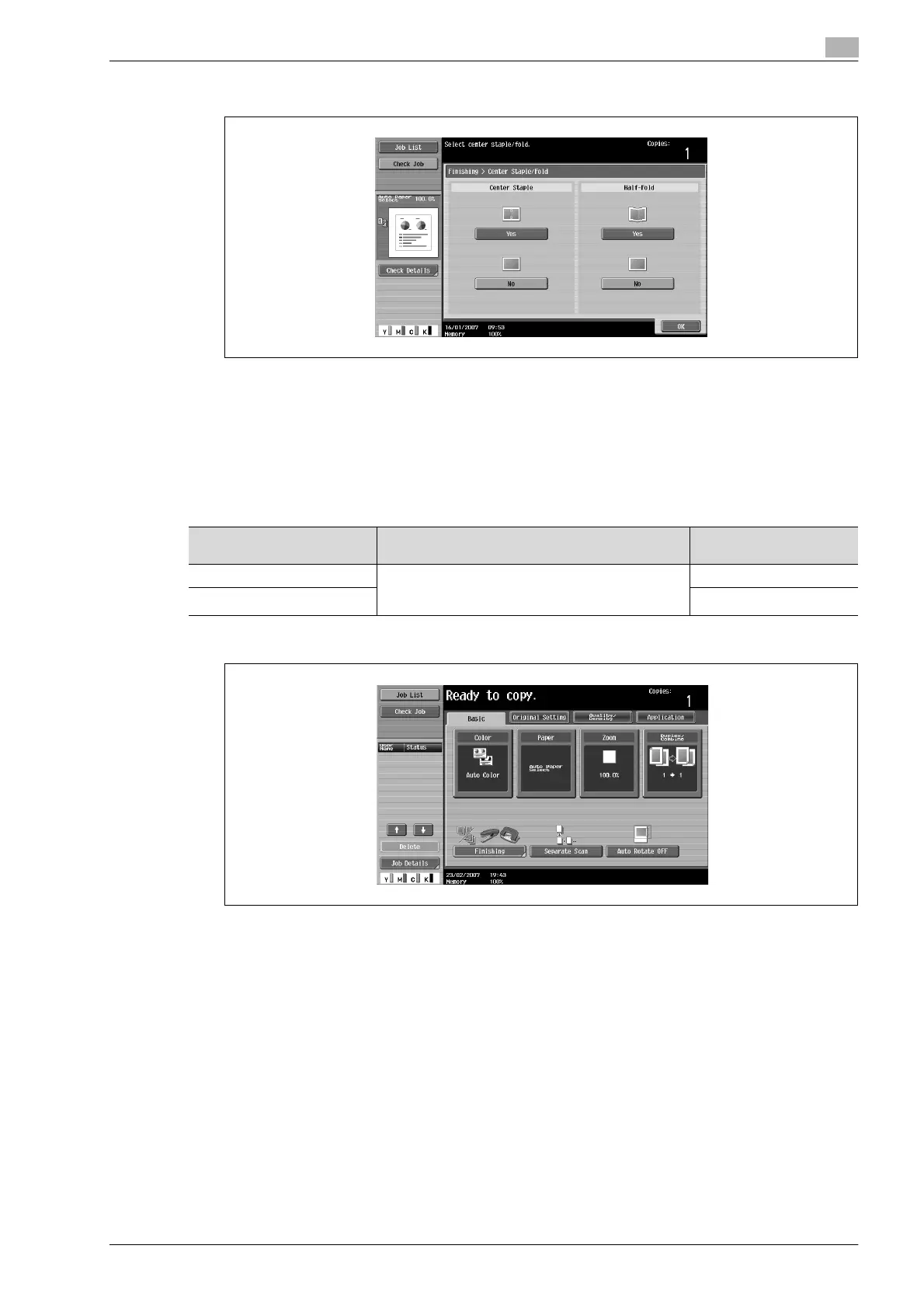
3 Touch [Yes] below "Half-Fold".
– As the factory default, the "Booklet" function is automatically specified when Half-Fold is selected.
– To cancel the "Half-Fold" setting, touch [No] or the button for a different setting.
4 Touch [OK], and then touch [OK] again.
Binding copies at the center ("Center Staple & Fold" setting)
When Finisher FS-608 is installed
1 In the Basic screen, touch [Finishing].
The Finishing screen appears.
Paper weight Paper size Maximum number of
bound sheets
64 g/m
2
to 80 g/m
2
A3 w, B4 w, A4 w, 12-1/4 e 18 w,
11 e 17 w, 8-1/2 e 14 w, 8-1/2 e 11 w,
8K w
20 sheets
81 g/m
2
to 90 g/m
2
16 sheets









 To Next Page