ineo+ 650/550/451 4-3
Box Operations
4
4Box Operations
4.1 Saving copies in user boxes
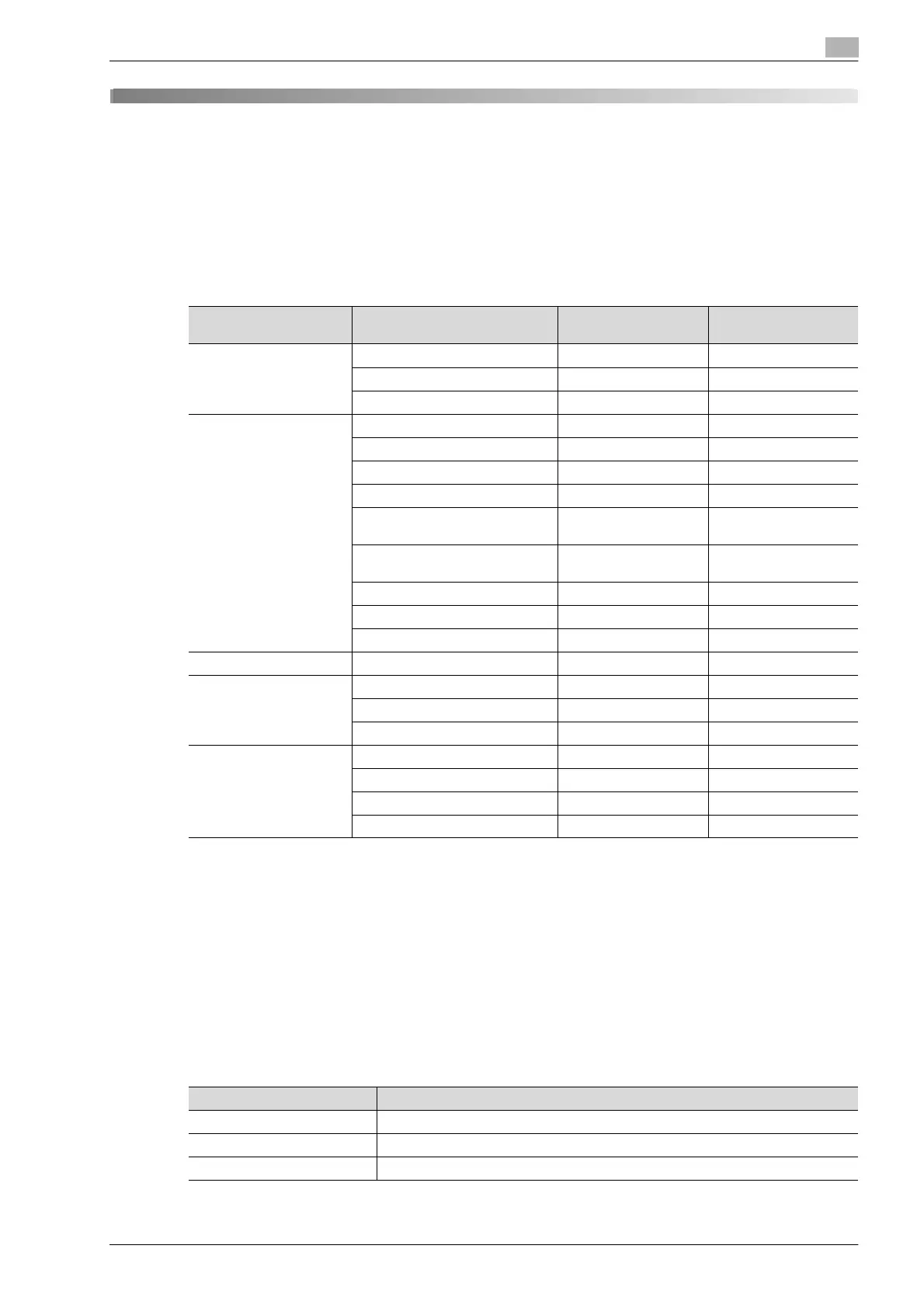
Settings that can be saved and changed
Within the various functions that can be specified before making copies, there are functions whose settings
can be saved and there are functions that cannot be saved but can be set when printing. The functions whose
settings can be saved and those that can be changed are listed below.
o available
e not available
!
Detail
The Fold/Bind and Center Staple/Fold settings are available only if the optional finisher is installed.
The Punch settings are available only if the optional finisher and the punch kit are installed.
Saving copy documents
Copy documents can be saved in user boxes. Specify the following information when saving copy
documents.
Function type Function Can be saved Can be set when
printing
Number of copies eo
Paper tray selection oe
Output tray selection oe
Basic screen settings Color oe
Paper oe
Zoom oe
Original > Copy oo
ineo+ 451:
Center Staple/Fold
oo
ineo+ 550/650:
Fold/Bind
oo
Collate/Group oo
Punch oo
Staple oo
Duplex/Combine Combine oe
Quality/Density Original Type oe
Density oe
Background Adjustment oe
Application Sheet/Cover/Chapter Insert oo
Edit Color oe
Page Margin oo
Stamp/Composition oo
Parameter Description
User Box Specify the user box where the data is to be saved.
Document Name Type in 30 characters or less for the name of the document to be saved.
Save & Print To make copies of the document while saving it, touch [Yes].









 To Next Page