ineo+ 650/550/451 8-17
Network Fax Operations (Option)
8
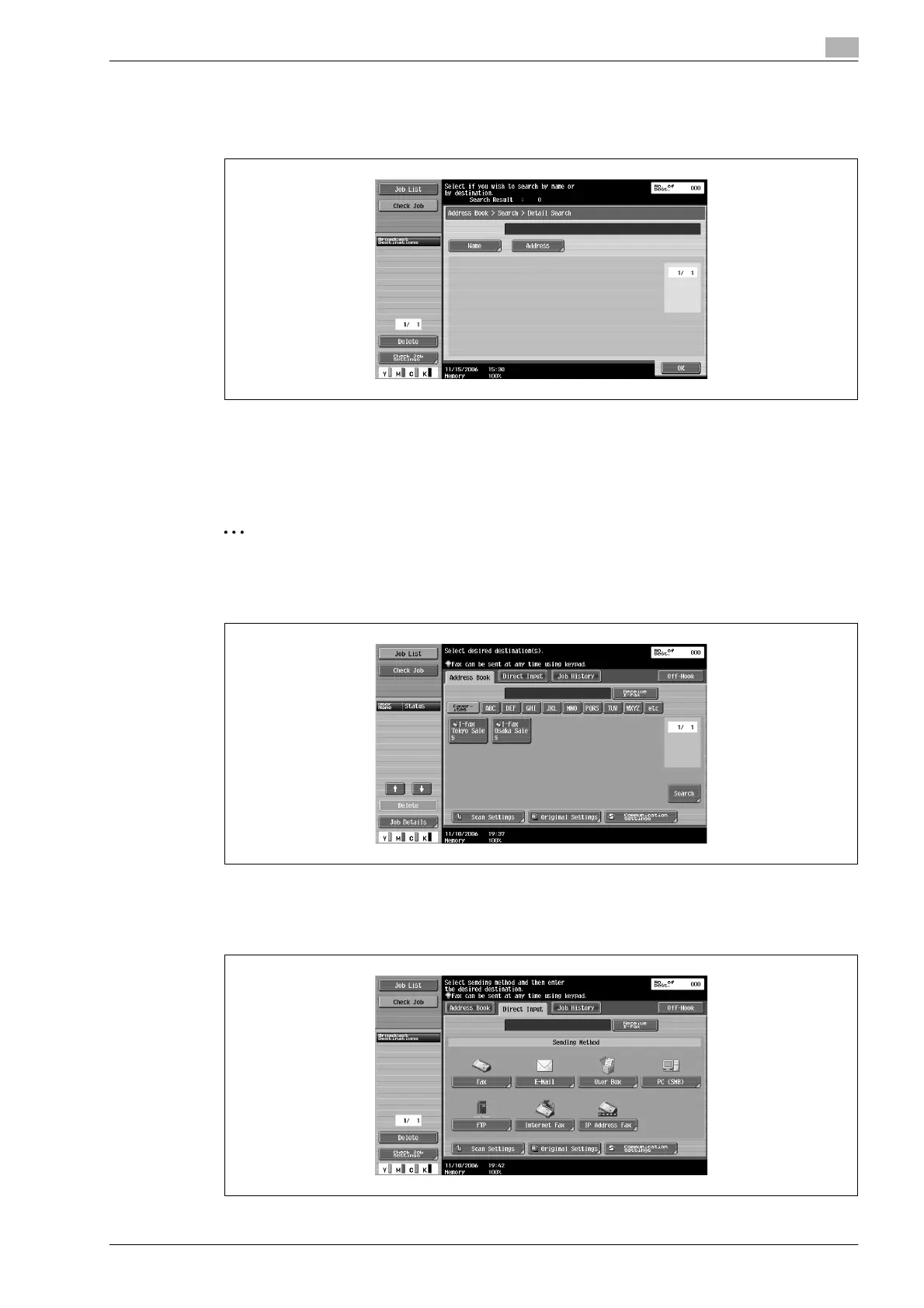
3 Touch [Name] or [Destination].
– Enter the name or E-mail address, IP Address by the keyboard displayed on the screen and touch
[OK].
Desired destination button is displayed.
Specifying by direct input
The destination can be specified by direct input even if the destination is not registered in the Address Book.
2
Note
When [Manual Destination Input] is prohibited, [Direct Input] tab is not displayed.
1 Touch [Direct Input] on Fax/Scan screen.
2 Select Destination type.
– Touch [Internet Fax] to send the internet fax.
– Touch [IP Address Fax] to send IP Address Fax.









 To Next Page