4
Box Operations
4-10 ineo+ 650/550/451
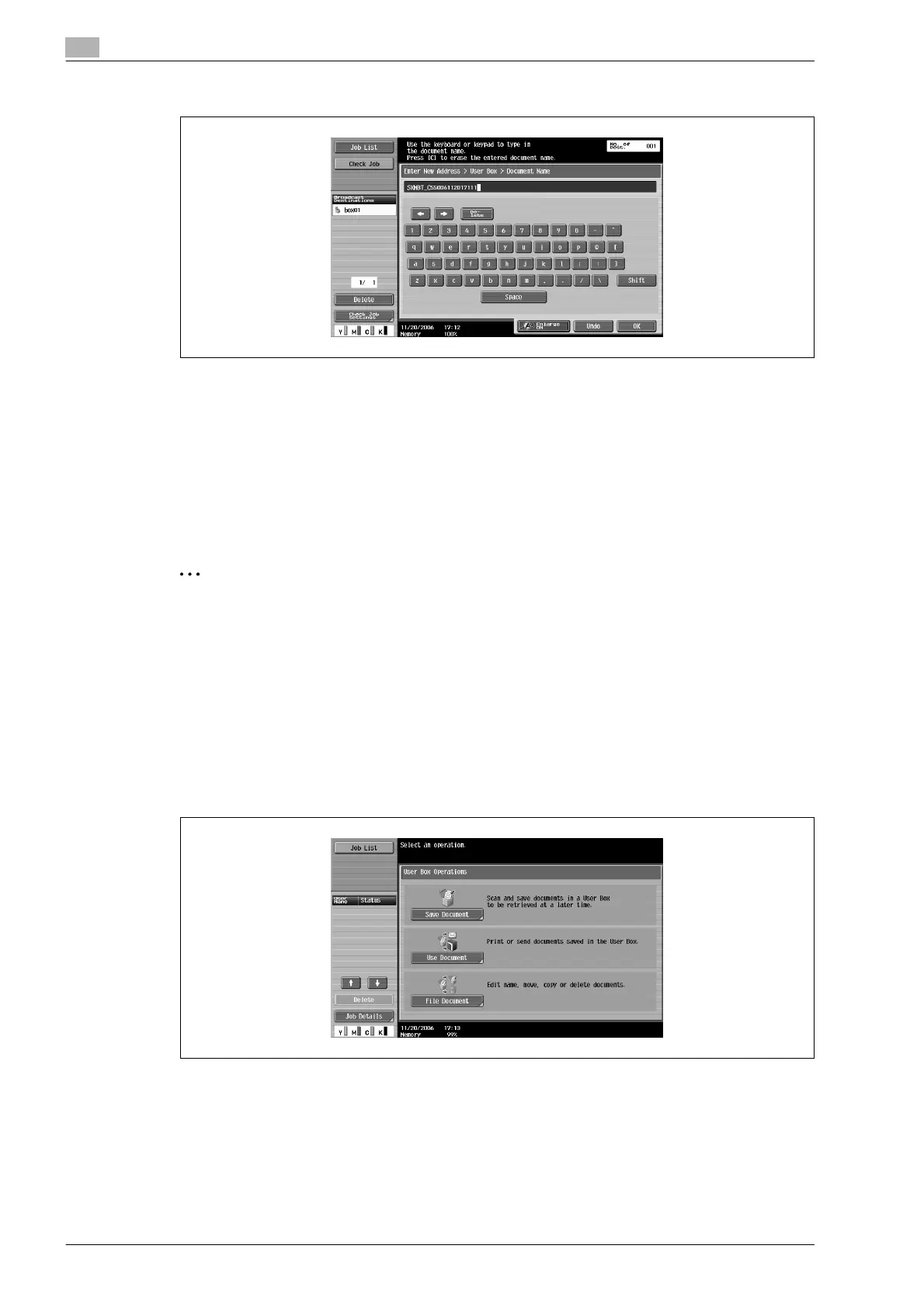
7 Type in the document name, and then touch [OK].
8 Touch [OK].
The Direct Input tab appears again. The number of the specified user box appears under "Broadcast
Destinations".
9 Specify the necessary scan settings.
10 Load the document into the ADF or place it on the original glass.
11 Press the [Start] key in the control panel.
2
Note
Only one user box destination can be specified with a single transmission, but multiple e-mail and fax
destinations can be specified.
Saving in user box mode
Press the [User Box] key in the control panel, and then directly type in the user box destination. Documents
to be saved can be used in the same way as saved scan data.
1 Press the [User Box] key in the control panel.
The User Box Operations screen appears.
2 Touch [Save Document].









 To Next Page