ineo+ 650/550/451 2-97
Copy Operations
2
2.26 Inserting paper between OHP transparencies ("OHP Interleave"
function)
In order to prevent copies printed onto OHP transparencies from sticking together as a result of the heat that
is produced during copying, paper (interleaves) can be inserted between the transparencies
0 No Finishing setting can be used.
1 Position the document to be copied.
– For details on positioning the document, refer to "Feeding the document" on page 2-26.
– For details on loading OHP transparencies, refer to "Paper types and paper capacities" on
page 2-80 and "Loading paper into the bypass tray" on page 2-22.
2 In the Basic screen, touch [Color], and then touch [Black].
– Printing on OHP transparencies is possible only in black.
3 Load the OHP transparencies into the bypass tray, and load the interleaf paper into the desired paper
tray.
– Use interleaf paper with the same size as the OHP transparencies.
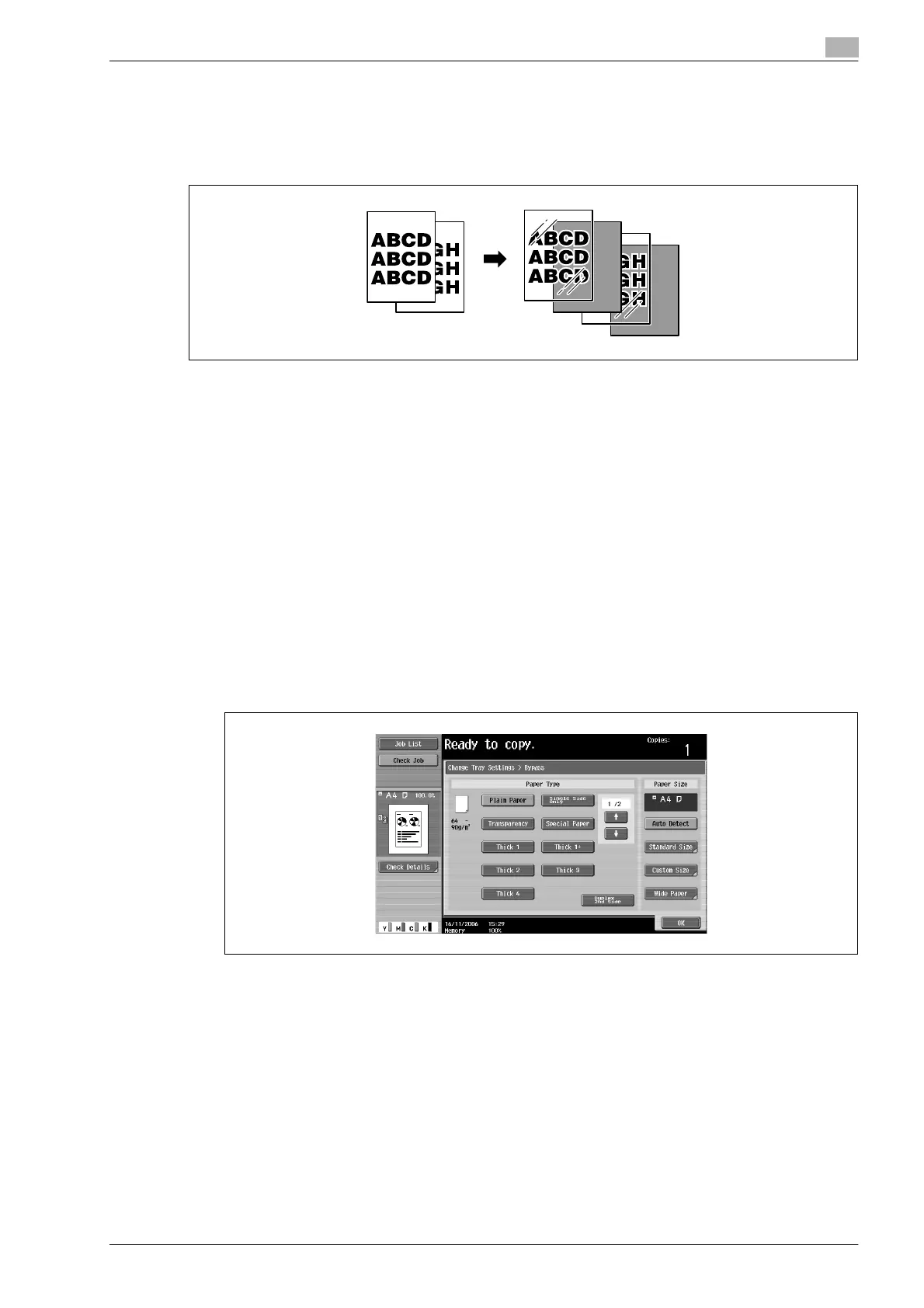
4 Select [Transparency] as the paper type for the bypass tray, and then touch [OK].
– For details on specifying the paper type settings, refer to "Specifying a setting for special paper" on
page 2-92.









 To Next Page