ineo+ 650/550/451 5-31
Network Scanner Operations
5
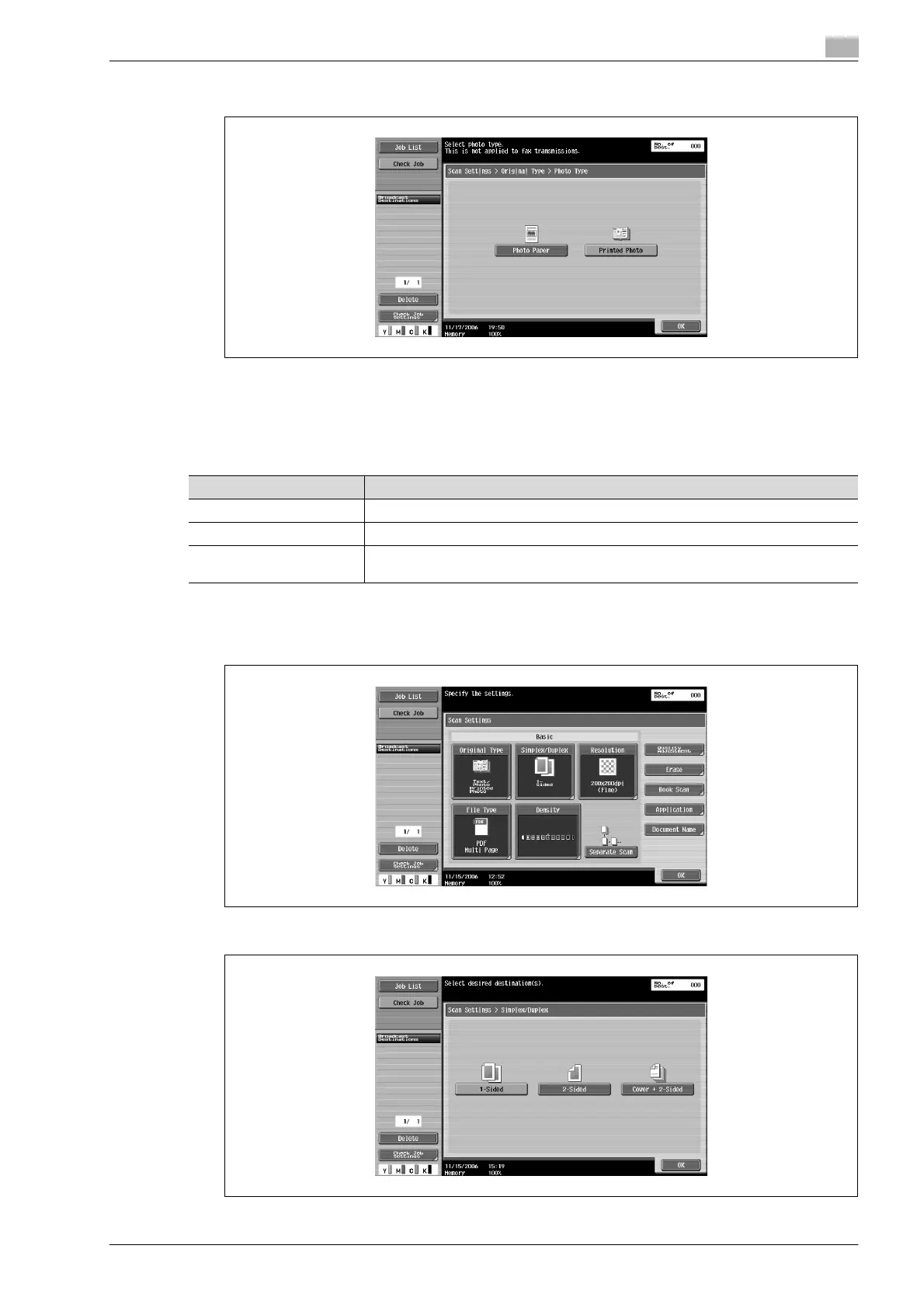
4 If "Text/Photo"or "Photo" is selected, select the photo type, and then touch [OK].
5 Touch [OK], and then touch [OK] in the next screen that appears.
Simplex/Duplex
Select whether a single-sided or double-sided document is to be scanned.
1 Touch [Scan Settings] in the Fax/Scan mode screen.
2 Touch [Simplex/Duplex].
3 Select the scanning type.
Setting Description
1-Sided Select this setting to scan a single-sided document.
2-Sided Select this setting to scan a double-sided document.
Cover + 2-Sided Select this setting to scan the first page of the document as a single-sided cover page,
then scan the remaining pages as double-sided.









 To Next Page